Filter (0)
Showing all 27 use cases.
Everyday election tasks
Everyday election-office tasks.
 One possible outcomeGreen data classification· Public dataFlagship example
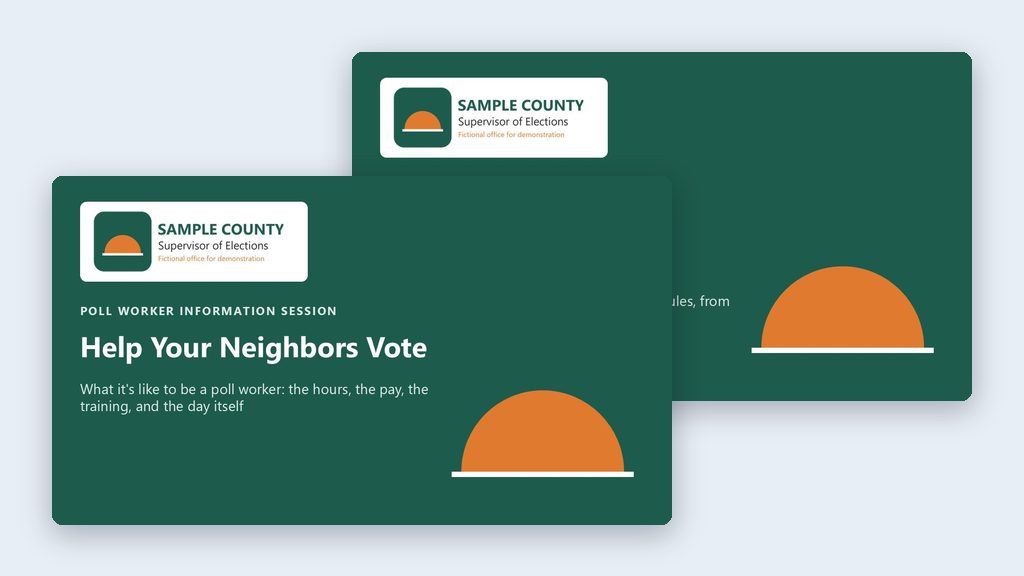
Two poll worker decks from one prompt
Have the AI download the state’s poll worker manual and build two branded PowerPoint decks: a short one for people on the fence, a full one for recruits.
- By hand
- 4–6 hours
- With AI
- 30 minutes
 One possible outcomeGreen data classification· Public data
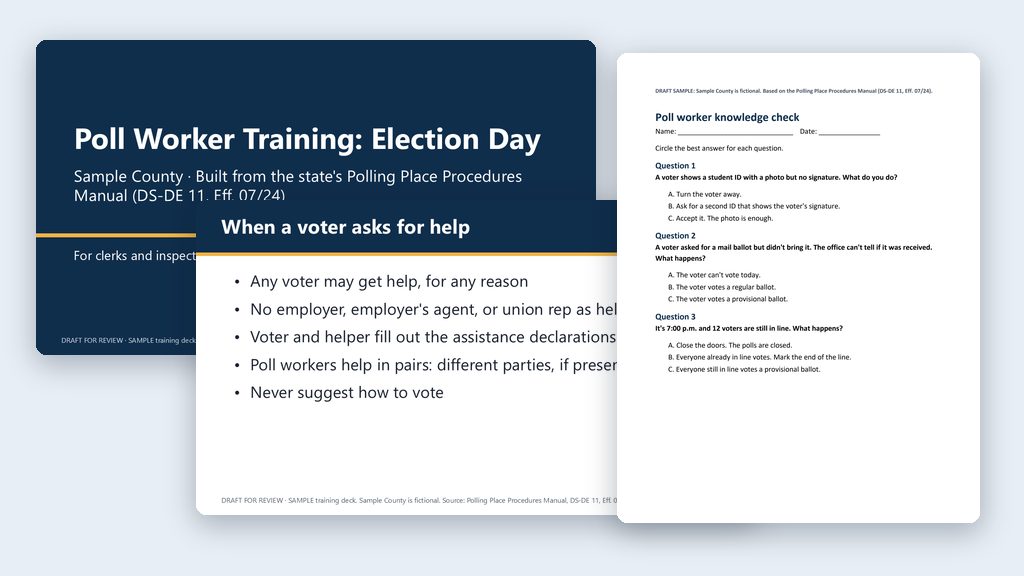
Poll worker training deck with speaker notes
Have the AI get the state’s Polling Place Procedures Manual and build a 20–25 slide training deck with speaker notes and a quiz in your project folder.
- By hand
- 6–10 hours
- With AI
- 2–3 hours
 One possible outcomeGreen data classification· Public dataFlagship example
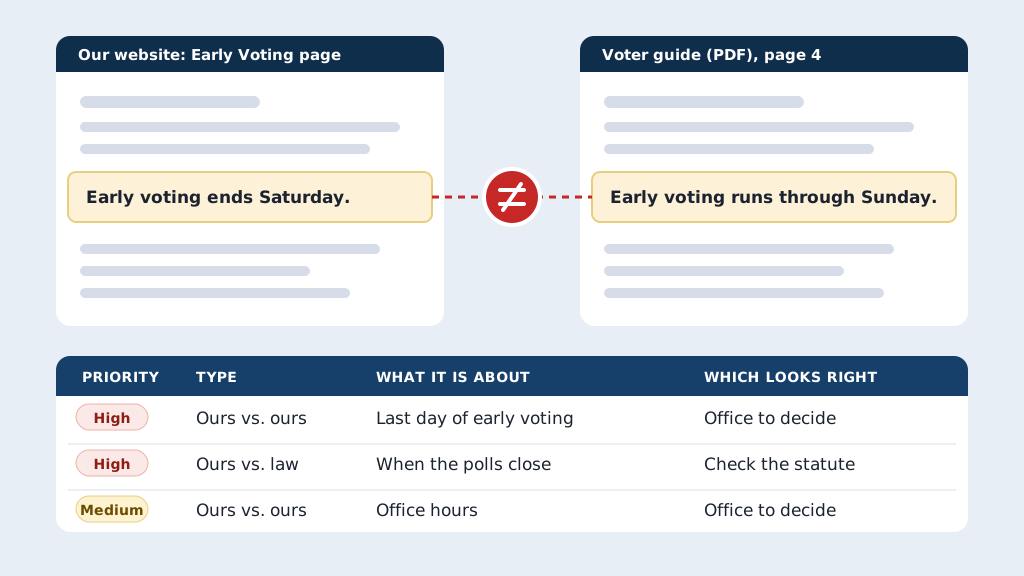
Find contradictions across your own public materials
Have the AI read your website, voter guide, notices, and posts, compare them with each other and Florida law, and save a workbook of every conflict.
- By hand
- 1–2 weeks to compare it all
- With AI
- 1–2 days
 One possible outcomeGreen data classification· Public data
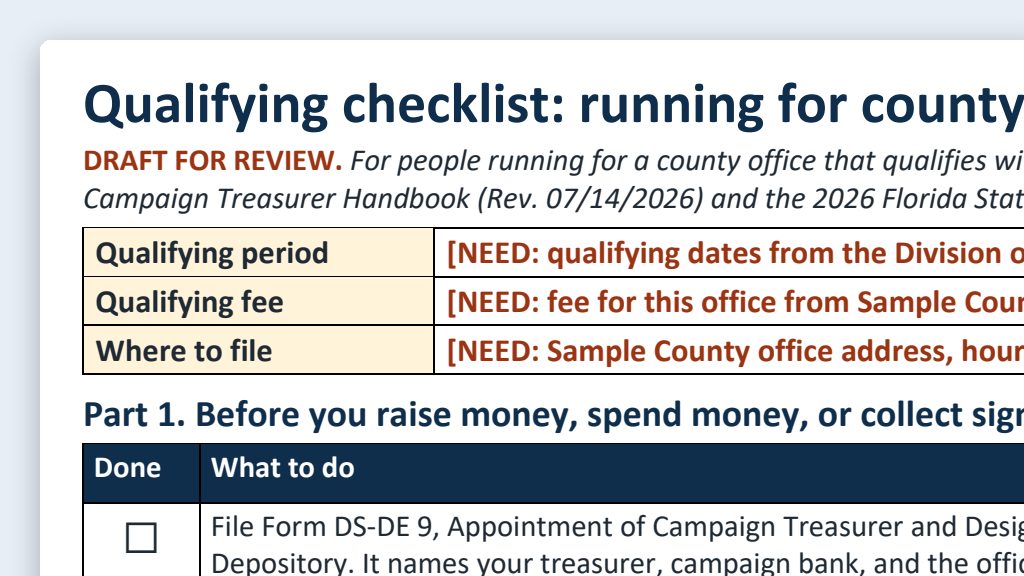
Candidate handbook quick reference: qualifying checklist and FAQ
Have the AI download the state’s candidate handbooks and build a one-page qualifying checklist and a plain FAQ that point back to the official source.
- By hand
- 4–6 hours
- With AI
- 1–1.5 hours
 One possible outcomeGreen data classification· Public data
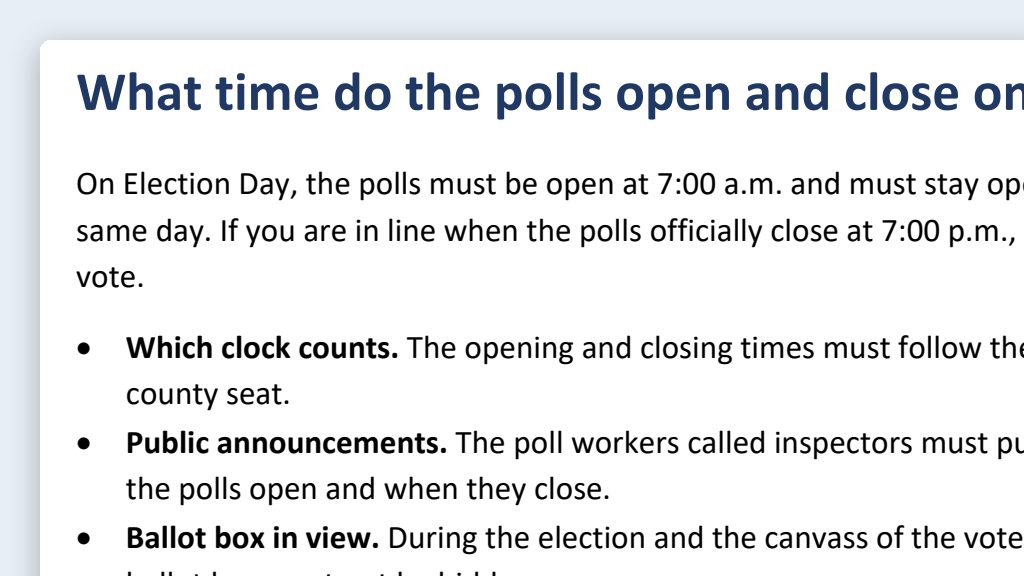
Plain-language explainers for statutes and rules
Have the AI get a Florida statute or rule from the official site and draft a short public explainer that keeps the citation and the law’s meaning.
- By hand
- 1–2 hours
- With AI
- 30–45 minutes
 One possible outcomeGreen data classification· Public data
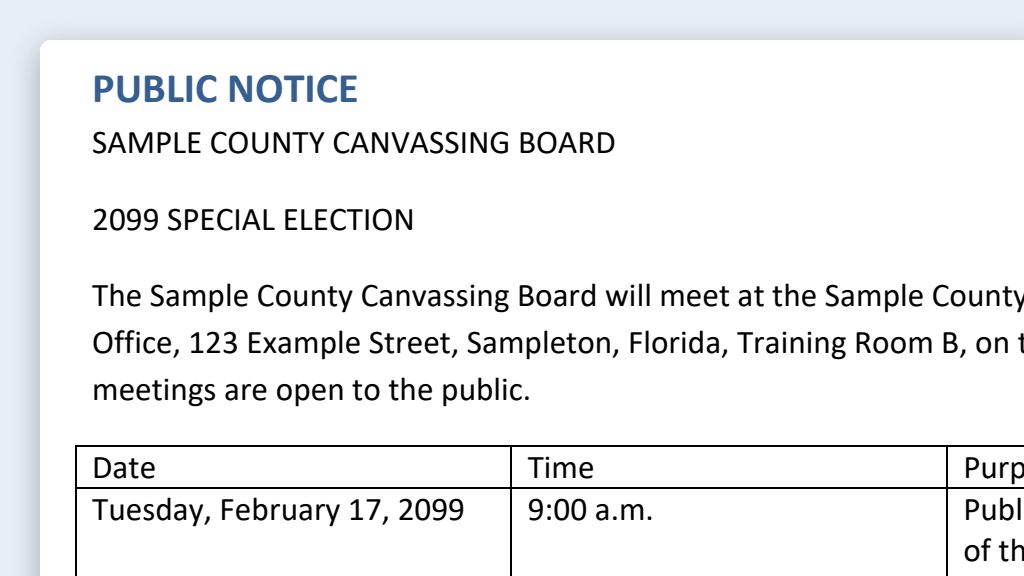
Canvassing board and meeting notices from your template
Put your office’s last approved notice and the new meeting details in a folder, and get a draft notice plus a change list to check against your sources.
- By hand
- 30–45 minutes per notice
- With AI
- 15–20 minutes per notice
 One possible outcomeGreen data classification· Public data
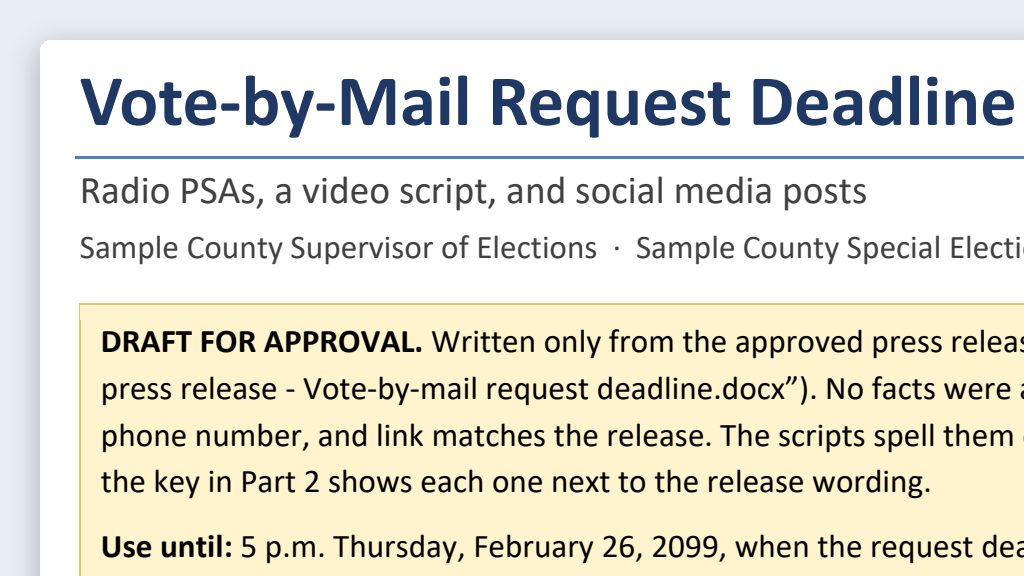
Social media posts and PSA scripts from a press release
Put your approved press release in a folder and have the AI turn it into 15-, 30-, and 60-second PSA scripts and short social posts for a person to check.
- By hand
- 1–2 hours
- With AI
- 20–30 minutes
 One possible outcomeGreen data classification· Public data
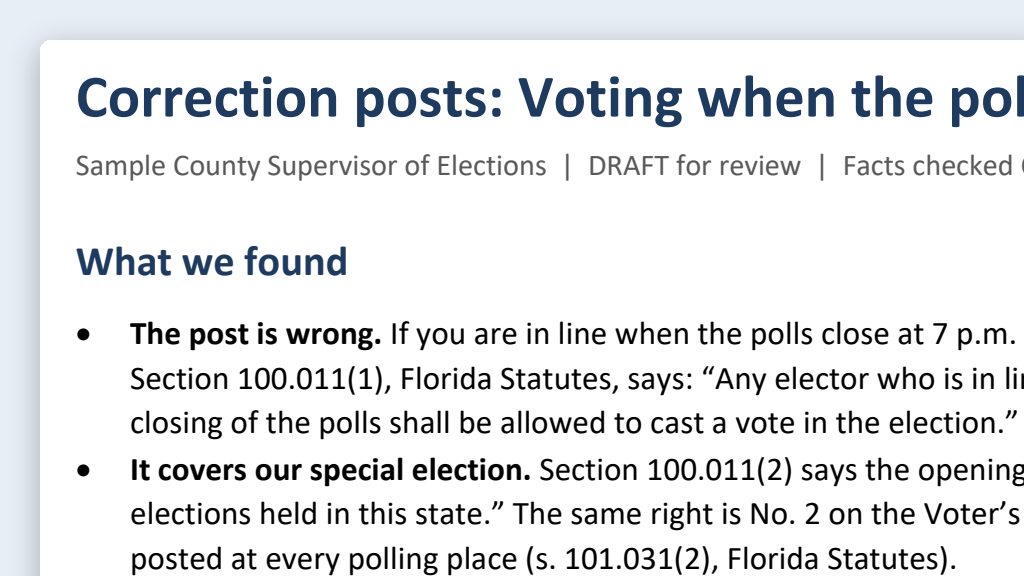
Misinformation response: quick, factual, cited replies
Describe a false claim in your own words and have the AI find the official source and draft a short, calm, cited correction for your supervisor to approve.
- By hand
- 45 minutes
- With AI
- 15 minutes
 One possible outcomeGreen data classification· Public data
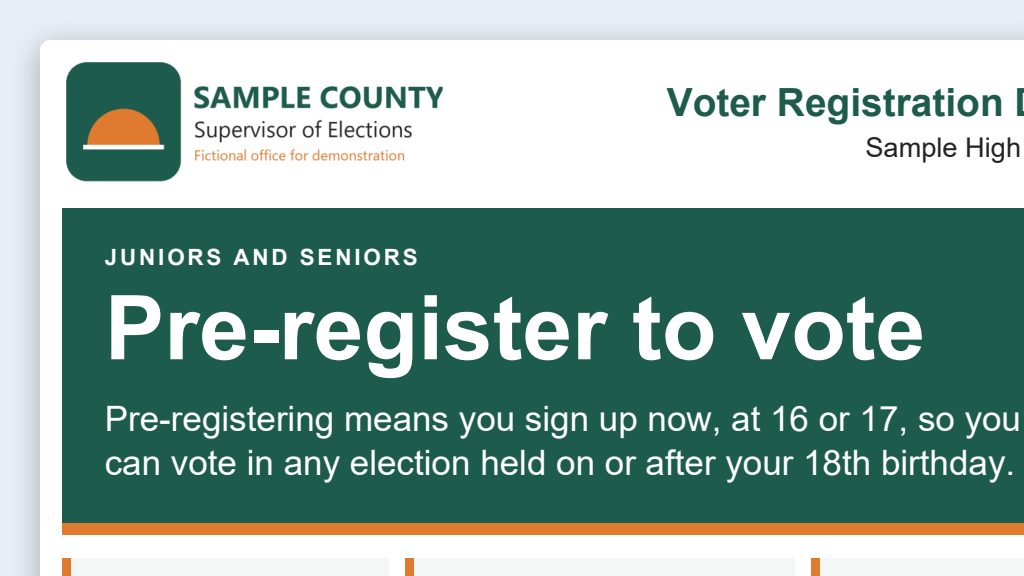
Voter outreach events: checklists, flyers, and volunteer schedules
Have the AI build an event kit for a registration drive or civics night: a timeline checklist, a flyer, and a volunteer schedule in one folder.
- By hand
- 4–6 hours
- With AI
- 1 hour
 One possible outcomeGreen data classification· Public data
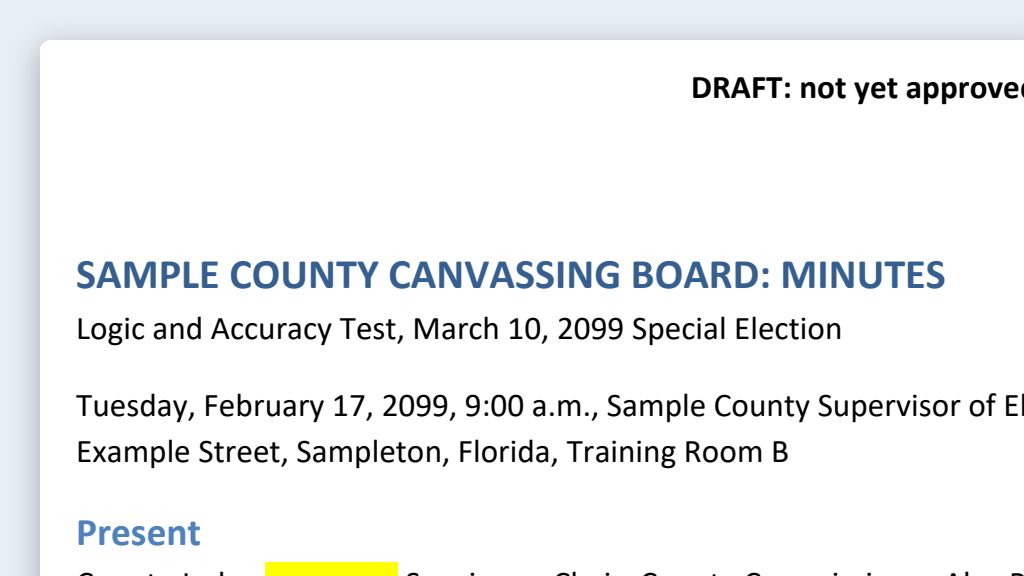
Meeting summaries: minutes drafts from public meeting recordings
Put a meeting’s transcript, agenda, and past minutes in a folder, and have the AI draft minutes in your format for staff to check and the board to approve.
- By hand
- 2–3 hours
- With AI
- 45 minutes
 One possible outcomeGreen data classification· Public data
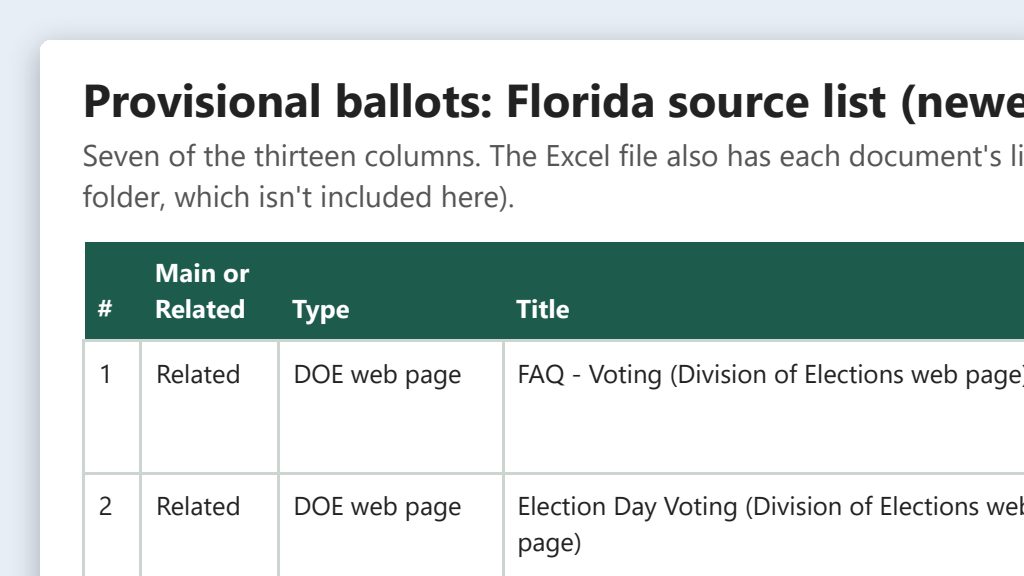
AI as a research assistant for election law and guidance
Have the AI find every state publication, form, rule, and directive on a topic, save them in a folder, and list them with dates. You check each source.
- By hand
- 1–2 hours
- With AI
- 20–30 minutes
 One possible outcomeGreen data classification· Public data
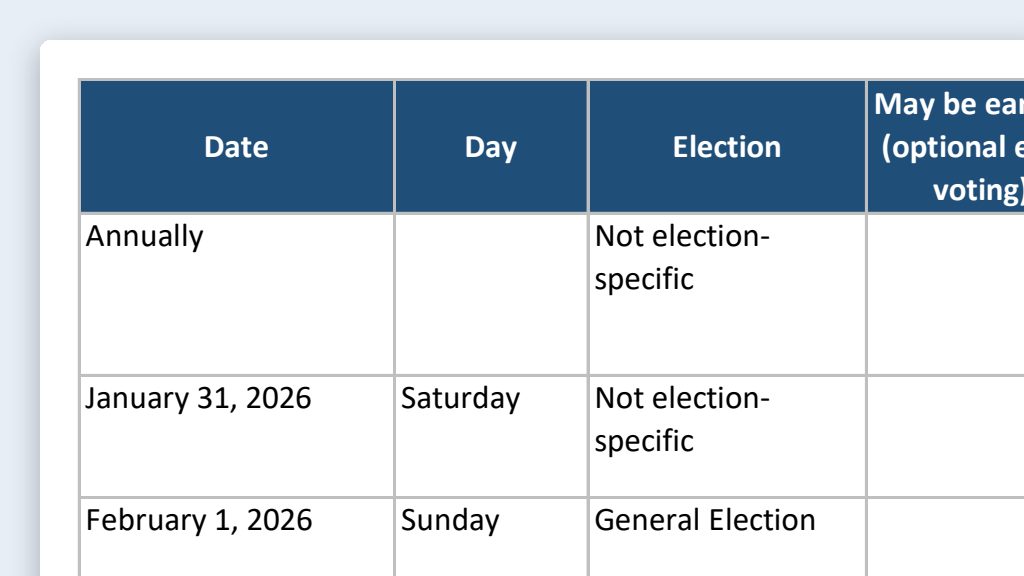
Election calendar builder: state dates to an office master calendar
Have the AI download the state’s election dates calendar and build an Excel master calendar and an Outlook .ics file, with every date checked by a person.
- By hand
- 4–6 hours
- With AI
- 1–1.5 hours
 One possible outcomeYellow data classification· Think first
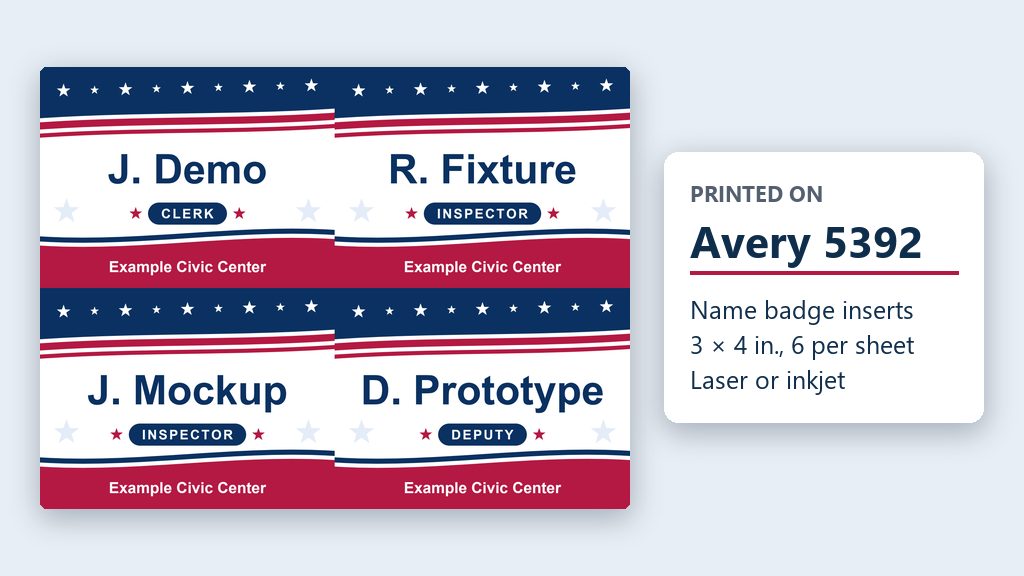
Name badges for every poll worker
Export your poll worker list, delete every column that holds personal information, and have the AI make print-ready badges for your Avery sheets.
- By hand
- Half a day or more
- With AI
- About 30 minutes
Social Media Workflows
About this section →Brand boards, content calendars, posts, and approvals.
 One possible outcomeGreen data classification· Public data
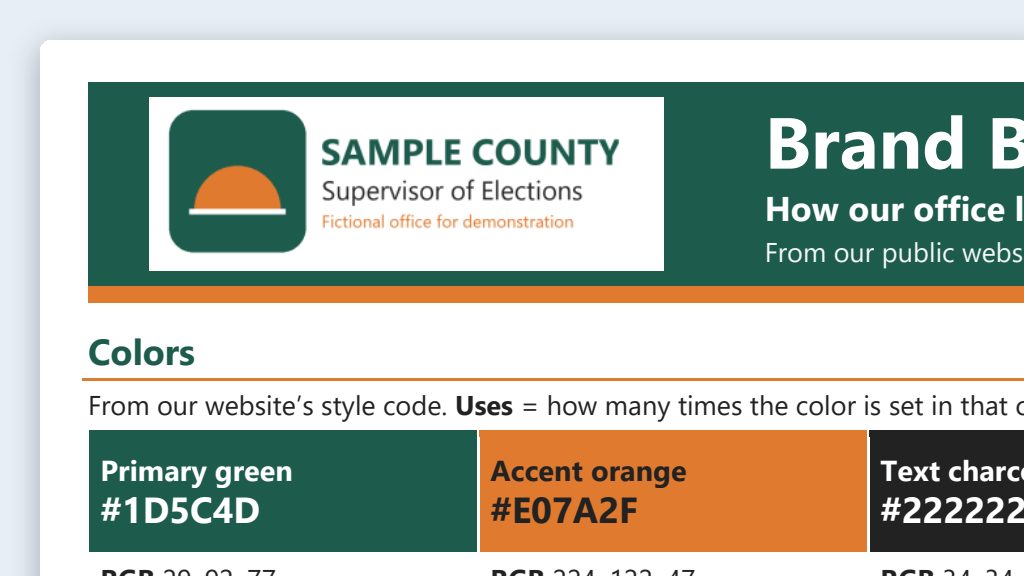
Brand board from your public website
Have the AI read your public website and draft a short brand board: colors, fonts, logo rules, tone, words to use, hashtags, and sign-offs.
- By hand
- 4–6 hours
- With AI
- About 1 hour
 One possible outcomeGreen data classification· Public data
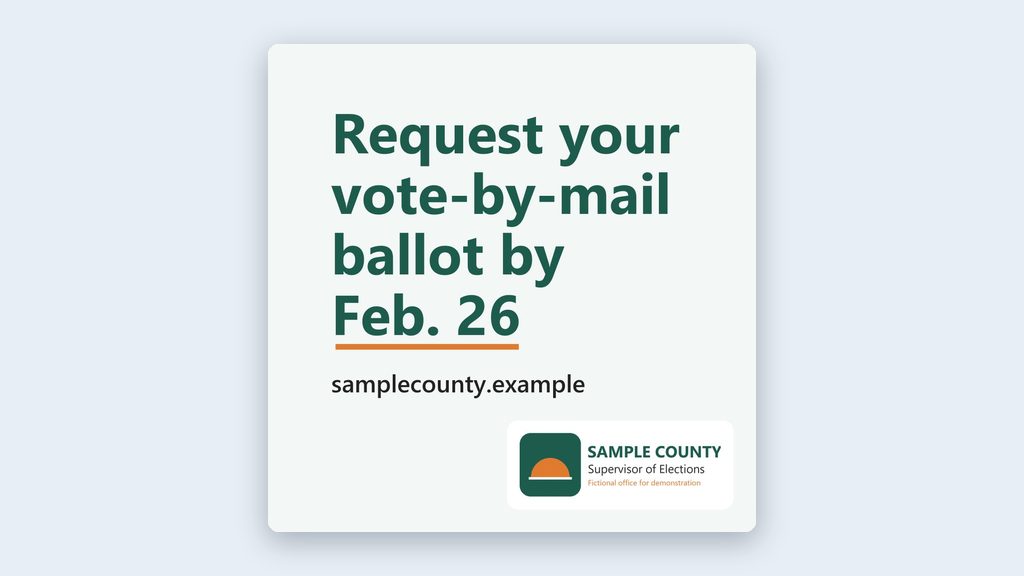
On-brand image prompts, with firm limits
Have ChatGPT make simple on-brand graphics from your brand board, or have Claude write image prompts or a text-only card, with alt text for each.
- By hand
- 30–60 minutes per graphic
- With AI
- 10–15 minutes per graphic
 One possible outcomeGreen data classification· Public data
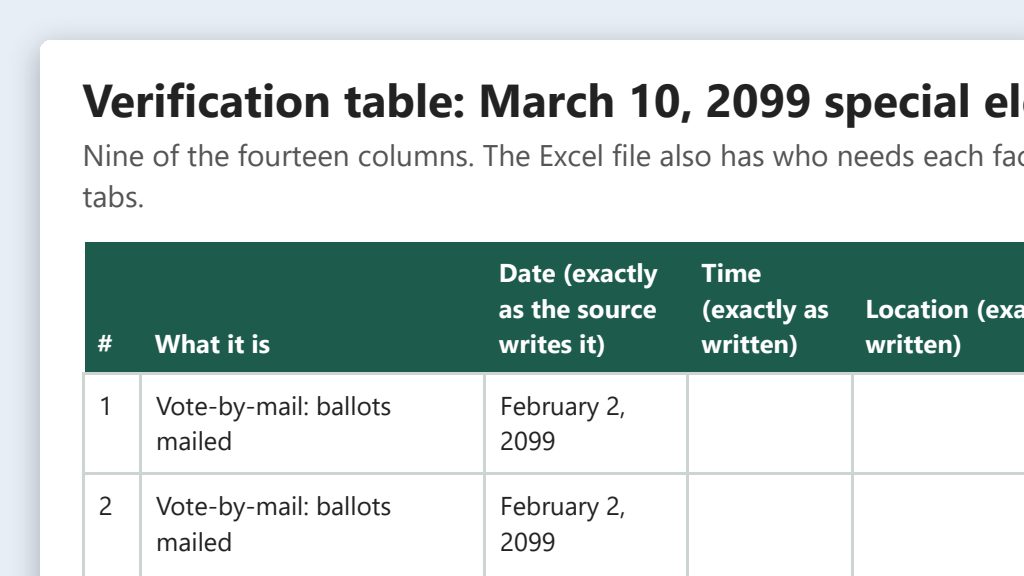
Election-cycle content calendar with a verification table
Have the AI pull every date, time, and place from official sources into a table, have a person sign off, then build the posting calendar from it.
- By hand
- 1–2 days
- With AI
- 3–4 hours
 One possible outcomeGreen data classification· Public data
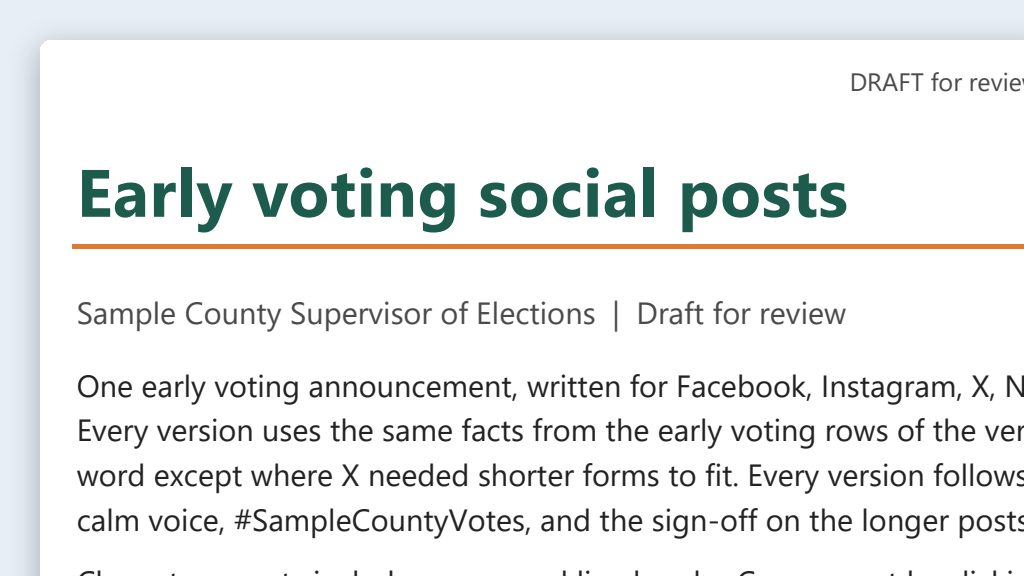
One message, five platforms
Turn one verified message into posts for Facebook, Instagram, X, Nextdoor, and LinkedIn, each within the platform’s limits, with alt text.
- By hand
- 45–60 minutes per message
- With AI
- 15–20 minutes
 One possible outcomeGreen data classification· Public data
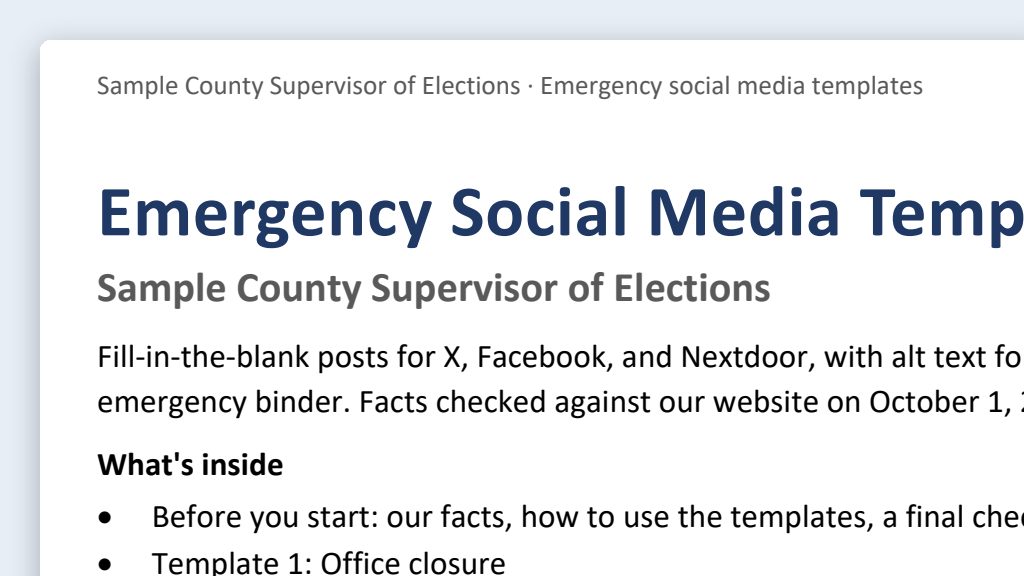
Emergency and schedule-change templates
Before hurricane season, have the AI write fill-in-the-blank posts for closures, polling place moves, and deadline changes, so you only add verified facts.
- By hand
- 30–60 minutes per post, under pressure
- With AI
- 5–10 minutes to fill in and approve
Website Management
About this section →Clean HTML, accessibility, and election-cycle page refreshes.
 One possible outcomeGreen data classification· Public data
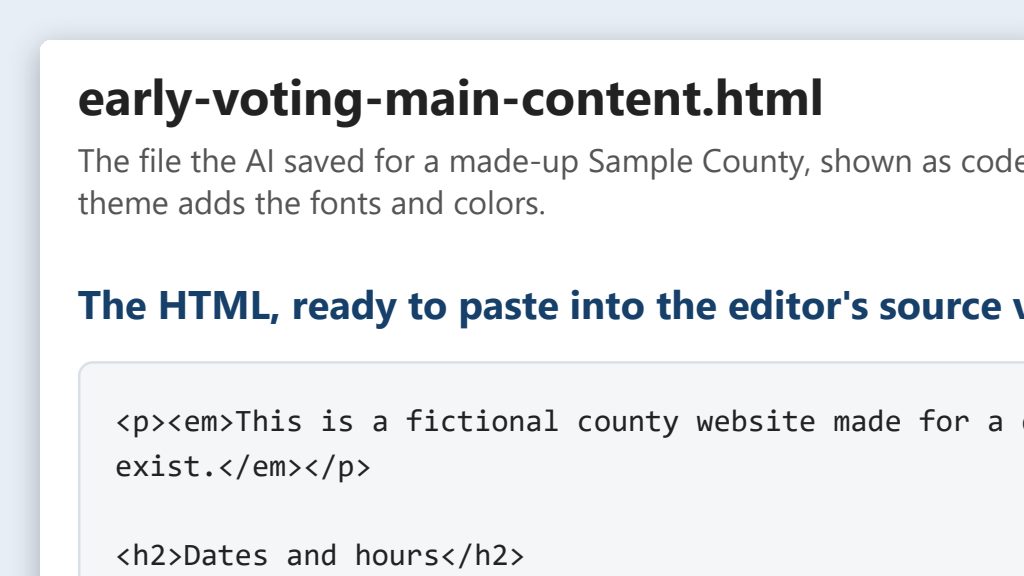
Clean, accessible HTML for any website editor
Point the AI at a page on your site or an approved document, get a clean, accessible HTML file, and paste it into your website editor’s HTML view.
- By hand
- 45 minutes per page
- With AI
- 15 minutes per page
 One possible outcomeGreen data classification· Public data
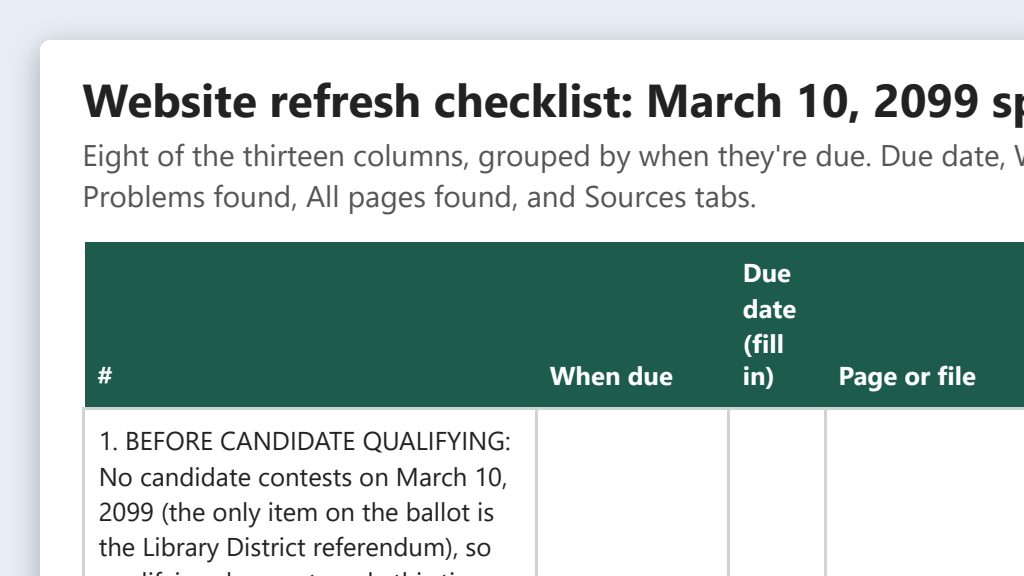
Election-cycle website refresh from a checklist
The AI lists the pages that change every election and drafts each update from the official source. A person checks every date before it goes live.
- By hand
- 6–8 hours per election
- With AI
- 3 hours per election
 One possible outcomeGreen data classification· Public data
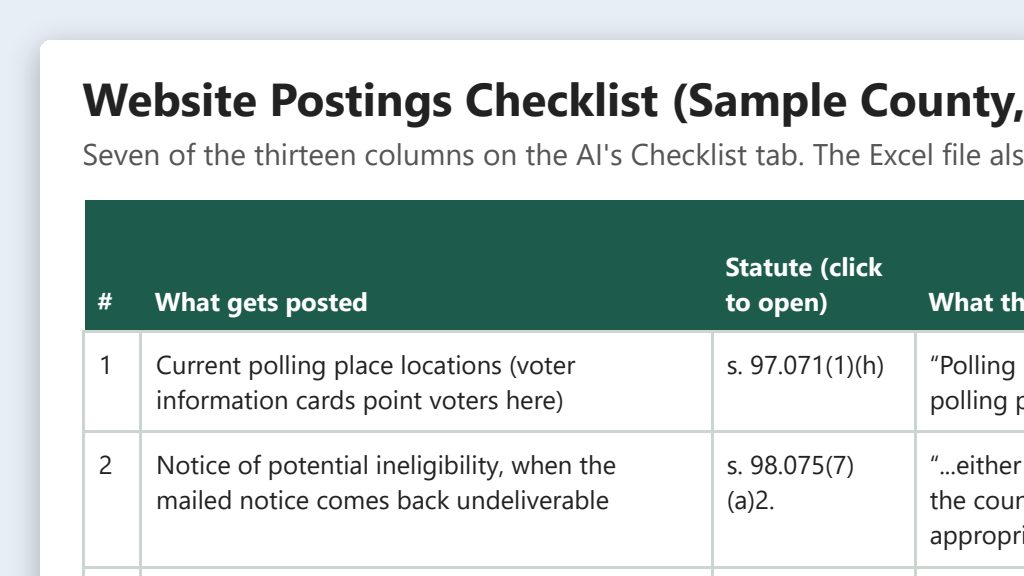
Website postings required by Florida law: a checklist
A starter checklist of what Florida law says must (or may) go on your office’s website, plus prompts that have the AI check your site against the statutes.
- By hand
- A full day of reading statutes
- With AI
- About 1 hour, plus attorney review
 One possible outcomeGreen data classification· Public data
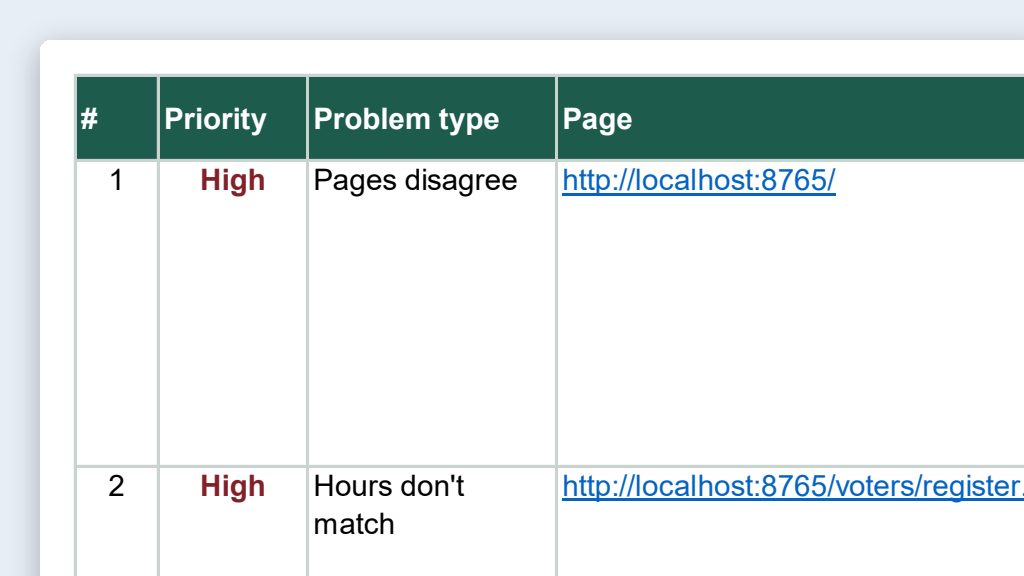
Website content audit: old dates, stale links, mixed messages
Have the AI read your office’s public website, test the links, and save one spreadsheet of outdated dates, conflicting details, and broken links to check.
- By hand
- 2–3 days for a full site
- With AI
- 2–3 hours
 One possible outcomeGreen data classification· Public data
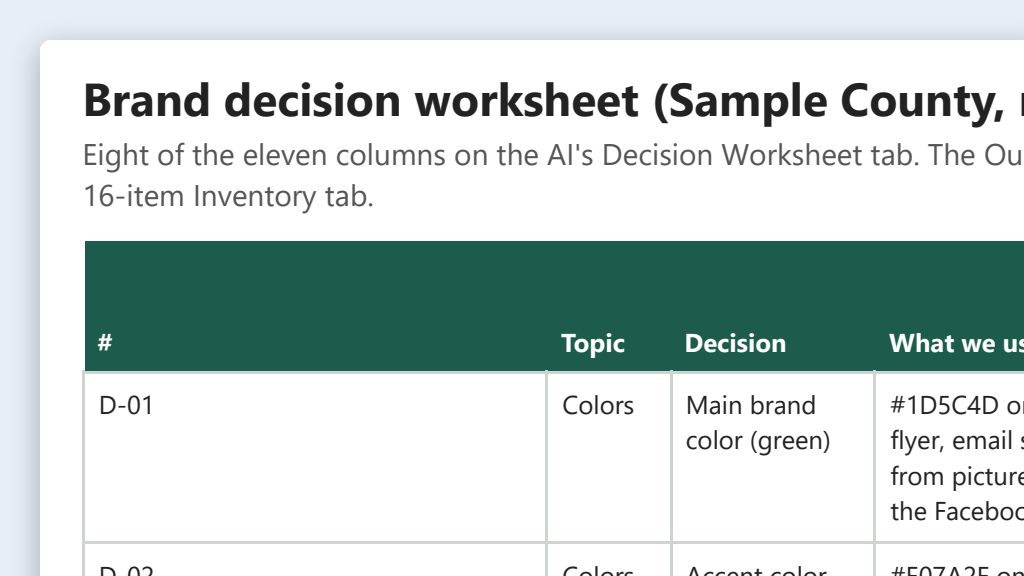
Clean up your brand: one look for web, social, print, and email
List what your office uses today, pick one set of colors, fonts, logo rules, and voice, and roll it out. The AI does the inventory and first drafts.
- By hand
- 2–3 days of work, spread over weeks
- With AI
- About 1 day of work, spread over a week or two
 One possible outcomeGreen data classification· Public data
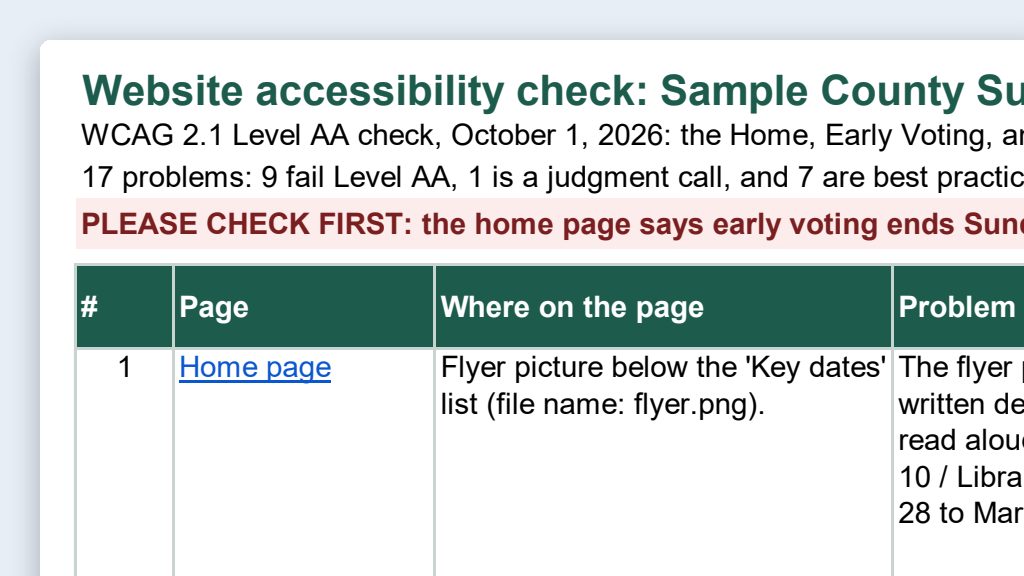
Accessibility checks for web pages and PDFs
The AI reads your public pages and PDFs, lists accessibility problems with fixes, and rebuilds PDFs as web pages. Checkers and a person confirm.
- By hand
- 2–4 hours per long page or PDF
- With AI
- About 1 hour
Projects & Office Platforms
About this section →Election project templates and a comparison of project tools.
 One possible outcomeYellow data classification· Think firstFlagship example
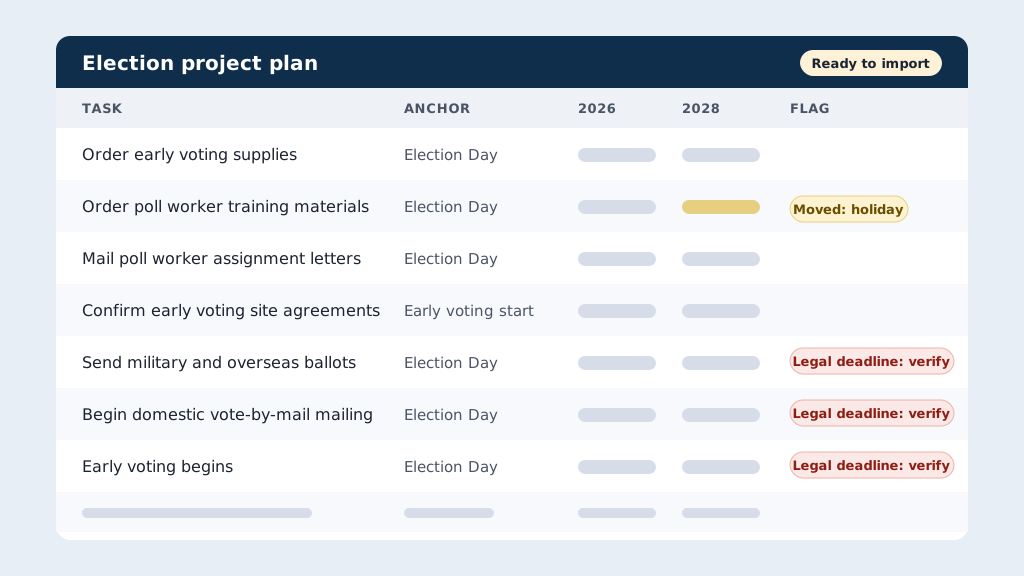
Election project templates: roll last cycle's plan forward with the right dates
Put last election’s Asana export in a folder and have the AI rebuild it for the next election, with each due date worked out from its milestone.
- By hand
- 1–2 days
- With AI
- 2–3 hours
Maps & GIS
About this section →Precinct, polling place, and district maps from public GIS data.
 One possible outcomeGreen data classification· Public data
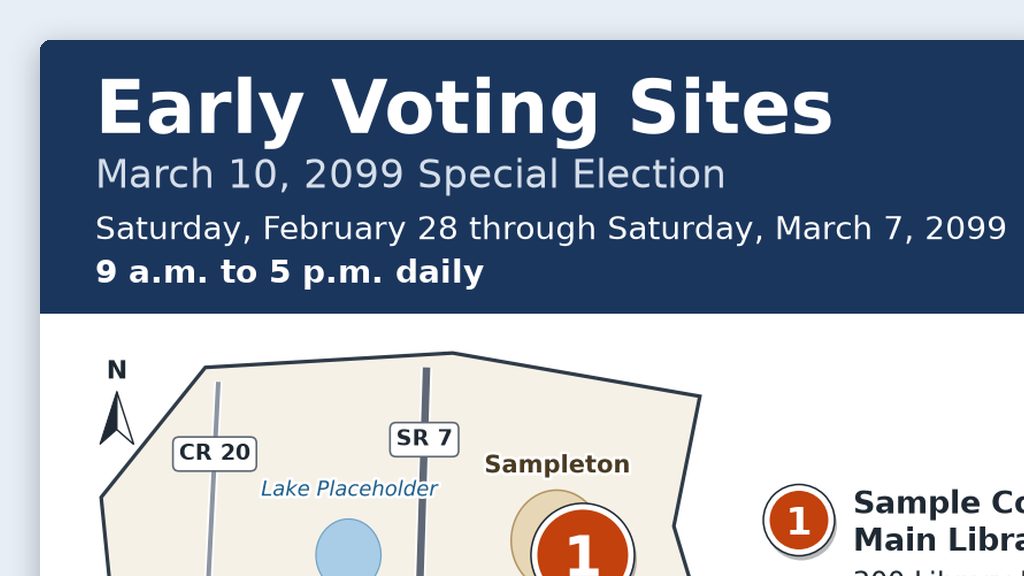
Web and social media maps for early voting and drop boxes
Put your approved site list in a folder and get back a numbered map image, a text list with addresses and hours, alt text, and a caption that all match.
- By hand
- 2–3 hours
- With AI
- 45 minutes
Advanced projects
About this section →For when the basics feel easy: bigger projects with new files or new tools, and a few rounds of testing.
 One possible outcomeGreen data classification· Public dataAdvanced
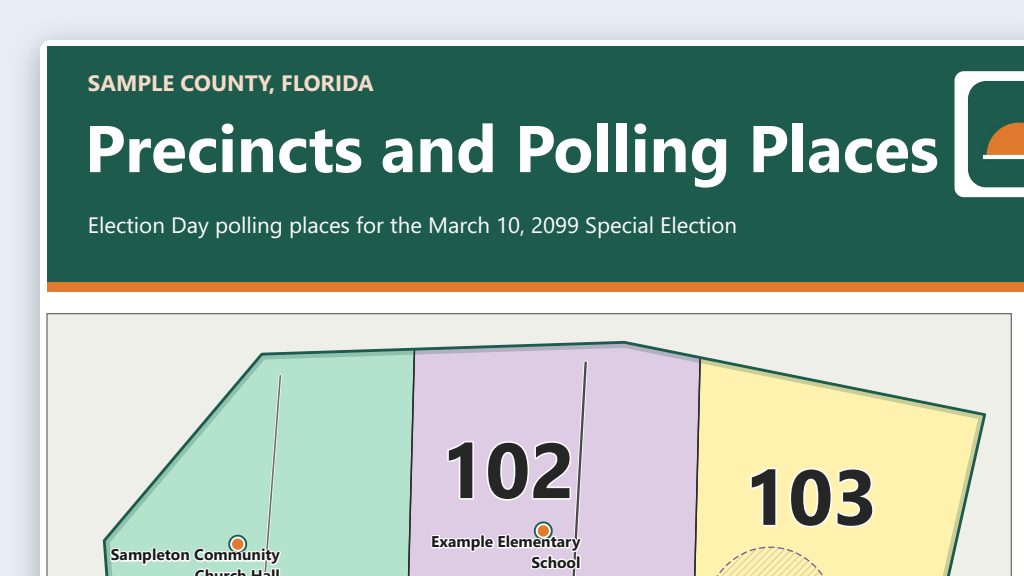
Precinct and polling place maps from public GIS data
Keep one maps folder where the AI downloads public shapefiles, builds the map in QGIS, and exports a print-ready PDF for your plotter.
- By hand
- 1–2 days per map
- With AI
- 2–4 hours
No use cases match those filters. Try clearing one.