Many offices recently moved their websites to new hosting platforms and content management systems. If that’s you, you’re learning a new editor while election deadlines keep coming. The workflows in this section work on any platform. This site doesn’t recommend or review any website platform or vendor.
Use cases in this section
 One possible outcomeGreen data classification· Public data
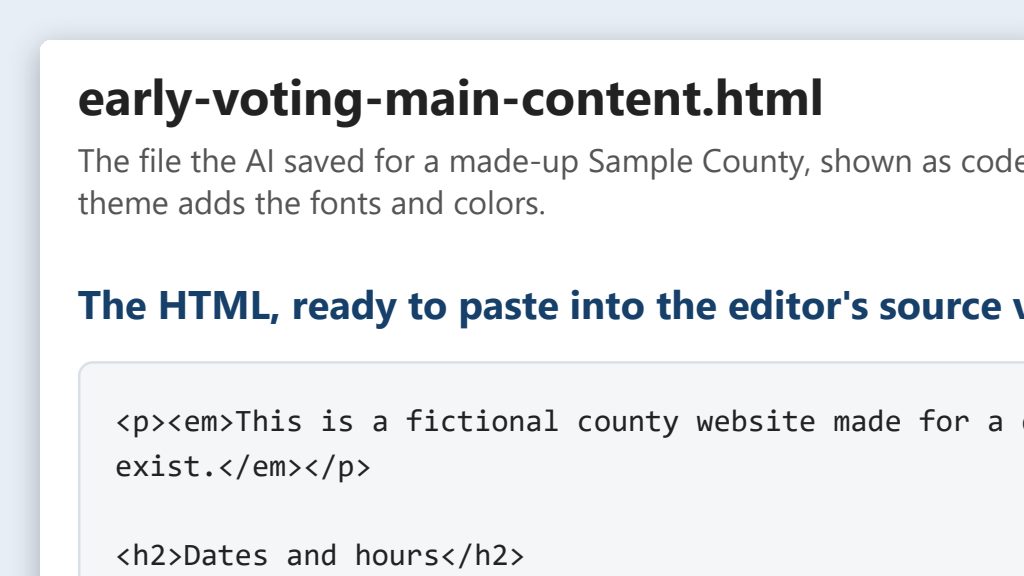
Clean, accessible HTML for any website editor
Point the AI at a page on your site or an approved document, get a clean, accessible HTML file, and paste it into your website editor’s HTML view.
- By hand
- 45 minutes per page
- With AI
- 15 minutes per page
 One possible outcomeGreen data classification· Public data
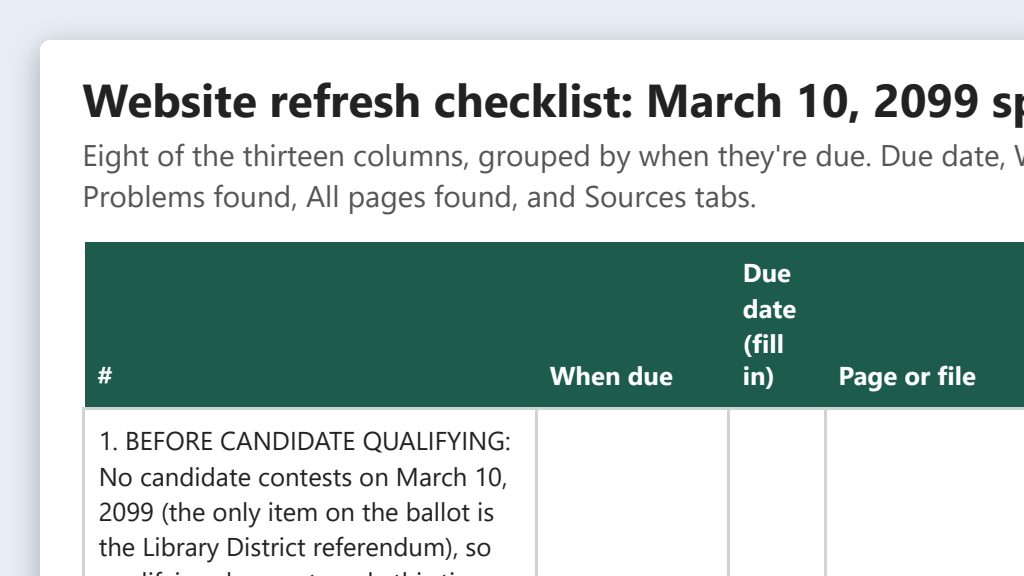
Election-cycle website refresh from a checklist
The AI lists the pages that change every election and drafts each update from the official source. A person checks every date before it goes live.
- By hand
- 6–8 hours per election
- With AI
- 3 hours per election
 One possible outcomeGreen data classification· Public data
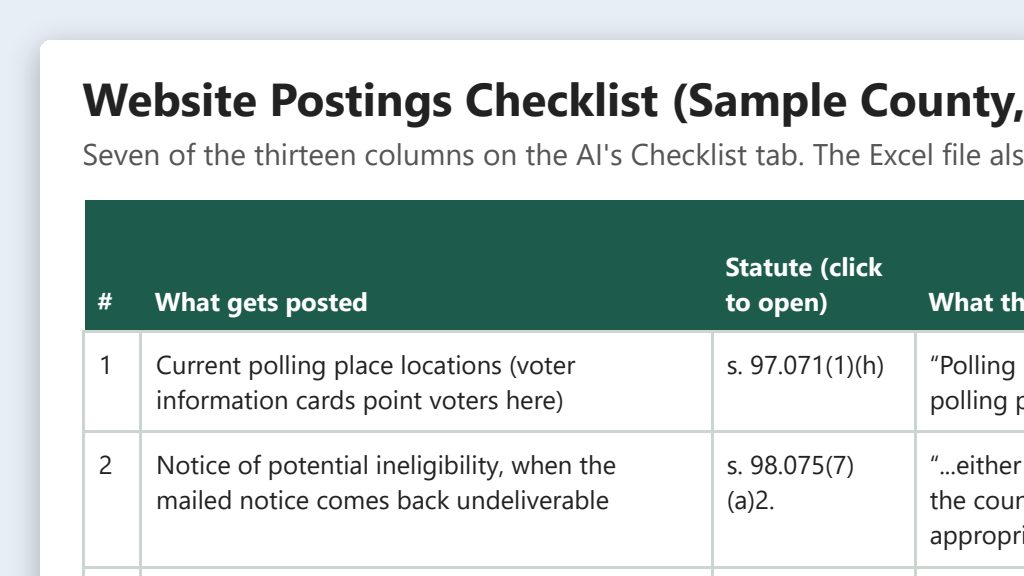
Website postings required by Florida law: a checklist
A starter checklist of what Florida law says must (or may) go on your office’s website, plus prompts that have the AI check your site against the statutes.
- By hand
- A full day of reading statutes
- With AI
- About 1 hour, plus attorney review
 One possible outcomeGreen data classification· Public data
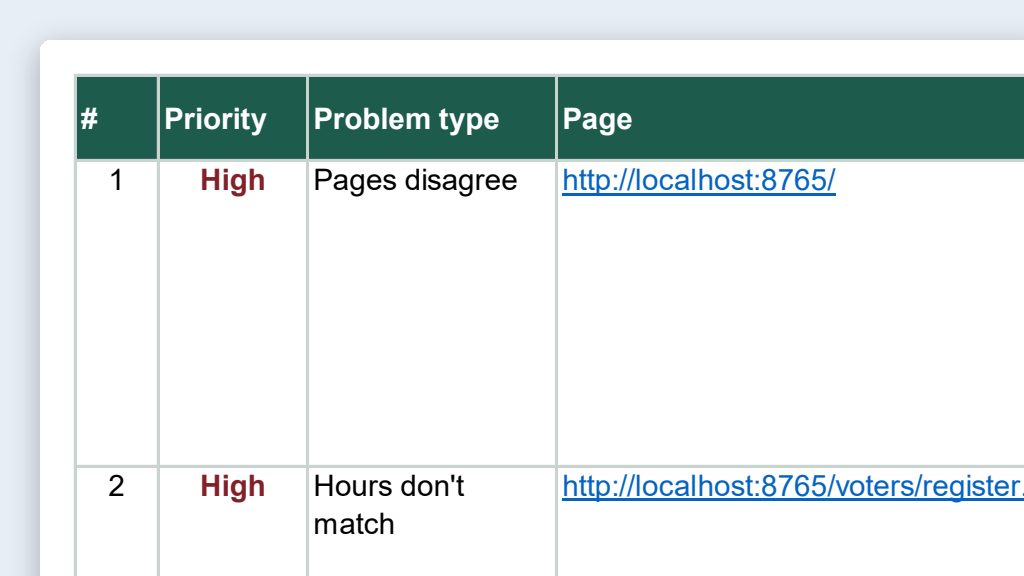
Website content audit: old dates, stale links, mixed messages
Have the AI read your office’s public website, test the links, and save one spreadsheet of outdated dates, conflicting details, and broken links to check.
- By hand
- 2–3 days for a full site
- With AI
- 2–3 hours
 One possible outcomeGreen data classification· Public data
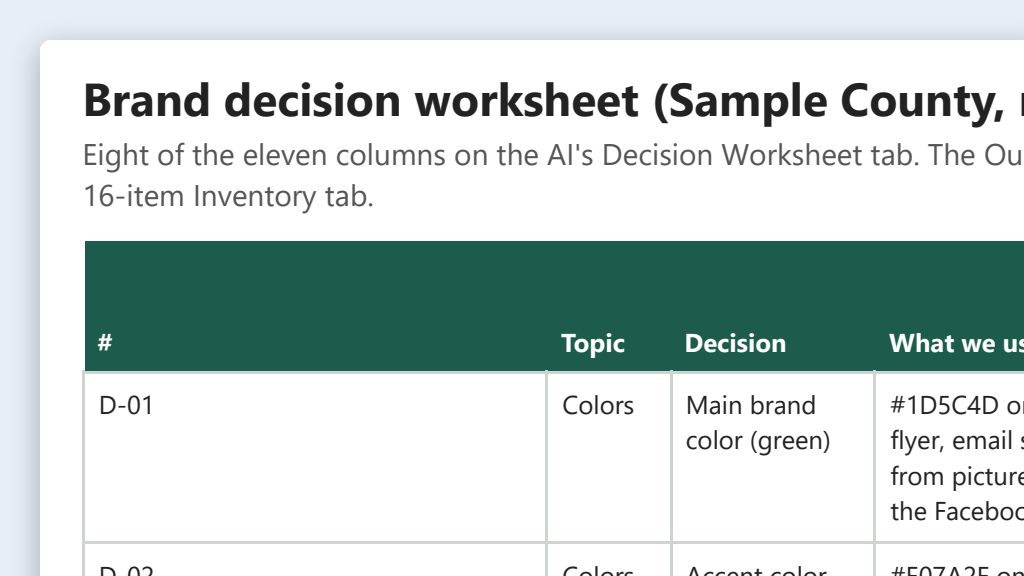
Clean up your brand: one look for web, social, print, and email
List what your office uses today, pick one set of colors, fonts, logo rules, and voice, and roll it out. The AI does the inventory and first drafts.
- By hand
- 2–3 days of work, spread over weeks
- With AI
- About 1 day of work, spread over a week or two
 One possible outcomeGreen data classification· Public data
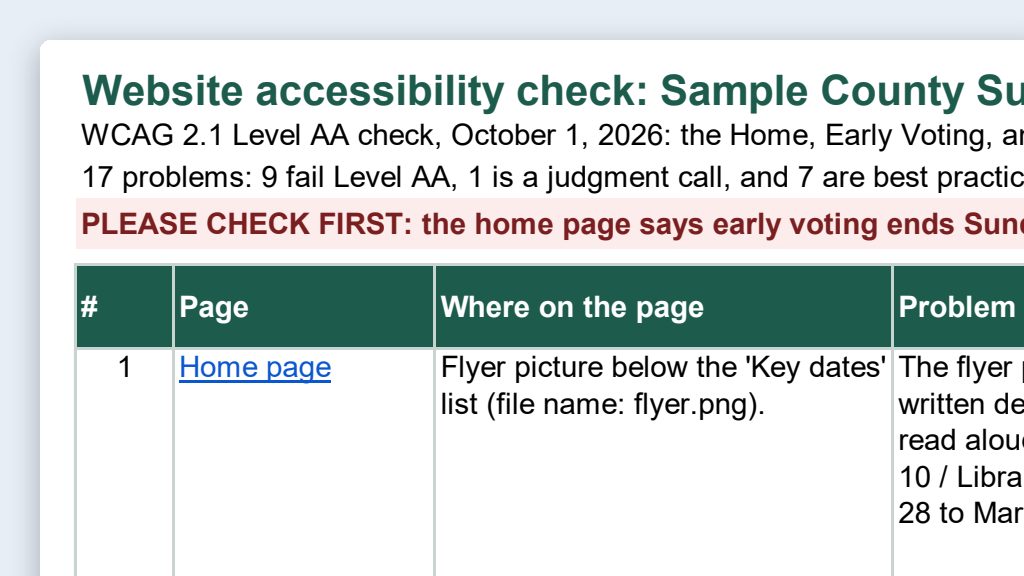
Accessibility checks for web pages and PDFs
The AI reads your public pages and PDFs, lists accessibility problems with fixes, and rebuilds PDFs as web pages. Checkers and a person confirm.
- By hand
- 2–4 hours per long page or PDF
- With AI
- About 1 hour
The clean-HTML workflow, in 5 steps
Nearly every website editor has a visual mode that looks like a word processor (sometimes called WYSIWYG, for “what you see is what you get”) and a way to switch to the page’s HTML. HTML is the plain code that tells a browser what’s a heading, a list, a table, or a link. That HTML view is common ground on every platform.
- Start a folder. Make a project folder for the page, such as
Early Voting Page, and open it in Claude’s Code tab or in Codex in the ChatGPT desktop app. Put the approved source in it, like your early voting schedule. (Folder projects shows how.) - Say what you want. For example: “Read our current early voting page at [Web address] and the approved schedule in this folder. Save clean, accessible HTML for the updated page in this folder, with no styling.” The checklist below lists what clean means.
- Paste it into the HTML view. Save the old HTML in the same folder first, so you can undo.
- Preview. Check it on a computer and a phone. Look at the headings, tables, and links.
- Publish. Only after a second person checks every date, time, and address against the source.
The full prompts and a sample are in Clean, accessible HTML for any website editor.
Clean HTML checklist
Before you paste, check the HTML for these six things:
- Headings in order. The page title, then sections, then subsections. No skipped levels, and no bold text standing in for a heading.
- Real tables with header rows. Tables only for information with rows and columns, with header cells and a caption. Never a table for layout.
- Descriptive link text. “Find your polling place,” not “click here” or a bare web address.
- Alt text on every image. Say what the image shows and why it’s there. Decorative images get empty alt text. Words inside an image also go on the page as text.
- No inline styling. No fonts, colors, sizes, or spacing tricks in the HTML. Your site’s theme handles the look.
- Brand colors that pass contrast. At least 4.5:1 for normal text and 3:1 for large text. Check each pair in the free WebAIM Contrast Checker.
Accessibility: ADA and WCAG basics for election sites
Voters use your website in many ways: with a screen reader that reads pages aloud, with a screen magnifier, with a keyboard instead of a mouse, or on a small phone in bright sun. An accessible site works for all of them.
WCAG stands for the Web Content Accessibility Guidelines, published by the World Wide Web Consortium (W3C). It has three levels: A, AA, and AAA. WCAG 2.1 Level AA is the level the federal rule uses.
The federal rule for state and local government websites
In April 2024, the U.S. Department of Justice issued a rule under Title II of the Americans with Disabilities Act (ADA). It requires state and local governments’ web content and mobile apps to meet WCAG 2.1 Level AA, including content provided through a vendor or contractor. Sources: the final rule (89 FR 31320) and the ADA.gov fact sheet.
The deadlines changed in 2026. On April 20, 2026, DOJ published an interim final rule that pushed each compliance date back one year (91 FR 20902). The standard itself, WCAG 2.1 Level AA, did not change.
| Total population of your jurisdiction | Original compliance date | Current compliance date |
|---|---|---|
| 50,000 or more | April 24, 2026 | April 26, 2027 |
| Less than 50,000, and special district governments | April 26, 2027 | April 26, 2028 |
The rule has a few narrow exceptions, such as some archived content and some documents posted before the compliance date. Each one comes with conditions, so ask your attorney before you rely on one. And there’s no reason to wait for the deadline: voters with disabilities are using your site this election.
Where to start on an election website:
- Voter-facing pages first. Registration, vote-by-mail, early voting, polling places, ID, and results.
- PDFs. Each one on your site counts as web content. Fix it, or turn it into a web page (see below).
- Videos. Add captions, and a transcript for anything important.
- Online forms, like a vote-by-mail request form. Every field needs a label a screen reader can read, and the form has to work with a keyboard alone. If a vendor runs the form, ask them how it meets WCAG 2.1 Level AA.
- Social media. New posts need alt text on images and captions on videos. See Social Media Workflows.
Remediating PDFs, or turning them into web pages
To remediate a PDF means to fix its accessibility problems: adding tags (hidden labels that tell a screen reader what’s a heading, a paragraph, or a table), setting the reading order, and adding alt text. It’s slow, careful work. For information voters read on a phone, like hours, locations, and deadlines, a simple web page is often the better fix. Keep PDFs for things people print and sign, and link to the Division of Elections’ official version of state forms instead of rebuilding them.
AI can turn a PDF into clean HTML in a minute or two. A person then compares it to the original, line by line. See Web page or PDF? in the accessibility checks use case.
Plain-language rewrites
Plain language isn’t a Level AA requirement, but it helps nearly every reader. Short sentences and common words help voters with cognitive disabilities, voters reading in a second language, and everyone in a hurry. AI writes a good first draft. The catch: a rewrite must not change the rules. Have someone who knows the procedure compare the original and the rewrite, and never rewrite ballot language or statute text itself. That comparison can catch problems in the original, too: a web page can drift from the statute over time. See Accessibility checks and Plain-language explainers for statutes and rules.
Tools that confirm the fixes
AI helps you find problems and draft fixes. These tools and a person confirm them:
- WAVE, free from WebAIM, checks web pages. It has browser extensions for Chrome, Firefox, and Edge.
- Adobe Acrobat Pro’s accessibility checker checks PDFs.
- Microsoft Office’s Accessibility Checker (Review → Check Accessibility) checks Word, Excel, PowerPoint, and Outlook files before you turn them into PDFs.
- Your keyboard: press Tab to move through a page. You should always see where you are and be able to reach every link and button.
Automated checkers catch many problems, but not all. A checker can tell you alt text is missing. It can’t tell you whether the alt text makes sense.
Postings required by Florida law
Florida law requires some items on your website, such as live turnout data on election day (s. 98.0981(5), F.S.) and hourly vote-by-mail counts on election night (s. 102.072, F.S.). Others let you choose your website, the county’s website, or a newspaper. The required website postings checklist lists them with statute links and timing, for your attorney to confirm.
Brand consistency
Your website is one of many places voters see your office, along with social media, printed guides, signs, and email. A single brand board (colors with hex codes, fonts, logo files and rules, and tone of voice) keeps them all looking like the same trusted source. Set your colors and fonts once in your site’s theme, and clean page content picks them up automatically.
- To write a brand board, see Brand board from your public website.
- If your branding is inconsistent today, the guided exercise in Clean up your brand walks you through fixing it.