The problem
You have an approved press release about a deadline, a new early voting site, or a call for poll workers. Now it needs to become a 30-second radio spot, a 15-second video, and posts for three platforms. Each one has a different length and tone, and every one has to say exactly what the release says. Rewriting the same facts six ways is slow, and each rewrite is another chance for a date or address to drift.
The prompt
Start in a folder
…\AI Projects\PSA Scripts\
Make the folder
On your C: drive, OneDrive, or an external drive. Your choice.
Open it in the app
Claude: Code tab → under the message box, choose Local → Open folder… ChatGPT: open Codex, click Add new project (or press Ctrl+O), then pick the folder. To add more folders later, open the project menu, choose Edit project, then Add folder.
Say what you want
Use the prompt below. Then open what it saved in the folder.
Say it out loud or type it. Change the words to fit your office. The AI goes and gets the public documents itself and saves what it makes in the folder.
Say it or type it
Scripts and posts from the release
Our approved press release is in this folder. Turn it into public service announcement scripts at 15, 30, and 60 seconds for radio, plus a 15-second video script with the on-screen text next to the audio. Then write two short post options each for [Facebook, Instagram, and X], with alt text for a simple graphic to go with each one.

Write the scripts for the ear, the way a person would say web addresses and phone numbers out loud, and put the word count and about how long it runs under each script. Every date, time, address, and link has to match the release exactly, and don't add any fact the release doesn't have, even one you know. Save everything in one Word document in this folder.
Fill in anything in [brackets] with your own details.
Speak it with a dictation app or type it. Name only the platforms your office actually uses.
What you need
- The Claude desktop app (Code tab) or the ChatGPT desktop app (Codex) and a folder called something like
PSA Scripts. - The final, approved press release, saved in that folder. Not a draft. If the release changes, start over from the new version. If your office posts it as both a PDF and a web page, save the approved one: the two copies can differ by a word.
- A few posts or scripts you’ve used before (optional), saved in the folder, so the new ones sound like your office. See context is king.
- Who approves. Know who signs off on PSAs and posts before you start.
Step by step
- Make the folder and save the approved release in it.
- Open it in the app. In the Claude desktop app, open the Code tab, and in the row under the message box choose Local, then Open folder…. In the ChatGPT desktop app, open Codex, click Add new project (or press Ctrl+O), and pick the folder. (Full walkthrough: Folder projects.)
- Say the prompt. Change the platforms and lengths to what your office uses.
- Open the Word document it saved and read each script out loud with a timer. The word counts help you spot a long one fast (about 150 words is a minute read aloud), but the timer decides. Trim anything that runs long.
- Check every date, time, address, phone number, and web address against the release. You know this release and this election, so a wrong day of the week or last year’s phone number will stand out.
- Ask for fixes in plain words (“The 30-second script runs long. Cut it to 30 seconds.”).
- Make it accessible. Caption every video, add alt text to every image, and put the key facts in the post text as well as the graphic.
- Get approval, then schedule. Save the approved final versions with your other communications records. They’re likely public records (s. 119.011(12), F.S.).
One possible outcome
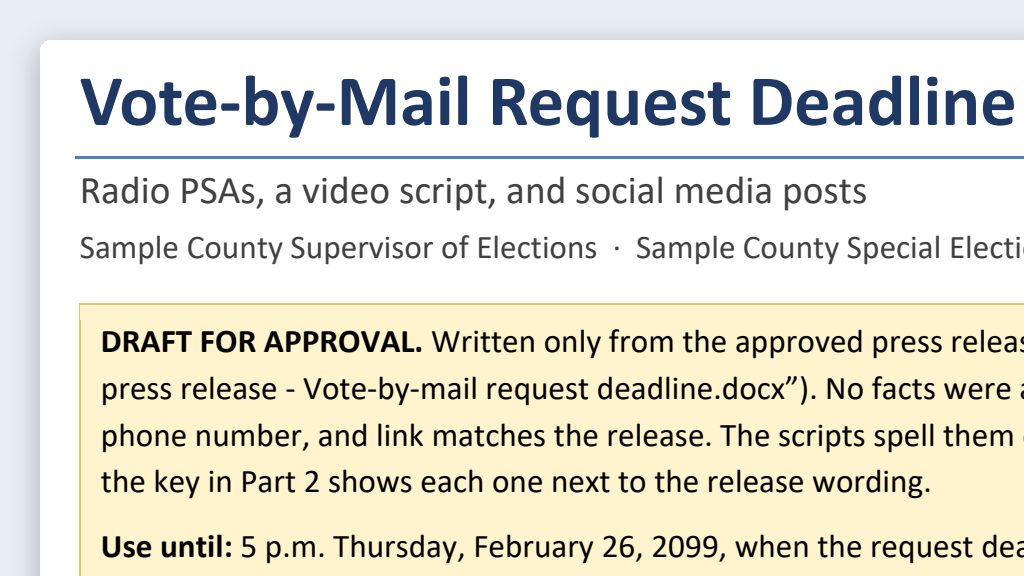
One run of the prompt, with a press release about a vote-by-mail request deadline for a made-up Sample County.
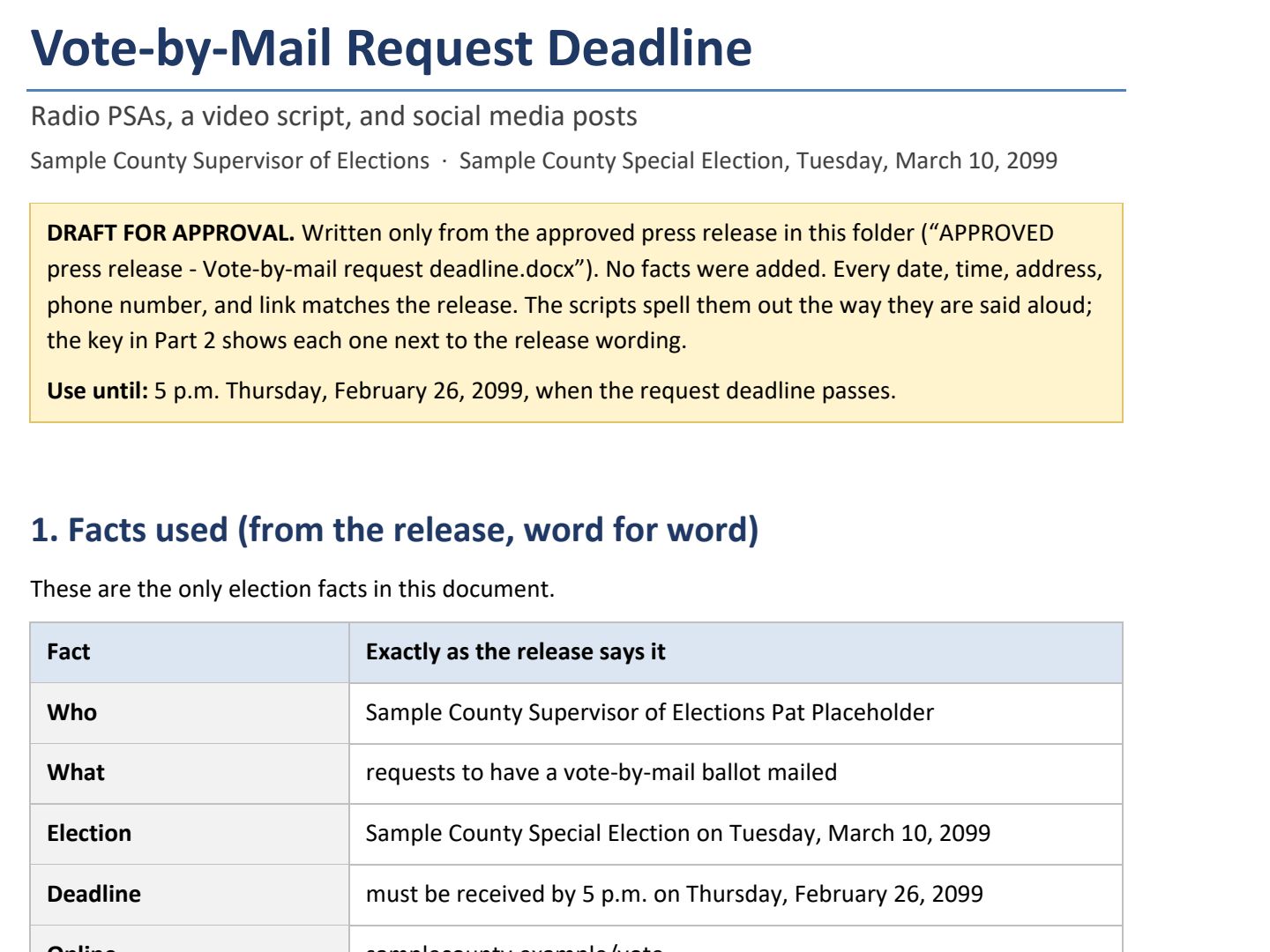 (opens the full version, PDF, 8 pages, 280 KB)
Word, Excel, and PowerPoint files download to your phone; the PDF opens first. File names end in -DRAFT because AI output is a draft until a person checks it. Web addresses shown in these samples are made-up and will not open.
Make it yours
- Different platforms, different posts. One message, five platforms goes deeper on tailoring the same message to each platform.
- Plan the whole cycle. Put your PSAs and posts on an election content calendar so deadlines get reminders at the right time.
- Keep the folder. Next time, drop the new release in and say: “Do the same for the new release in this folder.”
Time: by hand vs. with AI
By hand
1–2 hours
AI’s part, measured
About 12 minutes
in a test run of these prompts
With AI
20–30 minutes
your time, including review
About the measured time: “AI’s part” is how long the AI took, start to finish, in a test run of these prompts on September 27, 2026. It works on its own while you do something else. “By hand” and “With AI” are estimates of your own time.
Estimate: about 12 minutes for the AI to write every version and save them. The rest is you reading each script aloud with a timer, checking every fact against the release, and getting approval.
Checking the work: what an expert looks for
You know this work, so you’re the best person to check it. Open every file it made and read every page. If part of it is outside what you know, hand that part to someone who knows it. These are the spots that most often need a fix:
- Every date, time, address, phone number, and web address must match the approved release exactly. Check them one at a time, including each date’s day of the week.
- Read each script out loud with a timer. A 30-second spot that runs 36 seconds gets cut off.
- Quotes come only from the approved release or from the person being quoted, never from the AI. Don’t use AI-made voices, faces, or images of your Supervisor or any real person.
- Caption every video and fix the auto-captions. Add alt text to every image, and never put key information only inside an image.
- Nothing posts until the person who approves communications for your office signs off. Keep the approved final versions under your retention schedule (the state’s list of how long to keep each kind of record). They’re likely public records (s. 119.011(12), F.S.), so ask your RMLO or attorney.
Last reviewed October 2, 2026.