The problem
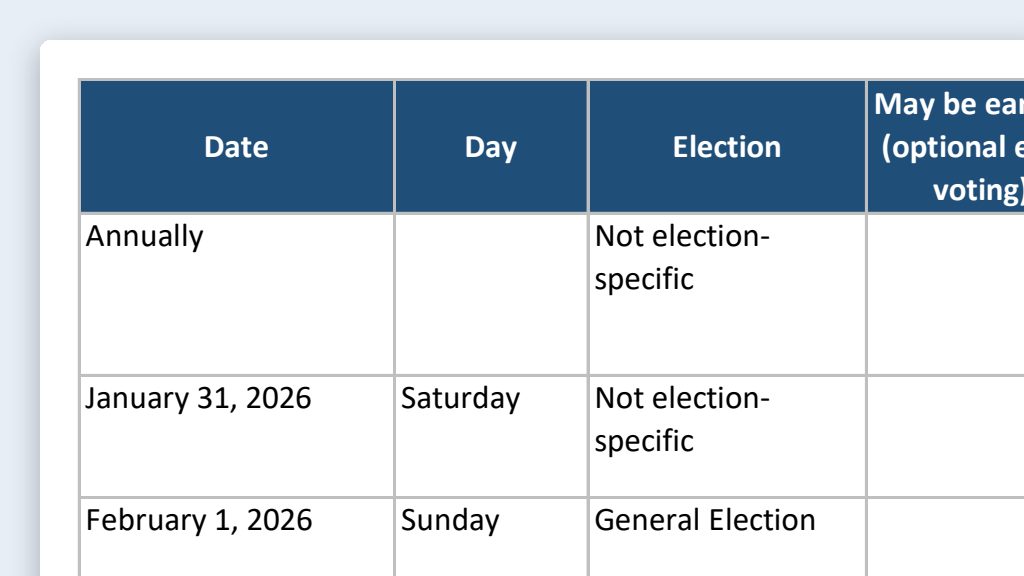
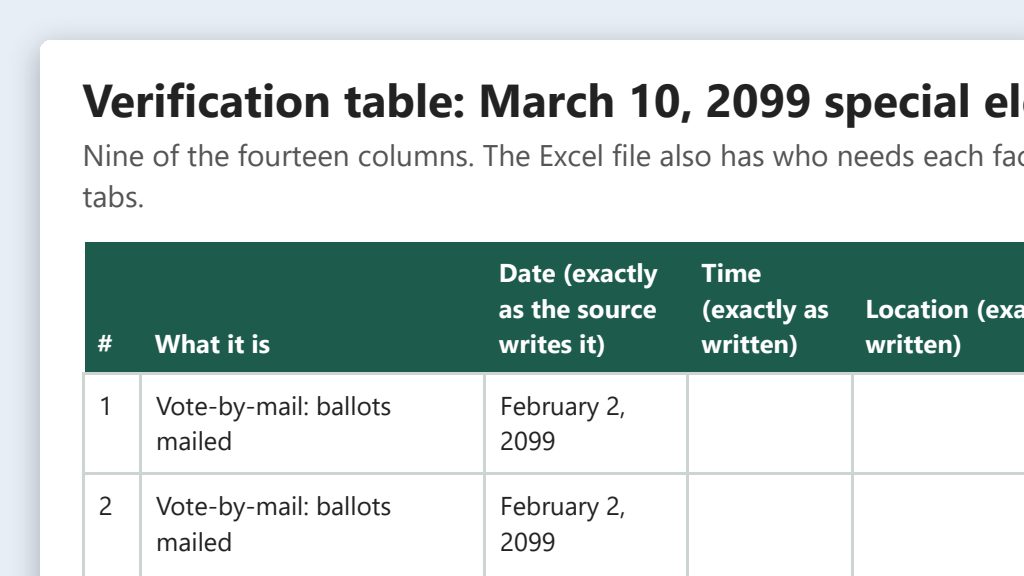
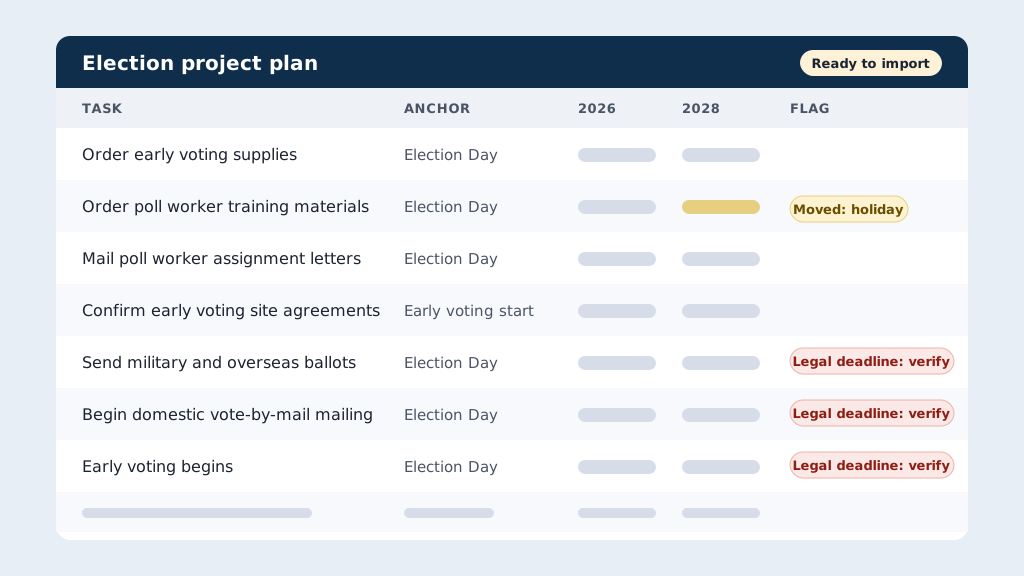
Every election runs on the same few hundred tasks: order supplies, recruit and train poll workers, test equipment, mail ballots, staff early voting, canvass, audit. Most offices keep them in a project plan and copy last cycle’s plan forward. The usual shortcut is to shift every date by the same amount. That breaks fast. A Primary isn’t a General, a new law moves a deadline, and a shifted date lands on a Sunday or a holiday. Then someone spends two days fixing due dates by hand and still misses one.
The prompts
Start in a folder
…\AI Projects\Election Project Rollover\
Make the folder
On your C: drive, OneDrive, or an external drive. Your choice.
Open it in the app
Claude: Code tab → under the message box, choose Local → Open folder… ChatGPT: open Codex, click Add new project (or press Ctrl+O), then pick the folder. To add more folders later, open the project menu, choose Edit project, then Add folder.
Say what you want
Use the prompt below. Then open what it saved in the folder.
Say them out loud or type them. Change the words to fit your office. The AI goes and gets the public documents itself and saves what it makes in the folder.
Prompt 1 · Say it or type it
Rebuild the project for the next election
The CSV in this folder is our Asana project for the [Past election]. Rebuild it for the [Next election] as a new CSV I can import into Asana. Check Asana's help page on CSV imports so the columns and date format are right.

Don't just shift every date by the same amount. For each task, figure out the milestone it really depends on, like Election Day, book closing, the vote-by-mail mailing, the start of early voting, or certification, and how many days before or after that it falls. Go to the Florida Division of Elections website and get the dates for both elections, including our county's actual early voting days. Our office's holiday list is in this folder. Move anything that lands on a weekend or holiday to the business day before, unless it's tied to a deadline in law or has to happen on or after a milestone. Flag those for me instead.

Also save a review spreadsheet with each task, its milestone, the old and new dates, and anything you moved or flagged. Leave the original export alone and the assignees blank.
Fill in anything in [brackets] with your own details.
This is the job I did for real. Say it your way; the parts that matter are the milestones, the holiday list, and the flags.
Prompt 2 · Say it or type it
Fix an anchor
Mailing poll worker assignment letters should count back from the start of early voting, not Election Day. Fix that, redo the dates, and update both files.
Prompt 3 · Say it or type it
Save a master for each election type
Now make a master template for each kind of election we run: presidential preference primary, primary, and general. Keep the tasks and the milestone each one depends on, with no dates and no names, so next cycle we can start from the master.
Where this came from
I exported our Asana project for a past election to CSV, and Claude Code rebuilt it for the next election with correct due dates, ready to import back in. This page turns that into a method you can repeat every cycle. The key idea: instead of shifting every date by the same amount, give every task an anchor.
Anchors, not shifts
An anchor is the milestone a task depends on. An offset is how many days before or after that milestone it’s due. “Mail poll worker assignment letters” isn’t really due on September 4. It’s due 60 days before Election Day. Write that down once as E-60, and you can work out the right date for any future election.
Why a flat shift breaks:
- Election types differ. A Presidential Preference Primary, a Primary, and a General have different calendars. Qualifying, for example, is counted back from the primary election, not the general (s. 99.061, F.S.).
- Laws change. When the Legislature moves a deadline, only the tasks anchored to that deadline should move. A flat shift moves everything or nothing.
- Calendars don’t line up. Change “2026” to “2028” and every date lands on a different day of the week. A Friday task becomes a Monday task, and sometimes that Monday is Labor Day.
Most anchors are Election Day. Some are milestones set by law:
- Registration book closing: the 29th day before each election, with its own rule when that day is a Sunday or legal holiday (s. 97.055, F.S.).
- Vote-by-mail: ballots go to military and overseas voters no later than 45 days before the Presidential Preference Primary, Primary, and General. Other voters who requested one get it between the 40th and 33rd days before (s. 101.62(3), F.S.).
- Early voting: begins on the 10th day before an election with state or federal races and ends on the 3rd day before. Supervisors may add days (s. 101.657(1)(d), F.S.).
- Qualifying: periods are counted from the primary, and different offices qualify in different windows (s. 99.061, F.S.).
- Post-election audit: must be finished and made public by 11:59 p.m. on the 7th day after certification (s. 101.591(4), F.S.).
What you need
- The Claude desktop app (Code tab) or the ChatGPT desktop app (Codex) and a folder called something like
Election Project Rollover. Put it on the C: drive, OneDrive, or an external drive. - A cleaned CSV export of last cycle’s project, with the personal-information columns deleted and staff names swapped for roles. CSV (comma-separated values) is a plain-text spreadsheet file. Excel opens it.
- Your office’s holiday list for the new election year, saved in the folder. The supervisor’s office may observe different days than the county commission, so use your own office’s list.
- Nothing else to download yourself. The AI gets the election dates from the Division of Elections and Asana’s import rules from Asana’s help center. The Division’s current pages show only the current cycle; older calendars are in its Publications Archive, so point the AI there if it can’t find last cycle’s dates. Asana’s help center needs a real web browser, so the AI may not be able to read it. If it can’t, tell it to use the “What Asana expects” list below.
CSV export and import, in plain terms
Export from Asana: click the drop-down menu next to the project’s name, hover over Export/Print, and pick CSV. Asana can also export JSON, a format for programs, which you won’t need here.
Export and import aren’t the same format. An export can’t be imported back as is: the column headers, the date format, and the way dependencies are listed are all different. That’s why the prompt asks for a new CSV.
Before it goes in the folder: open the CSV in Excel. Delete every column that holds personal information first. Then replace every assignee email and name with a role (“Early Voting Coordinator”) using Find and Replace. Save only that cleaned file in the folder. The full export stays out of the folder: keep it in Asana or in a different folder outside the project. Doing this work first is what makes it safe.
Import into Asana: create a new project from your team, choose Import spreadsheet, pick the CSV, click Make changes to review the preview, then Continue to project. You can also import into an existing project from the project’s drop-down menu (Import, then CSV), but the importer only adds tasks. It never updates ones already there.
What Asana expects (from Asana’s help center):
- A header row, in title case.
- The task name first, then Description, Section, and Assignee. Other columns follow.
- Assignee: one email address of a person already in your Asana workspace.
- Due Date: month/day/year.
- Start Date: paid plans only. On the free plan it lands in the task description.
- Type: “Milestone” marks a milestone.
- Parent Task: for subtasks. The parent’s row must come first.
Read Asana’s own articles before your first import: Prepare data for CSV import and Project importing and exporting. Using monday.com, Planner, or Smartsheet? Their import and export formats are compared on the Projects & Office Platforms page.
Step by step
- Make the folder. Do this in the spring of the election year. Run it close to the election, and you’ll import a pile of tasks that are already past due.
- Export last cycle’s project from Asana as CSV. Delete the personal-information columns and swap names for roles, then save only the cleaned file in the folder. Keep the full export outside the folder. Save your county’s holiday list in the folder too.
- Open the folder in the app. In the Claude desktop app, open the Code tab, and in the row under the message box choose Local, then Open folder…. The first time, choose the permission mode that asks before each action (Manual), so you see every step. In the ChatGPT desktop app, open Codex, click Add new project (or press Ctrl+O), and pick the folder. New to this? See Folder projects.
- Say the prompt. Speak it or type it.
- Open the review spreadsheet it saved and read every anchor. This is the one-time investment: once the anchors are right, they carry forward. Ask for fixes in plain words (the second prompt is an example). A fixed anchor may not change any dates this cycle (for example, if your early voting days are the same as last time), but it protects the next one.
- Check every flagged row against the statute and the official calendar. Look at every row it moved for a weekend or holiday, too.
- Test the import with the first 10 rows in a scratch project. Check sections, milestones, and dates. Then import the full file into a new, empty project and add assignees in Asana.
- Save master templates with the third prompt. Next cycle, start from the master instead of last cycle’s export.
One possible outcome
One run of the first prompt, with a 20-task Asana export and a holiday list for a made-up Sample County.
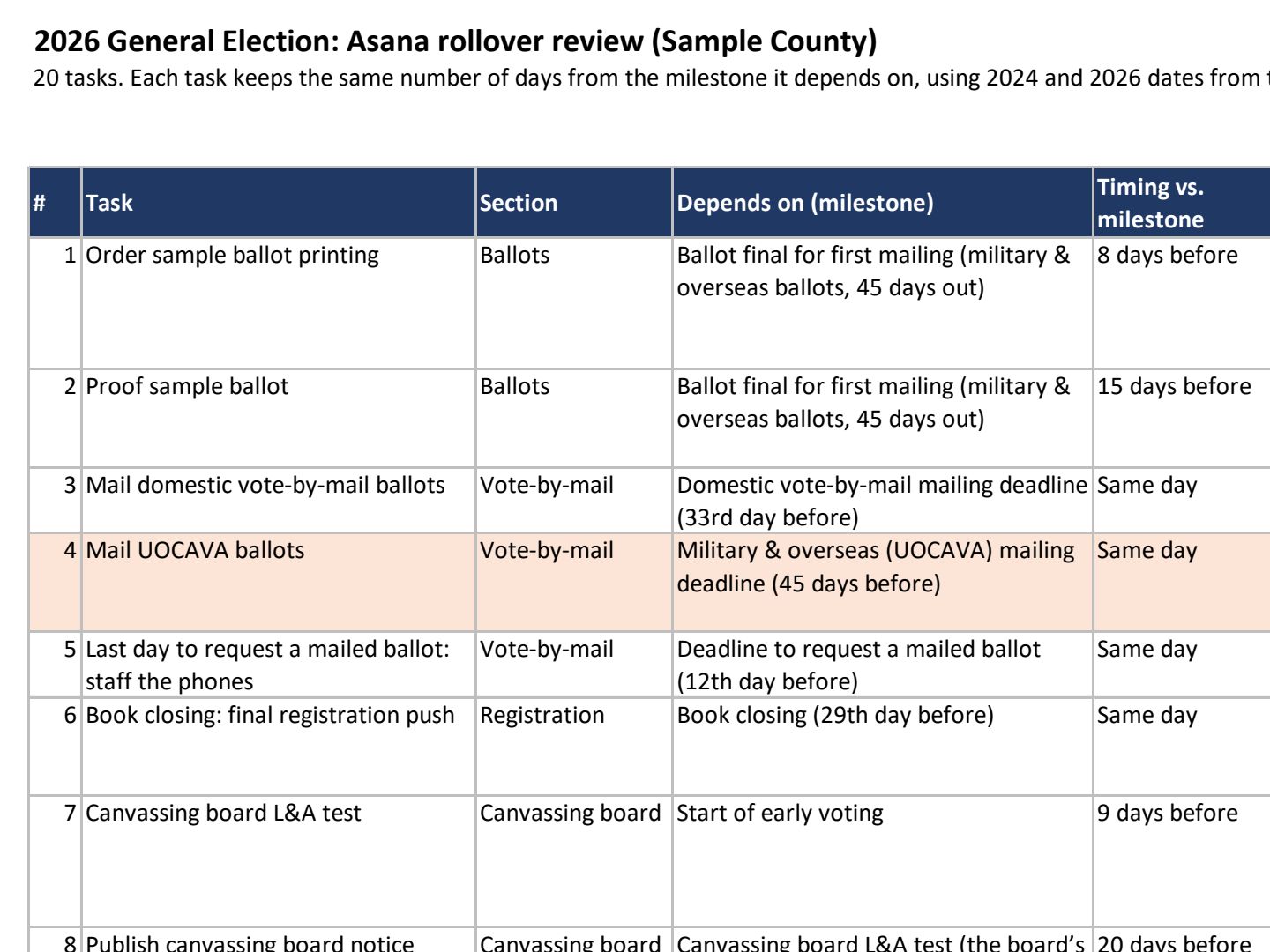 (opens the full version, PDF, 4 pages, 307 KB)
Word, Excel, and PowerPoint files download to your phone; the PDF opens first. File names end in -DRAFT because AI output is a draft until a person checks it. Web addresses shown in these samples are made-up and will not open.
Make it yours
- Not on Asana? The method is the same. Only the import format changes. Tell the AI which tool you use, and it can read that tool’s import help. See the comparison on Projects & Office Platforms.
- Build the milestone dates first. The election calendar builder turns the Division of Elections’ dates into a checked master calendar. Put it in the folder and say “use the calendar in this folder for the new dates.”
Time: by hand vs. with AI
By hand
1–2 days
AI’s part, measured
About 30 minutes
in a test run of these prompts
With AI
2–3 hours
your time, including review
About the measured time: “AI’s part” is how long the AI took, start to finish, in a test run of these prompts on September 27, 2026. It works on its own while you do something else. “By hand” and “With AI” are estimates of your own time.
Honest estimate for a project of 150–300 tasks. The AI rebuilds the file in about half an hour. The first time takes longer because you read every anchor it picked, which is a one-time job. After that, most of the time goes to checking the flagged legal deadlines against the official calendar. That check is the part a person should do anyway. Fixing due dates one at a time by hand is where the old way lost a day or two.
Checking the work: what an expert looks for
You know this work, so you’re the best person to check it. Open every file it made and read every page. If part of it is outside what you know, hand that part to someone who knows it. These are the spots that most often need a fix:
- Check every flagged legal deadline against the statute and the official election calendar. Laws change between cycles, and the AI won’t know about a bill that passed last session. If your county adds optional early voting days, deadlines counted from the start of early voting come out earlier than the Division’s calendar shows (it counts from the mandatory start). Decide with your supervisor which start your office counts from.
- Asana’s CSV importer only adds tasks. It won’t update tasks that already exist, so import into a new, empty project. Test with 10 tasks in a scratch project first.
- Assignees must be email addresses of people already in your Asana workspace. Add them in Asana after the import, so staff names never go to the AI.
- Use your office’s own holiday list. Observed holidays vary by county, the supervisor’s office may not follow the county commission’s list exactly, and an AI’s guess at the holiday calendar is just a guess.
- Keep security tasks generic, like ‘Complete the security checklist.’ The checklist’s contents stay out of the project plan and out of the folder.
Last reviewed October 2, 2026.