The problem
A new law passes, a rule changes, or your supervisor asks, ‘What does the state have on provisional ballots?’ The answer is spread across the Division of Elections website, Online Sunshine, the rules site, directives, advisory opinions, bill pages, and news stories. Searching each one by hand takes time, and it’s easy to miss a publication or grab last cycle’s version.
The prompts
Start in a folder
…\AI Projects\Research - Provisional Ballots\
Make the folder
On your C: drive, OneDrive, or an external drive. Your choice.
Open it in the app
Claude: Code tab → under the message box, choose Local → Open folder… ChatGPT: open Codex, click Add new project (or press Ctrl+O), then pick the folder. To add more folders later, open the project menu, choose Edit project, then Add folder.
Say what you want
Use the prompt below. Then open what it saved in the folder.
Say them out loud or type them. Change the words to fit your office. The AI goes and gets the public documents itself and saves what it makes in the folder.
Prompt 1 · Say it or type it
Find everything the state has published
Find everything Florida has published on [Topic]: Division of Elections publications, forms, directives, and advisory opinions, plus the statutes on Online Sunshine and the rules on flrules.org. Download each document into this folder.

Then make an Excel list with the title, the link, the date or version shown on the page, and one sentence on what it covers, newest first. Mark each one Main or Related. If a page shows no date, say so. For statutes, give the edition and the last law that changed the section. If Online Sunshine shows a version that isn't in effect yet, save the one in effect today too. For now I just want the list, not a summary of the law.
Fill in anything in [brackets] with your own details.
Speak it or type it. A narrow topic works best: “vote-by-mail ballot requests” beats “vote-by-mail.”
Prompt 2 · Say it or type it
What changed since last session?
What has changed in Florida election law or Division of Elections rules on this topic since the last legislative session? Add a tab to the workbook with the bill or rule number, its official link, the effective date, whether it's in effect for our next election, and one plain sentence on what changed.
What you need
- The Claude desktop app (Code tab) or the ChatGPT desktop app (Codex) and a folder named for the topic, like
Research - Provisional Ballots. Both apps can search the web and save what they find in the folder. - A narrow topic. “Vote-by-mail ballot requests” works better than “vote-by-mail.”
Where the official answers live
The prompt names the main ones. Check the AI’s links against this list.
| What you’re looking for | Official source |
|---|---|
| Current Florida Statutes | Online Sunshine |
| Division of Elections rules, proposed rule changes, and workshops | Division of Elections Rules page and flrules.org |
| Directives from the Secretary of State | Directives |
| Advisory opinions | Advisory Opinions |
| Handbooks, manuals, calendars, and guides | Publications/Reports |
| Forms | Forms |
| Bills and their effective dates | Florida Senate bill search or the Florida House |
Step by step
- Make the folder and open it in the app. Claude: Code tab, then under the message box choose Local and Open folder…. ChatGPT: open Codex, click Add new project (or press Ctrl+O), and pick the folder. (Full walkthrough: Folder projects.)
- Say the prompt with a narrow topic.
- Open the Excel list it saved, and the documents it downloaded. Not everything comes as a PDF: statutes from Online Sunshine save as web pages (open them in your browser), and rule text from flrules.org often comes as an older Word file (.doc).
- Open every link and read it. You know this area, so a wrong date, an old version, or another state’s rule will stand out. Check the four things in the box below, and mark each row “confirmed” or “not confirmed.” If a line only points to a news story, look for the Florida bill, statute, or rule yourself before you rely on it. Anything that turns on what the law means goes to your office’s attorney.
- After a legislative session, ask what changed. Check each bill’s effective date on the bill page.
- Add today’s date and your initials to the list. Keep the folder. Next time, say: “Check the list in this folder for anything newer and update it.”
One possible outcome
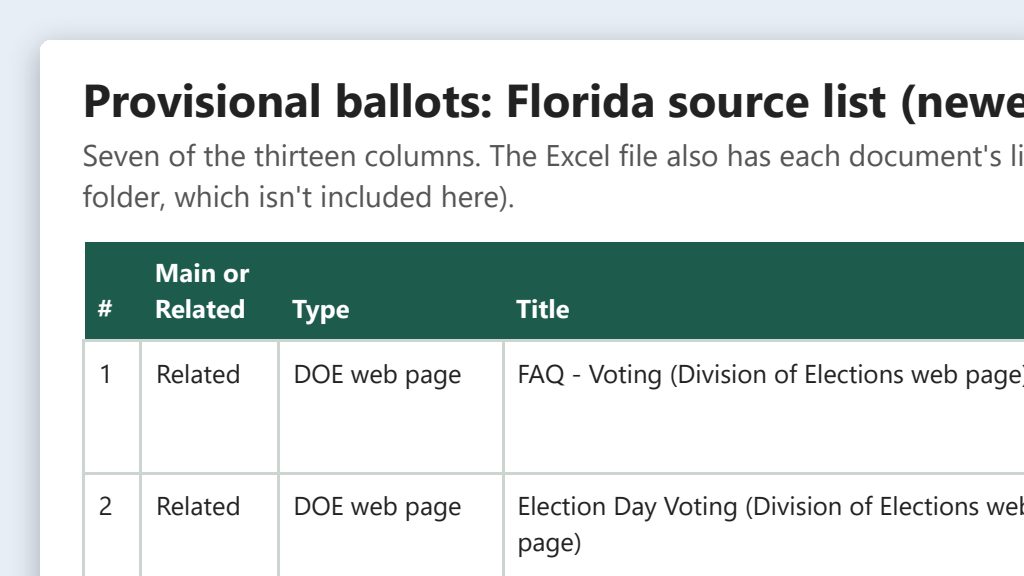
One run of the first prompt, on the topic “provisional ballots.”
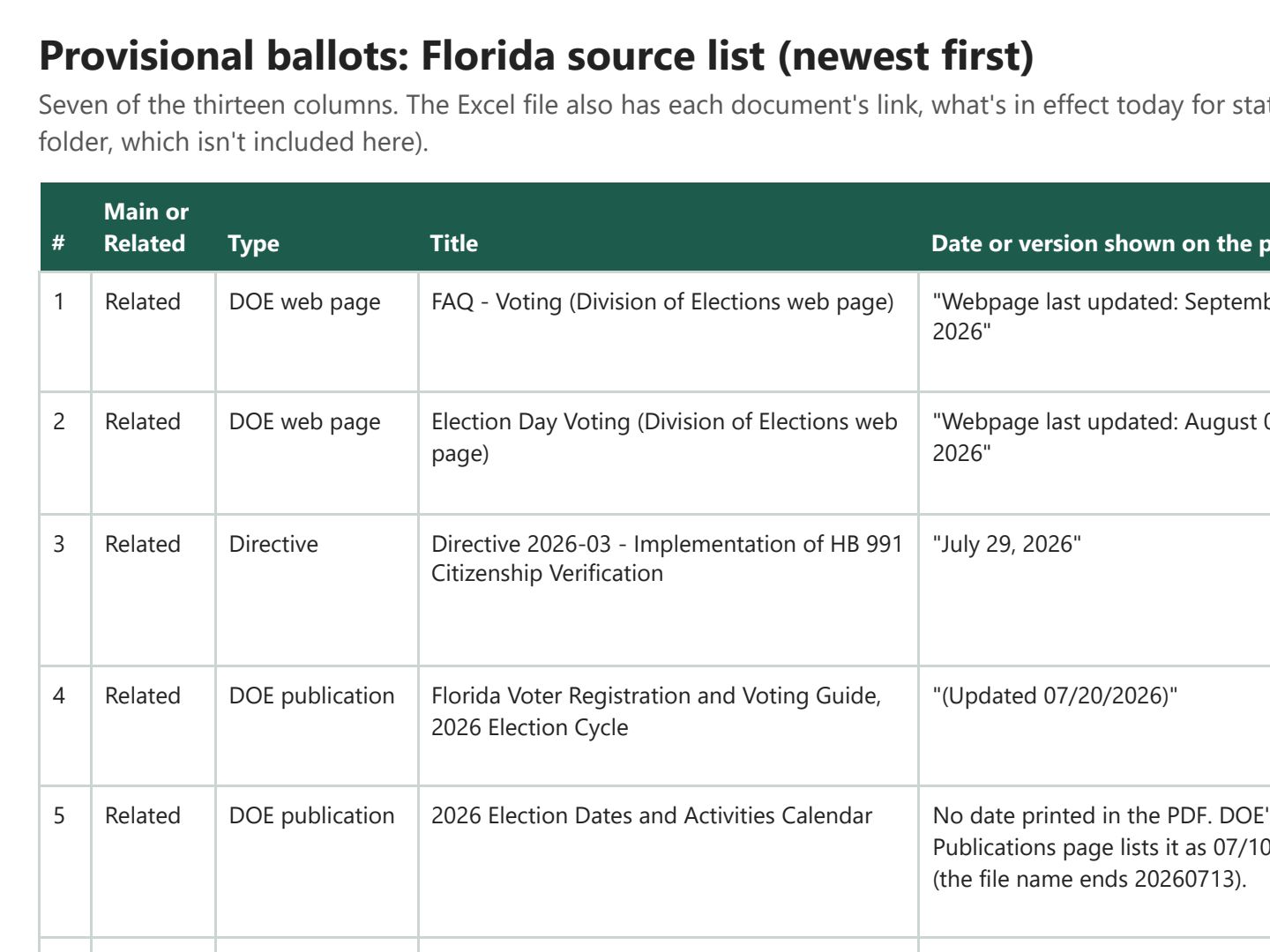 (opens the full version, PDF, 6 pages, 220 KB)
Word, Excel, and PowerPoint files download to your phone; the PDF opens first. File names end in -DRAFT because AI output is a draft until a person checks it. Web addresses shown in these samples are made-up and will not open.
Make it yours
- Election news, with sources. Ask: “Find news from the last 30 days on this topic. For each story, give the headline, outlet, date, and link, and link the official source it’s based on, if there is one.”
- Monthly check. During and after session, ask once a month what changed, and save the results with the date.
- Explain it in plain language. Once you’ve found the official statute, plain-language statute explainers shows how to turn it into a one-page summary for staff.
Time: by hand vs. with AI
By hand
1–2 hours
AI’s part, measured
About 20 minutes
in a test run of these prompts
With AI
20–30 minutes
your time, including review
About the measured time: “AI’s part” is how long the AI took, start to finish, in a test run of these prompts on September 27, 2026. It works on its own while you do something else. “By hand” and “With AI” are estimates of your own time.
The AI searched, downloaded, and built the list in about 20 minutes in a test run. Most of the time is you opening each source, checking its date, and reading what it actually says. Don’t skip that part: it’s the job.
Checking the work: what an expert looks for
You know this work, so you’re the best person to check it. Open every file it made and read every page. If part of it is outside what you know, hand that part to someone who knows it. These are the spots that most often need a fix:
- Check the date on everything. Search results often mix last cycle’s handbook with this year’s. Most Division of Elections publications show a date or year on the page or in the file name.
- Open every link yourself. AI tools sometimes give a link that looks right but goes to the wrong page, an old version, or nowhere.
- News is a lead, not a source, and searches pull in other states’ rules for common terms like ‘provisional ballot.’ Find the Florida bill, statute, or rule before you act on anything.
- Online Sunshine can show amended statute text before the change takes effect, with no note on the page. For example, most of the 2026 elections package (ch. 2026-26, Laws of Florida (PDF)) takes effect January 1, 2027, though some sections took effect April 1, 2026 (including the candidate qualifying sections) and some on July 1, 2026. Read the History line at the end of the section (the line that names the laws that changed it), then check that law’s effective date before you rely on new wording.
- A Division of Elections advisory opinion is binding only on the person or group that asked for it. The Division says so itself. Read it as guidance, not as a rule for your situation.
Last reviewed October 2, 2026.