The problem
A post starts making the rounds, and it’s wrong: something about your polling hours, drop boxes, or how ballots are counted. Voters start calling. So do reporters. You need a short, accurate, calm correction out fast, with a source link, and it has to be right the first time. A correction that needs its own correction makes everything worse. It also can’t sound defensive or snarky, or the tone becomes the story.
The prompts
Start in a folder
…\AI Projects\Rumor Responses\
Make the folder
On your C: drive, OneDrive, or an external drive. Your choice.
Open it in the app
Claude: Code tab → under the message box, choose Local → Open folder… ChatGPT: open Codex, click Add new project (or press Ctrl+O), then pick the folder. To add more folders later, open the project menu, choose Edit project, then Add folder.
Say what you want
Use the prompt below. Then open what it saved in the folder.
Say them out loud or type them. Change the words to fit your office. The AI goes and gets the public documents itself and saves what it makes in the folder.
Prompt 1 · Say it or type it
Draft the correction
A post going around says [The claim, in your own words]. Find out what's actually true. Check the Florida Statutes on Online Sunshine, the Division of Elections website, and the [Your county] County Supervisor of Elections website. If the law changed this year, tell me which version applies to our next election and when the new one starts. If our website says something different from the law, tell me that too.

Then write a short, calm correction we can post. Start by saying we've seen questions about this topic, without repeating the rumor. Then give the accurate information plainly, with a link to the source, and tell people where they can check for themselves on our website. Give me a short version for X and a longer one for Facebook, and save both in a Word document in this folder with your sources at the end.
Fill in anything in [brackets] with your own details.
Speak it or type it. Describe the claim; don’t include who posted it.
Prompt 2 · Say it or type it
Build a library before the election
Before the next election, write pre-approved correction templates for the rumors we hear most: polling hours, vote-by-mail deadlines, drop boxes, what ID to bring, and how results are reported on election night. Use the same three steps, get each fact from the official source, and leave anything that changes each election in brackets. If the law changed this year, tell me which version applies to our next election. Save each template as a separate Word document in this folder with its sources.
Prompt 3 · Say it or type it
Ask the chatbot our voters ask
I want to see what a chatbot would tell a voter in [Your county] County. The 15 voter questions are in questions.txt in this folder. Answer each one the way a chatbot would answer a voter, without looking at our website first, and write each answer down before you go to the next.

Then go to the [Your county] County Supervisor of Elections website and save the text of the pages that cover those topics in this folder. Make a Word document with a table: the question, the chatbot-style answer, what our website says, and whether they match. List every date or deadline that is wrong or out of date, and name the page on our website that I should fix.
Fill in anything in [brackets] with your own details.
Use a brand-new session, so earlier chats don’t leak in. Then ask the same 15 questions in the other chatbots your voters use, one new chat each, save what they say in the folder, and say: Add the answers in this folder to the table.
What you need
- The Claude desktop app (Code tab) or the ChatGPT desktop app (Codex) and a folder called something like
Rumor Responses. Keep using the same folder, so your past corrections are there next time. - The claim, in your own words. Save a screenshot of the original post with your office’s records, not in this folder.
- Your approval path: who signs off, and how to reach them quickly.
The response template
Every correction follows the same three steps:
- Acknowledge. “We’ve seen questions about [topic].” This tells people you’re paying attention without repeating the rumor.
- Correct, with a source. State the accurate information plainly, and link to where it comes from.
- Point to official information. Send people to your website or phone line, so the next question comes to you.
Step by step
- Screenshot and save the post with your office’s records.
- Open your
Rumor Responsesfolder in the app. Claude: Code tab, then under the message box choose Local and Open folder…. ChatGPT: open Codex, click Add new project (or press Ctrl+O), and pick the folder. (Full walkthrough: Folder projects.) - Say the prompt with the claim in your own words.
- Open the Word document it saved. Click every source link and read what the source actually says. If there’s no official source, don’t post yet. Ask your supervisor.
- Read it as the person who knows how voting works here. A wrong hour, a missing condition, or a line that sounds defensive will stand out to you. Ask for fixes in plain words: “The second sentence sounds defensive. Make it plainer.”
- Get approval from the person your office has named.
- Post from your official account. If the rumor keeps spreading, add the correction to your website’s FAQ, too.
- Log it: the claim, the correction, who approved it, and when.
Before early voting: ask the chatbots your voters ask
More voters now ask a chatbot before they ask you. In September 2026, the Institute for Strategic Dialogue (ISD) tested six chatbots with 15 general voting questions, plus five questions per state about disputed claims, in 10 states. Florida was not one of them, so the results don’t tell you what chatbots say about your county. You can find out yourself.
- Make the folder and save the 15 questions below in a file called
questions.txt. - Start a brand-new session and say the third prompt at the top of this page. It answers the questions the way a chatbot would, then compares each answer with your website.
- Ask the same 15 questions in the other chatbots your voters use, a new chat for each. Save what they say in the folder, and ask the AI to add those answers to the table.
- Read every row. You know your county’s dates, so a wrong or old date will stand out. Look at the wrong or stale ones first.
- Fix the web page the AI named, so the right answer is easy for a chatbot to find. Then run it again after your changes.
ISD also found that answers were less accurate in Spanish than in English. If you check Spanish answers, have a fluent speaker read them.
Say it or type it
The 15 voter questions (save as questions.txt)
1. Am I registered to vote, and how do I check?
2. What is the last day to register to vote before the next election?
3. When does early voting start and end in my county?
4. Where can I vote early in my county?
5. Where do I vote on Election Day?
6. What time do the polls open and close?
7. What ID do I need to bring to vote?
8. How do I ask for a vote-by-mail ballot, and what is the deadline?
9. How do I return my vote-by-mail ballot, and when must it arrive?
10. Can I drop off my vote-by-mail ballot at a drop box?
11. What if I am still in line when the polls close?
12. What if I moved or changed my name since I registered?
13. Can someone help me vote if I have a disability?
14. How do I find out if my vote-by-mail ballot was counted?
15. When and where are the results posted on election night?
One possible outcome
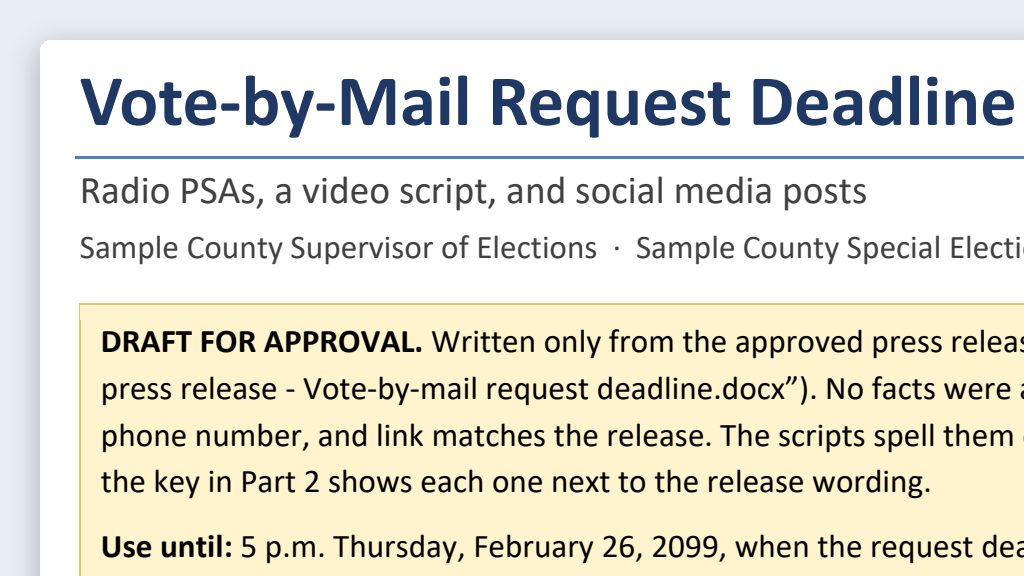
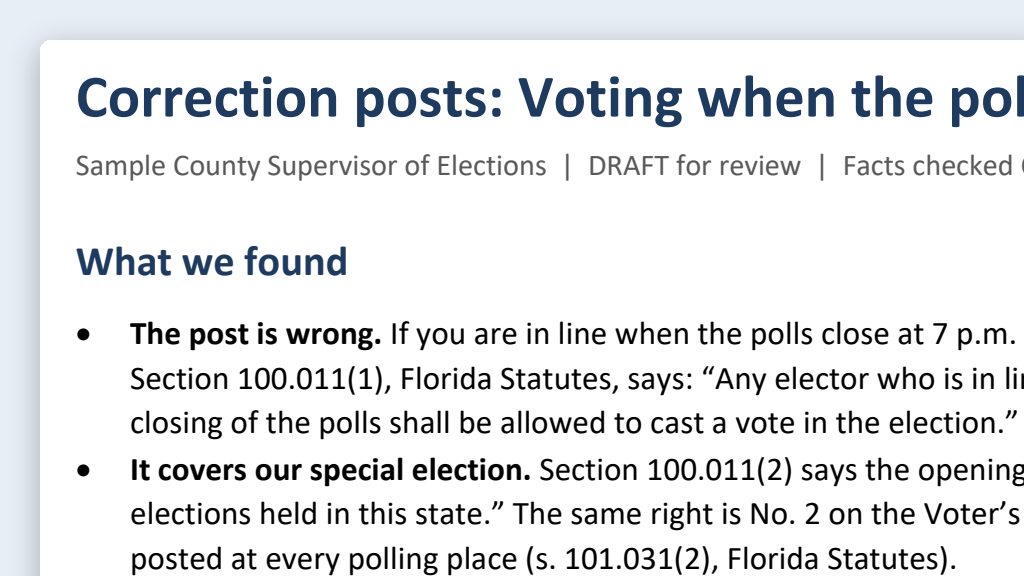
One run of the first prompt, for a made-up claim: if you’re still in line when the polls close at 7 p.m. on Election Day, you won’t be allowed to vote. The claim and Sample County are made up.
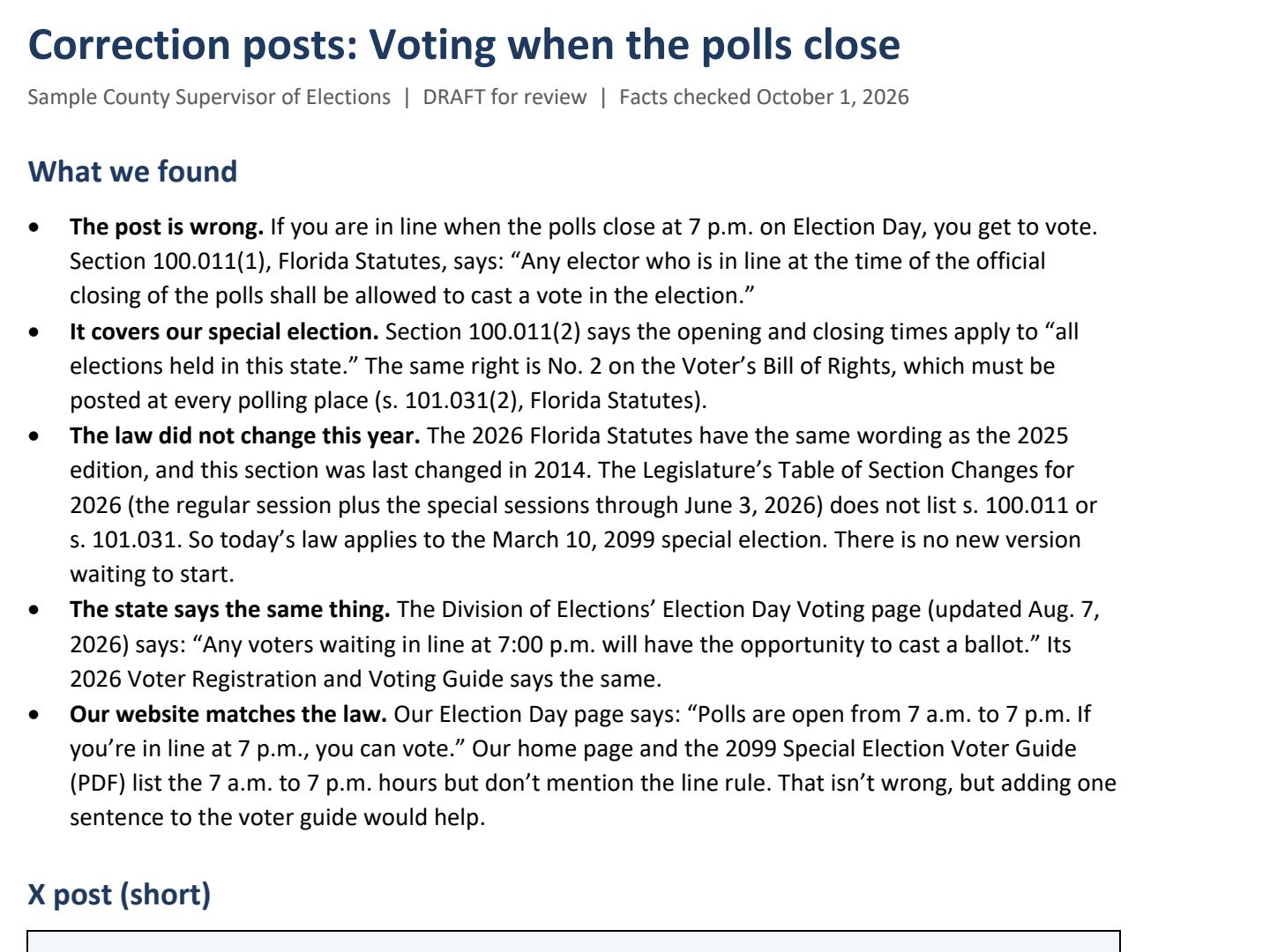 (opens the full version, PDF, 3 pages, 309 KB)
Word, Excel, and PowerPoint files download to your phone; the PDF opens first. File names end in -DRAFT because AI output is a draft until a person checks it. Web addresses shown in these samples are made-up and will not open.
Make it yours
- Get ahead of rumors. The library prompt builds pre-approved templates before the busy season. Pair it with PSA scripts on the same topics.
- Add what only your office knows. Some answers are office practice, not law: when your results page updates on election night, or how many uploads to expect. The AI can’t find those, so add them to the templates yourself.
- Fix your own pages too. If the AI finds that your website says something narrower or different from the law, update the page once your attorney agrees. A rumor is easier to answer when your own site is right.
- Different platforms. Platform-specific posts adapts one approved correction to each channel’s length and style.
- When something really does change. A real change of hours or location needs a different template: see emergency schedule changes.
Time: by hand vs. with AI
By hand
45 minutes
AI’s part, measured
About 10 minutes
in a test run of these prompts
With AI
15 minutes
your time, including review
About the measured time: “AI’s part” is how long the AI took, start to finish, in a test run of these prompts on September 27, 2026. It works on its own while you do something else. “By hand” and “With AI” are estimates of your own time.
Estimate: about 10 minutes for the AI to find the source and draft, then 10 to 15 minutes for you to read the source, adjust the tone, and get approval. Approval time depends on how fast you can reach your supervisor, so settle who approves corrections before Election Day, not during it.
Checking the work: what an expert looks for
You know this work, so you’re the best person to check it. Open every file it made and read every page. If part of it is outside what you know, hand that part to someone who knows it. These are the spots that most often need a fix:
- Click every source link and read the section yourself. AI can cite the right statute and the wrong subsection. On Online Sunshine, read the History line at the bottom too (the line under each statute that names the laws that changed it): in 2026 some pages, like the voter ID list in s. 101.043, already show law that doesn’t start until January 1, 2027.
- Describe the claim in your own words. Don’t give the AI the poster’s name, handle, profile, or photo, and don’t tag or name them in your reply.
- Get approval before posting, every time. Decide ahead of time who approves corrections and how to reach them after hours.
- If a post involves a threat, a possible crime, or a possible cyber incident, stop. That goes to your supervisor and the right authorities, not to a social media reply.
- Your posts, replies, and approvals are usually public records (s. 119.011(12), F.S.). Keep them, along with a screenshot of the original claim, under your retention schedule (the state’s list of how long to keep each kind of record).
- If the false item is a fake audio clip, video, ad, or notice, save the evidence (the link, a screenshot, the date) and don’t repost it or tag anyone. Take it to your Supervisor and your office’s attorney. They decide what to report and where.
Last reviewed October 2, 2026.