The problem
Every cycle you need more poll workers, and you need to talk to two different groups. Some people are on the fence: they want to know the hours, the pay, and the training before they commit. Others have already signed up and want to know what the job really involves. The facts are all in the state’s manual and on your website, but turning them into two good-looking presentations takes most of a day.
The prompts
Start in a folder
…\AI Projects\Poll Worker Decks\
Make the folder
On your C: drive, OneDrive, or an external drive. Your choice.
Open it in the app
Claude: Code tab → under the message box, choose Local → Open folder… ChatGPT: open Codex, click Add new project (or press Ctrl+O), then pick the folder. To add more folders later, open the project menu, choose Edit project, then Add folder.
Say what you want
Use the prompt below. Then open what it saved in the folder.
Say them out loud or type them. Change the words to fit your office. The AI goes and gets the public documents itself and saves what it makes in the folder.
Prompt 1 · Say it or type it
Build both decks
Go to the Florida Division of Elections website and download the latest Polling Place Procedures Manual. Use it to make two PowerPoint presentations and save them in this folder.

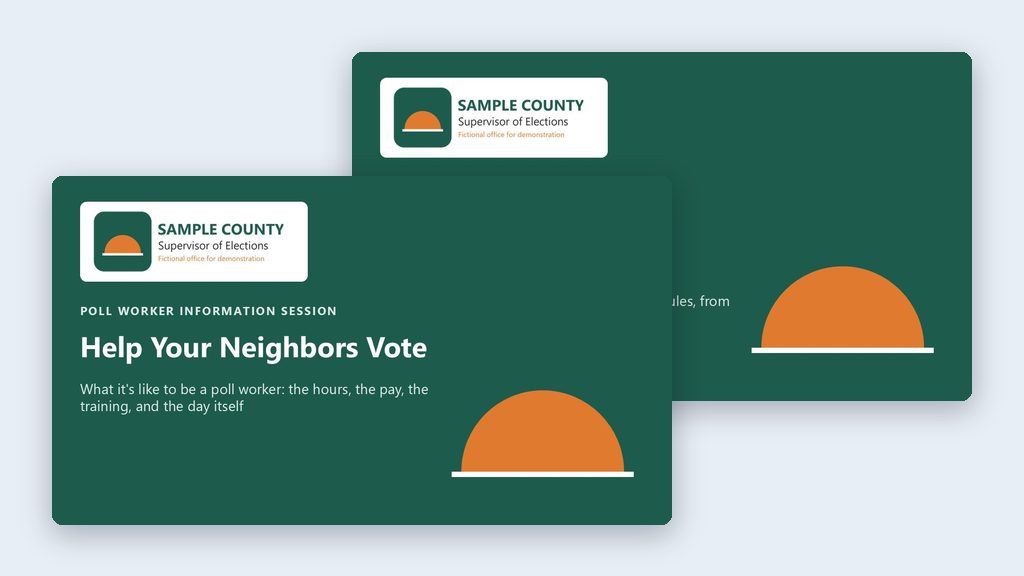
1. A high-level overview for people who are on the fence about becoming a poll worker. Cover the basics they'll worry about: how many hours, pay, training, and what the day is like.
2. A more detailed deck for people who have signed up. Go deeper, so it answers the questions they'll have before their first election.

Go to the [Your county] County Supervisor of Elections website and use its colors for the branding. If there's a logo on the site, put it on the title slide. Make the last slide of each deck a list of references with links.
Fill in anything in [brackets] with your own details.
This is close to word for word how I’d say it. Speak it with a dictation app or type it. Either way, it tells the AI what to do, what to use, and what you want back.
Prompt 2 · Say it or type it
Fix what's off
The pay and training dates in the overview deck need to match what's on our website's poll worker page. Check that page, fix both decks, and tell me what you changed.
Prompt 3 · Say it or type it
One more audience
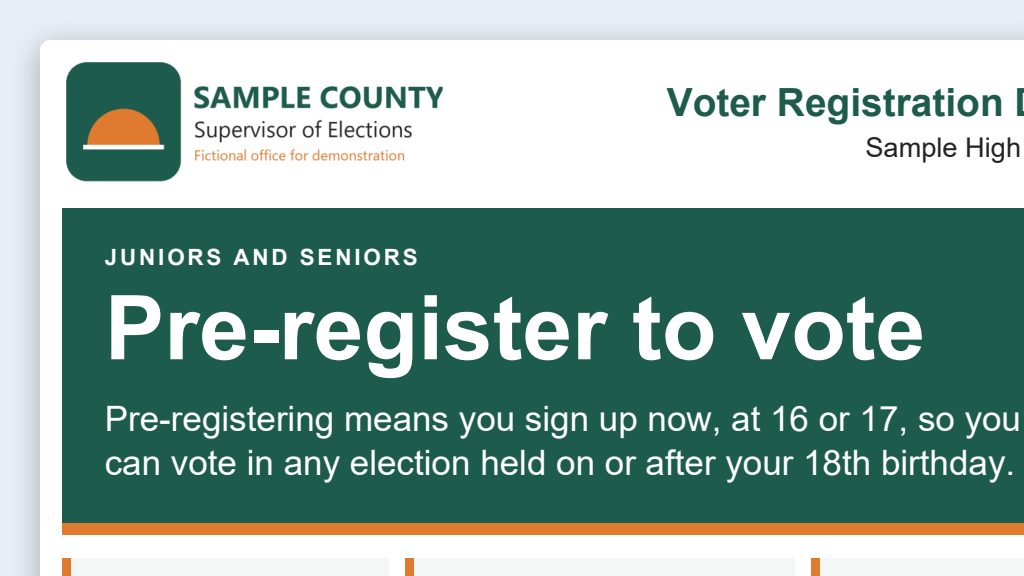
Make a third version of the overview deck for high school juniors and seniors who are 16 or 17. Keep it short and upbeat, and save it in this folder.
What you need
- The Claude desktop app (Code tab) or the ChatGPT desktop app (Codex) and a folder called something like
Poll Worker Decks. Put it wherever you like: the C: drive, OneDrive, or an external drive. - Nothing to download yourself. The AI gets the Polling Place Procedures Manual (PDF) (adopted by Rule 1S-2.034, F.A.C.) from the Division of Elections, and your colors and logo from your office’s website.
- Your current recruitment deck or flyer (optional). Put it in the folder, or tell the AI where it is on your website, and ask it to keep your look and your county’s details. See context is king.
Step by step
- Make the folder. In File Explorer, create
Poll Worker Decks. - Open it in the app. In the Claude desktop app, open the Code tab, and in the row under the message box choose Local, then Open folder…. In the ChatGPT desktop app, open Codex, click Add new project (or press Ctrl+O), and pick the folder.
- Say the prompt. Speak it or type it. Change anything you’d say differently.
- Let it work. It downloads the manual into the folder, looks at your website, and builds both decks. It may ask before it saves or runs something. Read what it’s asking, then say yes.
- Open the decks from the folder and read every slide. You know poll worker recruiting, so anything off (hours, pay, who can serve, a step in the wrong order) will stand out. The references slide shows where each fact came from if you want to look something up.
- Ask for fixes in plain words (the second prompt is an example). Every change lands in the same files.
One possible outcome
One run of the first prompt, in an empty folder, for a made-up Sample County. Both decks are in the Examples Gallery.
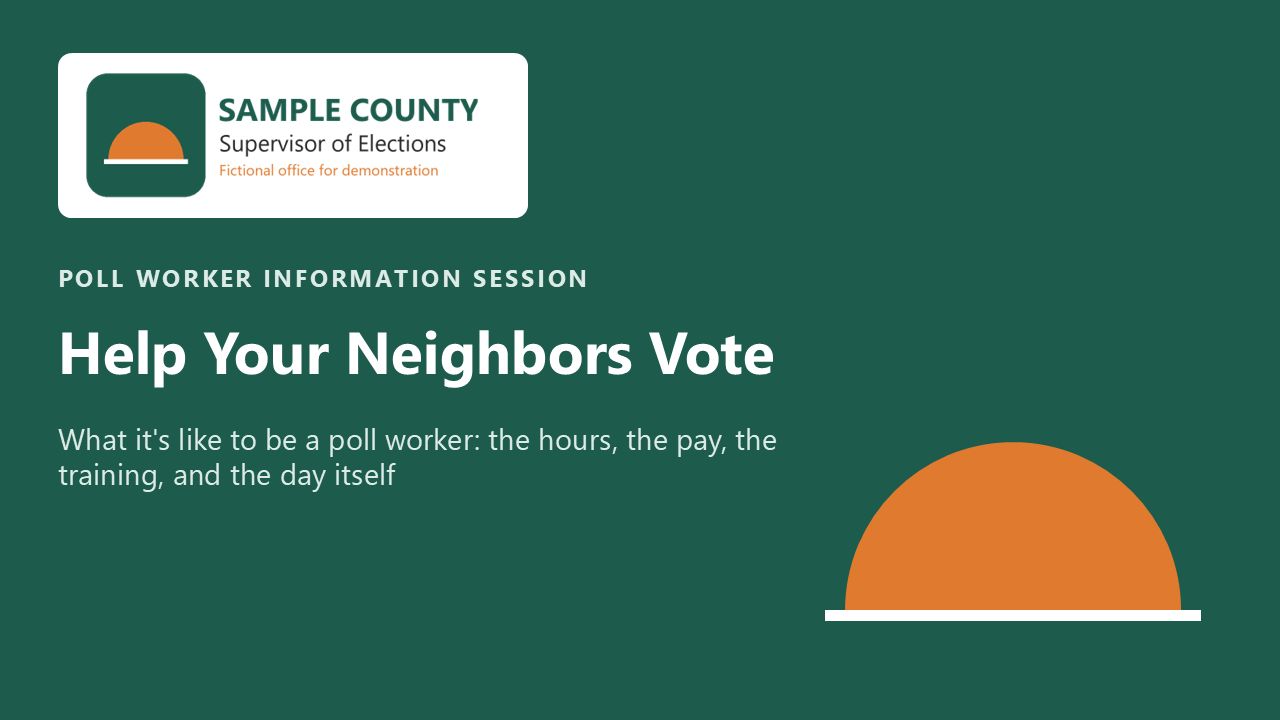 (opens the full version, PDF, 13 slides, 298 KB)
Word, Excel, and PowerPoint files download to your phone; the PDF opens first. File names end in -DRAFT because AI output is a draft until a person checks it. Web addresses shown in these samples are made-up and will not open.
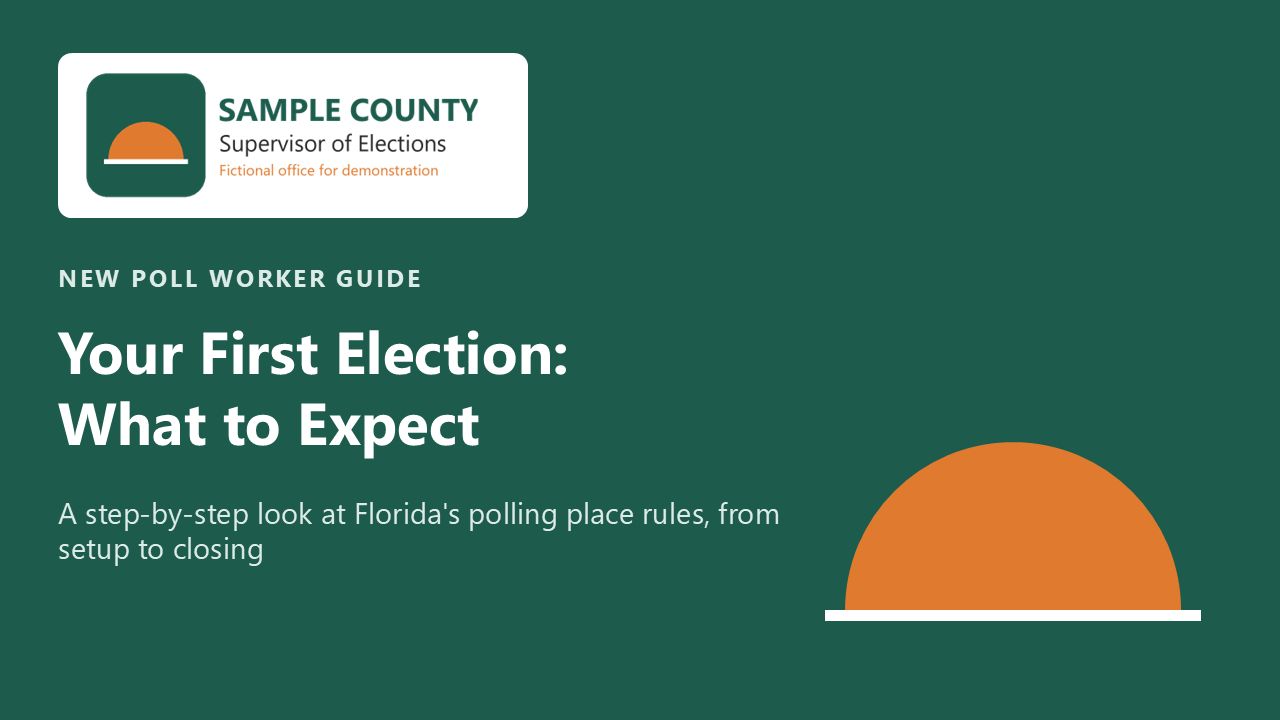 (opens the full version, PDF, 38 slides, 455 KB)
Word, Excel, and PowerPoint files download to your phone; the PDF opens first. File names end in -DRAFT because AI output is a draft until a person checks it. Web addresses shown in these samples are made-up and will not open.
Make it yours
- Need the full training deck? Poll worker training deck with speaker notes goes deeper, with speaker notes for each section of the manual.
- Doing this every cycle? Keep the folder. Next time, say: “Download the newest manual, compare it to the old one in this folder, and update both decks for what changed.”
Time: by hand vs. with AI
By hand
4–6 hours
AI’s part, measured
About 20 minutes
in a test run of these prompts
With AI
30 minutes
your time, including review
About the measured time: “AI’s part” is how long the AI took, start to finish, in a test run of these prompts on September 27, 2026. It works on its own while you do something else. “By hand” and “With AI” are estimates of your own time.
Estimate: about 20 minutes for the AI to download the manual and build both decks while you do other work, then about 25 minutes for you to click through them, fix local details like pay and training dates, and ask for changes. Building two decks by hand, with branding, is most of a day.
Checking the work: what an expert looks for
You know this work, so you’re the best person to check it. Open every file it made and read every page. If part of it is outside what you know, hand that part to someone who knows it. These are the spots that most often need a fix:
- Click through both decks and check hours, pay, and training dates against your office’s current numbers. Those change every cycle, and the state manual doesn’t have your county’s pay.
- Check who can serve against s. 102.012, F.S. (for example, preregistered 16- and 17-year-olds can serve). This is the fact AI tools get wrong most often.
- Before you recruit students, ask HR or your office’s attorney how to schedule them. Read the child labor box above: a full Election Day shift can run past those limits.
- Make sure the logo on the title slide is your office’s real file from your website, not something the AI drew.
- Run PowerPoint’s accessibility checker (Review → Check Accessibility) before you share the decks.
Last reviewed October 2, 2026.