The problem
In Florida, hurricane season overlaps election season. When a storm hits, you may need to announce an office closure, a moved polling place, or a changed deadline within hours, while phones are ringing and the power may be flickering. That’s the worst time to write from scratch and get wording approved. It’s also when a mistake does the most damage. A post that goes out before a decision is official, or guesses at a new date, can send voters to the wrong place.
The prompts
Start in a folder
…\AI Projects\Emergency Templates\
Make the folder
On your C: drive, OneDrive, or an external drive. Your choice.
Open it in the app
Claude: Code tab → under the message box, choose Local → Open folder… ChatGPT: open Codex, click Add new project (or press Ctrl+O), then pick the folder. To add more folders later, open the project menu, choose Edit project, then Add folder.
Say what you want
Use the prompt below. Then open what it saved in the folder.
Say them out loud or type them. Change the words to fit your office. The AI goes and gets the public documents itself and saves what it makes in the folder.
Prompt 1 · Say it or type it
Build the template set before hurricane season
Go to the [Your county] County Supervisor of Elections website and look at how we write our announcements. Find our official updates page and our phone number too; if we don't have a page called "updates," tell me which one you used. Then write fill-in-the-blank social media templates for the emergencies we plan for: an office closure, the office reopening, a polling place move, an early voting site closing or changing hours, and a deadline changed by an official order.

For each one, write a short version that fits on X, a longer version for Facebook and Nextdoor, and alt text for a plain text graphic. Leave every fact as a blank in square brackets, and have each template say who made the decision and point people to our updates page. Keep the tone calm and plain.

Save everything in one Word document in this folder, so we can print it for the emergency binder.
Fill in anything in [brackets] with your own details.
Have your supervisor approve the wording before the season starts.
Prompt 2 · Say it or type it
Fill in a template from the official order
Go to the Governor's website or the Division of Elections' emergency page, find Executive Order [Number], and save it in this folder. Fill in our approved closure and polling place templates with what the order supports, and put a link to the order at the bottom of each. Then list every blank the order can't fill, and tell me what decision we still need from the Supervisor.
Fill in anything in [brackets] with your own details.
An executive order usually gives your office authority to act; it doesn’t close your office or move a polling place by itself. The facts usually come from the Supervisor’s signed public announcement. When you have it, save it in the folder and say “use the announcement in this folder” instead.
Prompt 3 · Say it or type it
Post an update
Our earlier post and the Supervisor's updated announcement are in this folder. Write a short update post that starts with "UPDATE:" and says exactly what changed since our earlier post.
What you need
- The Claude desktop app (Code tab) or the ChatGPT desktop app (Codex) and a folder called something like
Emergency Templates. Put it wherever you like: the C: drive, OneDrive, or an external drive. - Your brand board, if you have one. Save it in the folder and add “Follow our brand board” when you give the prompt.
- Notices you’ve posted before (optional). A past closure or schedule-change post, saved in the folder, shows the AI your office’s voice and format. See context is king.
- Your approval chain for emergency posts: who approves, who posts, and who backs them up if they’re out.
Step by step
Before hurricane season (one time):
- Make the folder. In File Explorer, create
Emergency Templates. - Open it in the app. In the Claude desktop app, open the Code tab, and in the row under the message box choose Local, then Open folder…. In the ChatGPT desktop app, open Codex, click Add new project (or press Ctrl+O), and pick the folder. Folder projects walks through it.
- Say the first prompt. Speak it or type it. The AI reads your website, then saves the templates in the folder.
- Open the Word document and edit it for your office. Remove anything that doesn’t fit, and match the wording you’ve used before. Or ask for changes in plain words.
- Get approvals. Your supervisor (and your office’s attorney, for the deadline template) approves the wording.
- Store them where you can reach them in a storm: the folder, drafts in your scheduling tool, and a printed copy in the emergency binder in case the power or internet is down.
When it happens:
- Wait for the official decision in writing. If it’s a new executive order, have the AI explain it first (see “Reading a new order” below).
- Fill in the template. Do it by hand, or use the second prompt. An order usually gives your office authority; the Supervisor’s announcement supplies the facts, so expect blanks until you have both. If the decision isn’t public yet (for example, an internal memo), treat it as yellow: fill the template by hand or use your office’s approved business-tier tool.
- Check it. Every bracket filled, every fact matching the document, and approval from your supervisor.
- Post everywhere at once, update your website’s updates page, and pin the post. The updates page is the source of truth; posts age quickly.
- When things change, post an update with the third prompt. Save your earlier post in the folder first, so the AI can say what changed. Don’t delete the old post.
Reading a new order
When a new order comes out, start by asking what it means for your office. Save the order in your folder and say:
Say it or type it
What does this order let us do?
Executive Order [Number] is in this folder. Tell me in plain words what it lets our office do, what it requires us to post or publish, and by when.
Fill in anything in [brackets] with your own details.
Then read the order yourself, and have your office’s attorney confirm anything you’ll act on.
One possible outcome
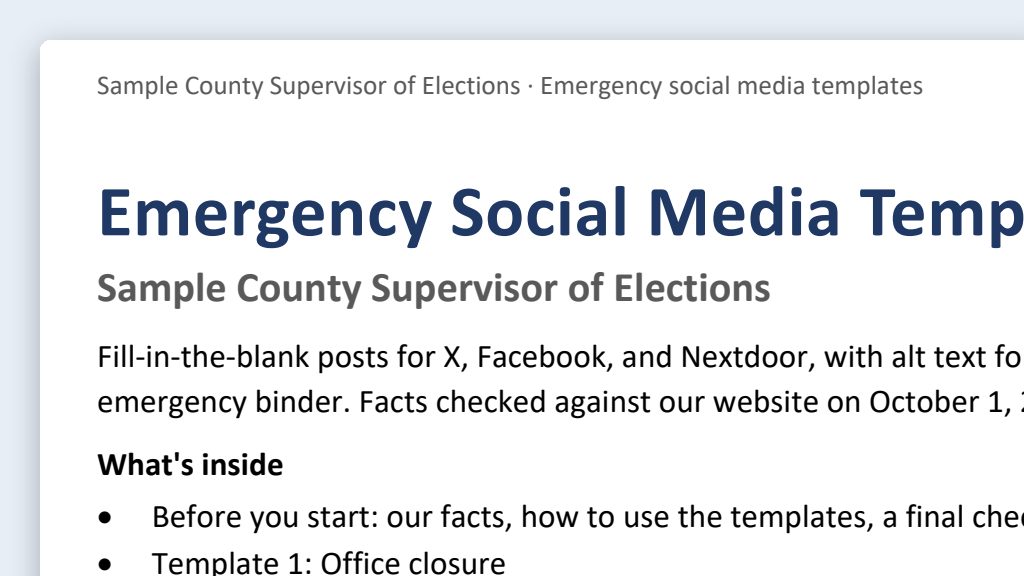
One run of the first prompt, on a stand-in website for a made-up Sample County.
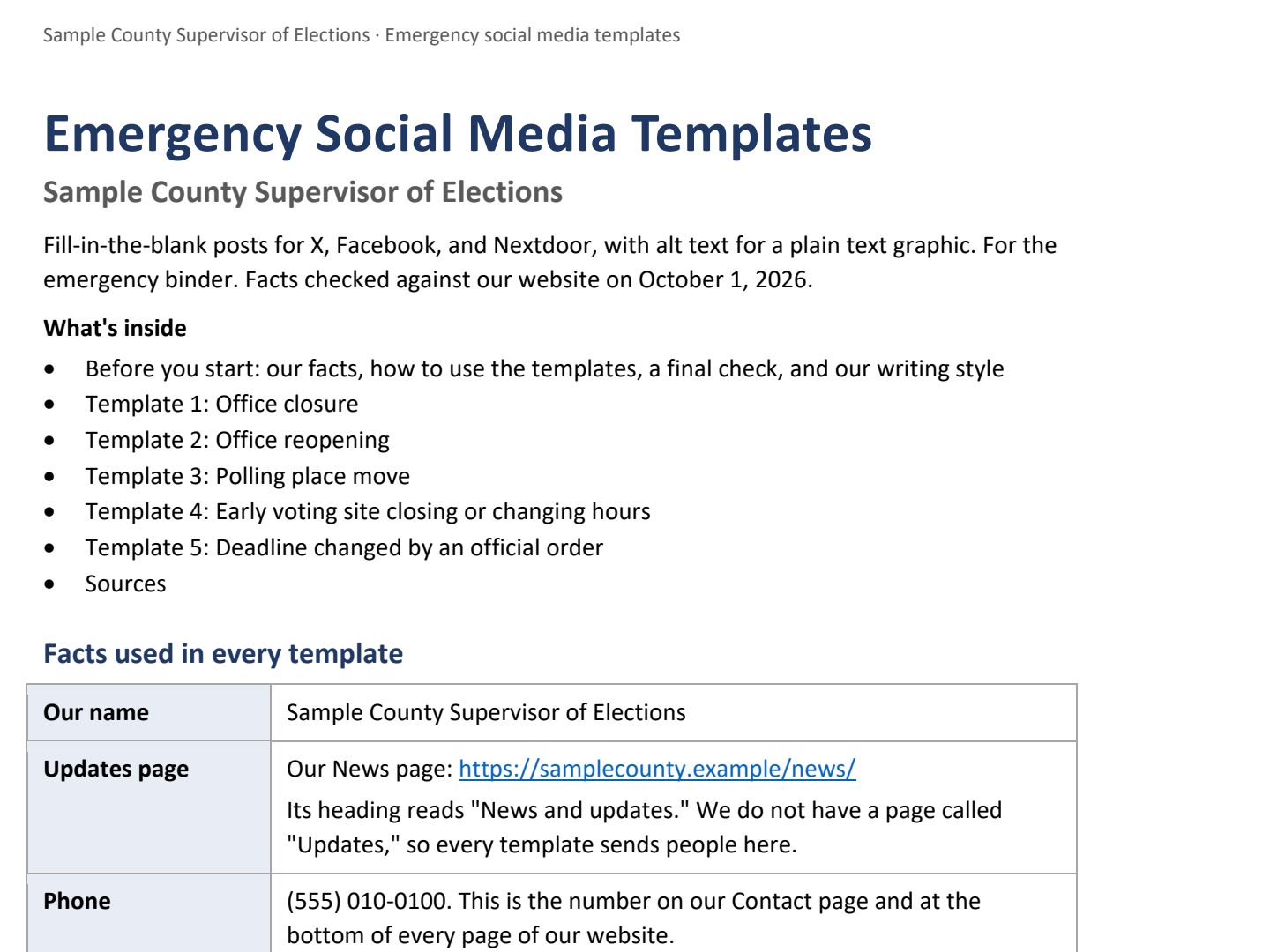 (opens the full version, PDF, 13 pages, 405 KB)
Word, Excel, and PowerPoint files download to your phone; the PDF opens first. File names end in -DRAFT because AI output is a draft until a person checks it. Web addresses shown in these samples are made-up and will not open.
Sample templates
Three short templates for a fictional “Sample County” office. They’re starting points. Adjust the wording, and get approval, before your office adopts them.
Say it or type it
Office closure
OFFICE CLOSURE: The [COUNTY] County Supervisor of Elections office at [LOCATION] will be closed [DAY, DATE] because of [HURRICANE NAME OR REASON]. [We will reopen at TIME on DAY, DATE.] or [We will post when we reopen.]
Official updates: [UPDATES PAGE] | [PHONE]
Fill in anything in [brackets] with your own details.
Say it or type it
Polling place moved
POLLING PLACE CHANGE: For the [ELECTION NAME] on [DATE], voters in Precinct [NUMBER] will vote at [NEW LOCATION NAME], [NEW ADDRESS], instead of [OLD LOCATION NAME]. Polls are open 7 a.m. to 7 p.m.
Check your polling place: [LOOKUP LINK] | Questions: [PHONE]
Fill in anything in [brackets] with your own details.
Say it or type it
Deadline change
DEADLINE UPDATE: Under [EXECUTIVE ORDER NUMBER OR OFFICIAL DIRECTIVE], the deadline to [ACTION, e.g., request a vote-by-mail ballot] for the [ELECTION NAME] has changed from [OLD DATE AND TIME] to [NEW DATE AND TIME]. [OTHER CHANGES FROM THE ORDER, or delete this line.]
Read the order: [LINK TO OFFICIAL DOCUMENT] | Questions: [PHONE]
Fill in anything in [brackets] with your own details.
Make it yours
- Add more templates: early voting site closed, hours changed, office reopening, or results delayed. Say “Add a template for delayed results” and it lands in the same document.
- Deadlines are the riskiest template. Most election deadlines are set in state law, so a change usually comes from an official action outside your office. Name that action in the post and link to the document itself.
- Nextdoor agency pages can target specific neighborhoods, which helps when a change affects only part of the county. See Platform-specific posts.
Time: by hand vs. with AI
By hand
30–60 minutes per post, under pressure
AI’s part, measured
About 15 minutes
in a test run of these prompts
With AI
5–10 minutes to fill in and approve
your time, including review
About the measured time: “AI’s part” is how long the AI took, start to finish, in a test run of these prompts on September 27, 2026. It works on its own while you do something else. “By hand” and “With AI” are estimates of your own time.
Plus a one-time 2–3 hours before hurricane season. The AI writes the whole template set in about 15 minutes; the rest is editing and approval. During an emergency, your time goes to confirming facts and getting approval, not to writing.
Checking the work: what an expert looks for
You know this work, so you’re the best person to check it. Open every file it made and read every page. If part of it is outside what you know, hand that part to someone who knows it. These are the spots that most often need a fix:
- Post only after the decision is official and in writing: the Supervisor’s decision, a Governor’s executive order, or a Division of Elections directive. No ‘we expect’ or ‘likely’ posts.
- Social posts add to legally required notices; they don’t replace them. Florida law sets specific notice steps when a polling place moves (s. 101.71, F.S.) and when an election is rescheduled after an emergency (s. 101.733, F.S.). Ask your office’s attorney which notices apply.
- Before anything posts, search the filled-in template for a leftover ‘[‘ and check every fact against the official document. Executive orders are often scanned images with no text. Both apps can read the page images, but read the order yourself before you trust any quote.
- Don’t delete outdated posts. They’re usually public records (s. 119.011(12), F.S.), and your retention schedule (the state’s list of how long to keep each kind of record) and office policy decide what happens to them. Post an update and reply to the old post instead.
Last reviewed October 2, 2026.