The problem
Image tools can make a clean graphic in seconds. They can also make things an election office should never post: a ballot that looks almost real, a polling place that doesn’t exist, a smiling ‘voter’ who never existed, or a county seal with the words misspelled. Without a plan, staff type vague requests, get off-brand results, and try again and again. You need a repeatable way to ask for simple, on-brand images, and clear limits on what never to generate.
The prompts
Start in a folder
…\AI Projects\Social Graphics\
Make the folder
On your C: drive, OneDrive, or an external drive. Your choice.
Open it in the app
Claude: Code tab → under the message box, choose Local → Open folder… ChatGPT: open Codex, click Add new project (or press Ctrl+O), then pick the folder. To add more folders later, open the project menu, choose Edit project, then Add folder.
Say what you want
Use the prompt below. Then open what it saved in the folder.
Say them out loud or type them. Change the words to fit your office. The AI goes and gets the public documents itself and saves what it makes in the folder.
Prompt 1 · Say it or type it
Make the graphic (ChatGPT desktop app)
Our approved brand board is in this folder. Make three options for a square Instagram graphic about [Topic], in our brand colors, as a simple flat illustration with one icon like a calendar, a clock, or an envelope. Leave the top third empty for a headline we'll add ourselves, and the bottom right corner empty for our real logo.

No words or numbers in the image, and no people, ballots, voting equipment, buildings, maps, flags, seals, or logos. Save the images in this folder, and write alt text for each one with a placeholder where our headline will go.
Fill in anything in [brackets] with your own details.
Speak it or type it. Add the headline and logo yourself in Canva, PowerPoint, or Adobe Express. Image tools often misspell words.
Prompt 2 · Say it or type it
Write the image prompts (Claude)
Our approved brand board is in this folder. Write three image prompts for a square Instagram graphic about [Topic] that follow the brand board, with the same limits: flat illustration, no words, no people, ballots, voting equipment, seals, or logos, and empty space for our headline and logo. Save them in this folder with alt text for each.
Fill in anything in [brackets] with your own details.
Claude doesn’t make images. Open the same folder in Codex in the ChatGPT desktop app and say: “Make the images from the prompts in this folder.”
Prompt 3 · Say it or type it
Make a text-only card (Claude or ChatGPT)
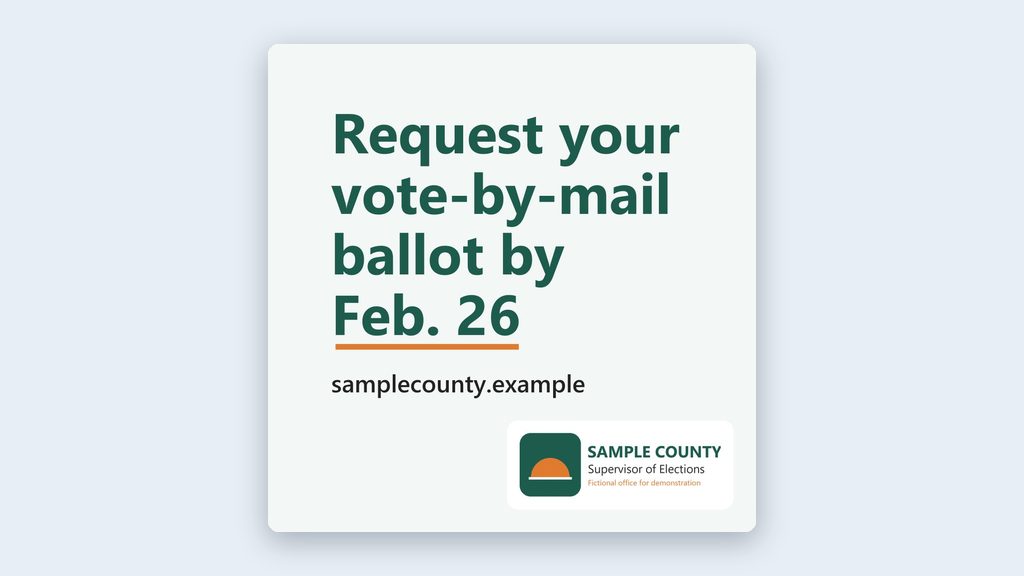
Make a text-only square graphic for Instagram in our brand colors and fonts, with the headline "[Headline]" and our website address. Put our real logo file from this folder in the bottom right corner. Save it as a PNG in this folder, with alt text that includes every word on the card.
Fill in anything in [brackets] with your own details.
No AI image at all: Claude builds the card with code, so the words are typed, not drawn. ChatGPT may use its image tool instead, so read every letter. Your logo file needs to be in the folder.
What you need
- The ChatGPT desktop app to make the images, and a folder called something like
Social Graphics. Working in Claude? It writes the image prompts, and you open the same folder in Codex in ChatGPT to make the pictures. Claude can also build a text-only card on its own (the third prompt). - Your approved brand board, copied into the folder. The standing instructions file made from it (CLAUDE.md or AGENTS.md) is plain text, which both apps read easily, so copy that in too. If you don’t have a board yet, start with Brand board from your public website.
- Your real logo file, in the folder, for the text-only card and for adding to finished images.
- A design tool for adding your headline and logo: Canva, PowerPoint, or Adobe Express all work.
- Your office’s policy on AI-generated images, if it has one.
Side note: Florida’s 2024 law (s. 106.145, F.S.) requires a disclaimer on certain AI-made political advertisements. Ask your attorney whether it reaches your office’s voter information. Until you have an answer, follow your office’s own labeling policy.
Step by step
- Make the folder and copy your approved brand board into it.
- Open it in the ChatGPT desktop app: open Codex, click Add new project (or press Ctrl+O), and pick the folder. (In Claude: Code tab, then under the message box choose Local and Open folder…. Full walkthrough: Folder projects.)
- Say the prompt with your topic. In Claude, use the second prompt for image prompts or the third for a text-only card.
- Open the images from the folder and look at every one up close. Check each against the four rules above. You know what your office’s ballots, envelopes, and voting equipment look like, so anything too close to the real thing will stand out. If in doubt, make a new image.
- Add your headline and real logo in your design tool. Proofread the headline.
- Label it if your office’s policy says to, and add the alt text when you post. Most platforms have an alt text field when you upload an image. If you can’t find it, put a short description in the post itself.
- Keep the folder. The final image and the prompt stay together with the post’s records.
One possible outcome
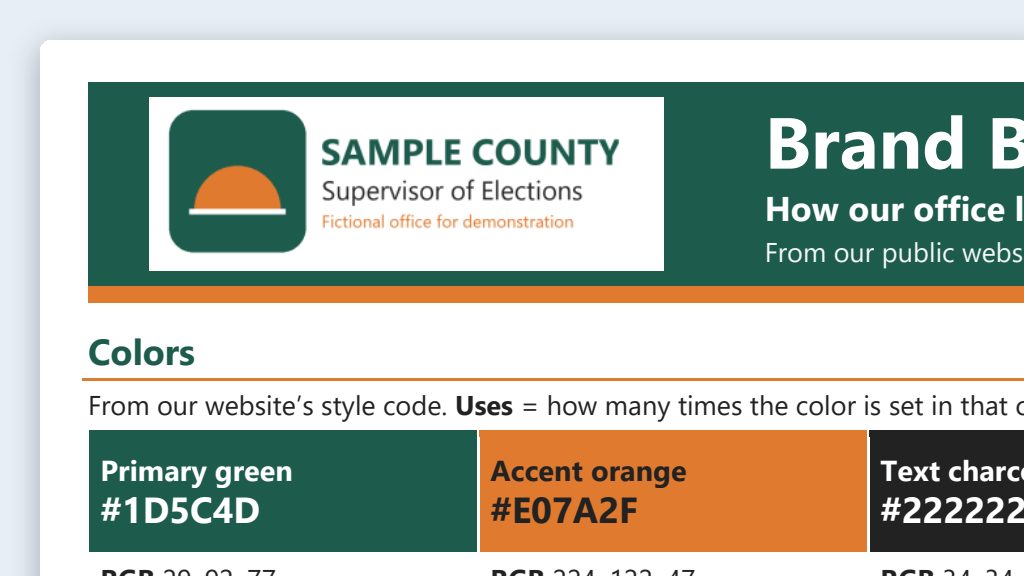
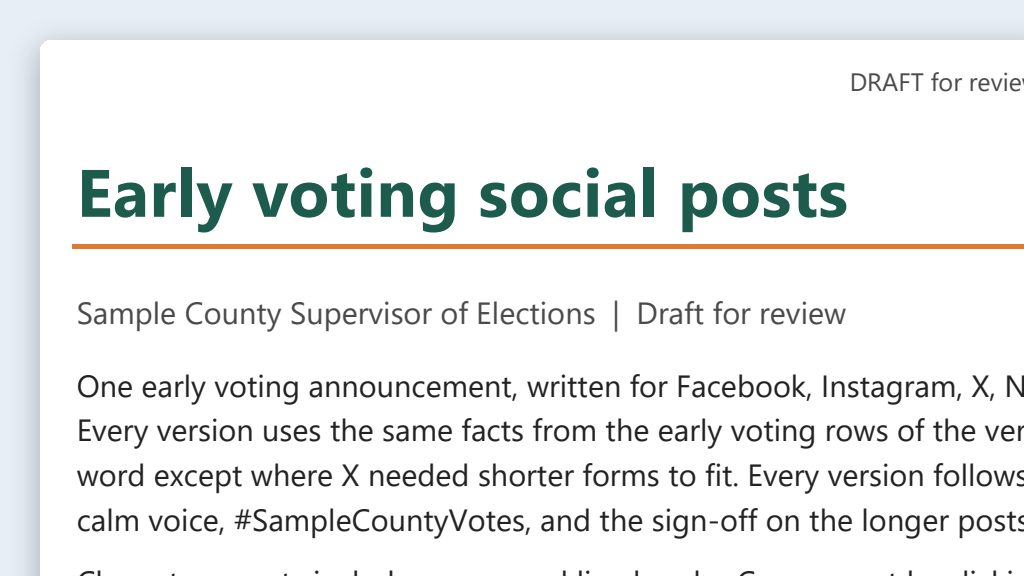
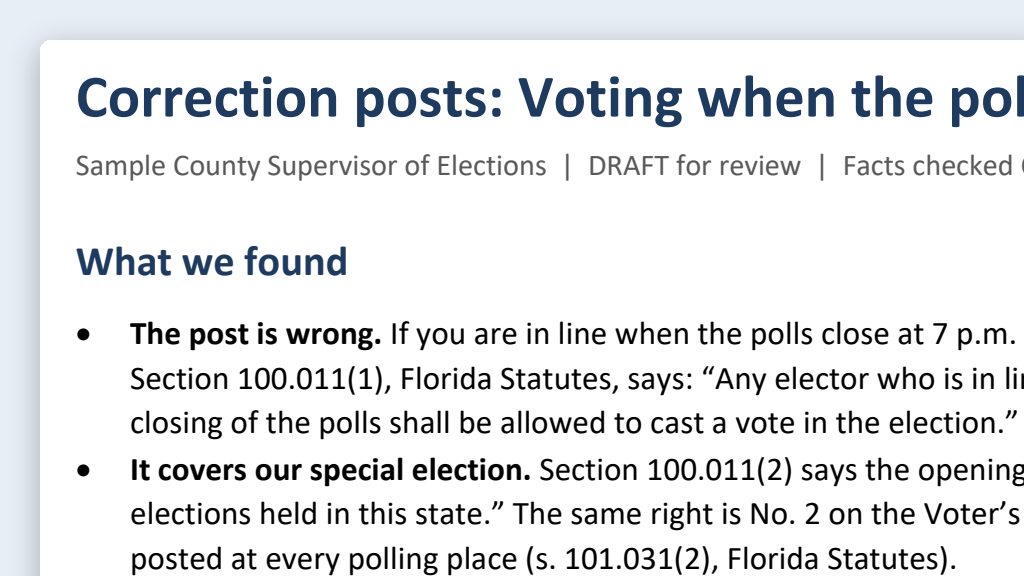
One run of the first and third prompts, with a brand board and logo for a made-up Sample County. Claude can’t draw pictures, so for the first prompt it wrote image prompts.
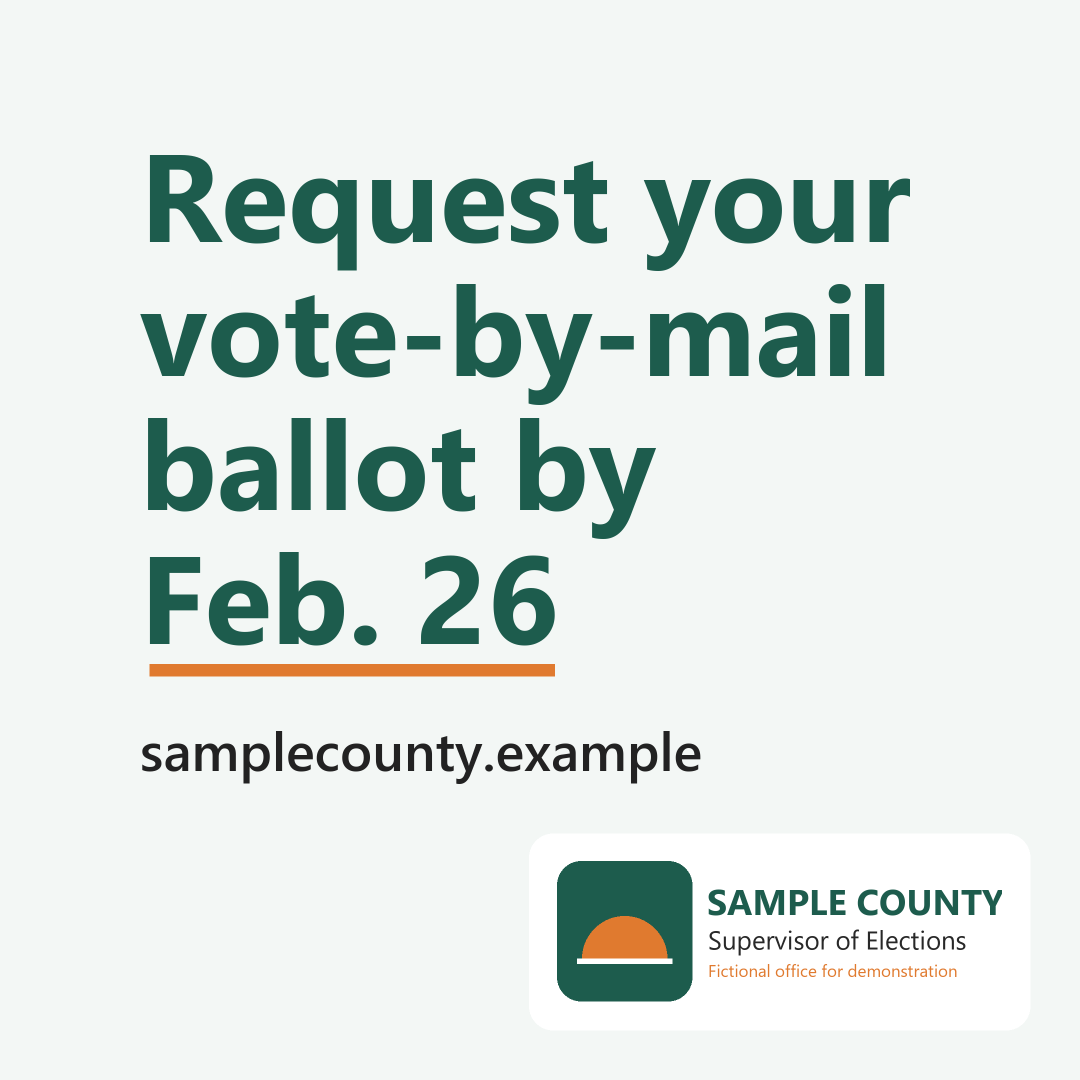 (opens the full version, PNG, 1080 × 1080, 72 KB)
File names end in -DRAFT because AI output is a draft until a person checks it. Web addresses shown in these samples are made-up and will not open.
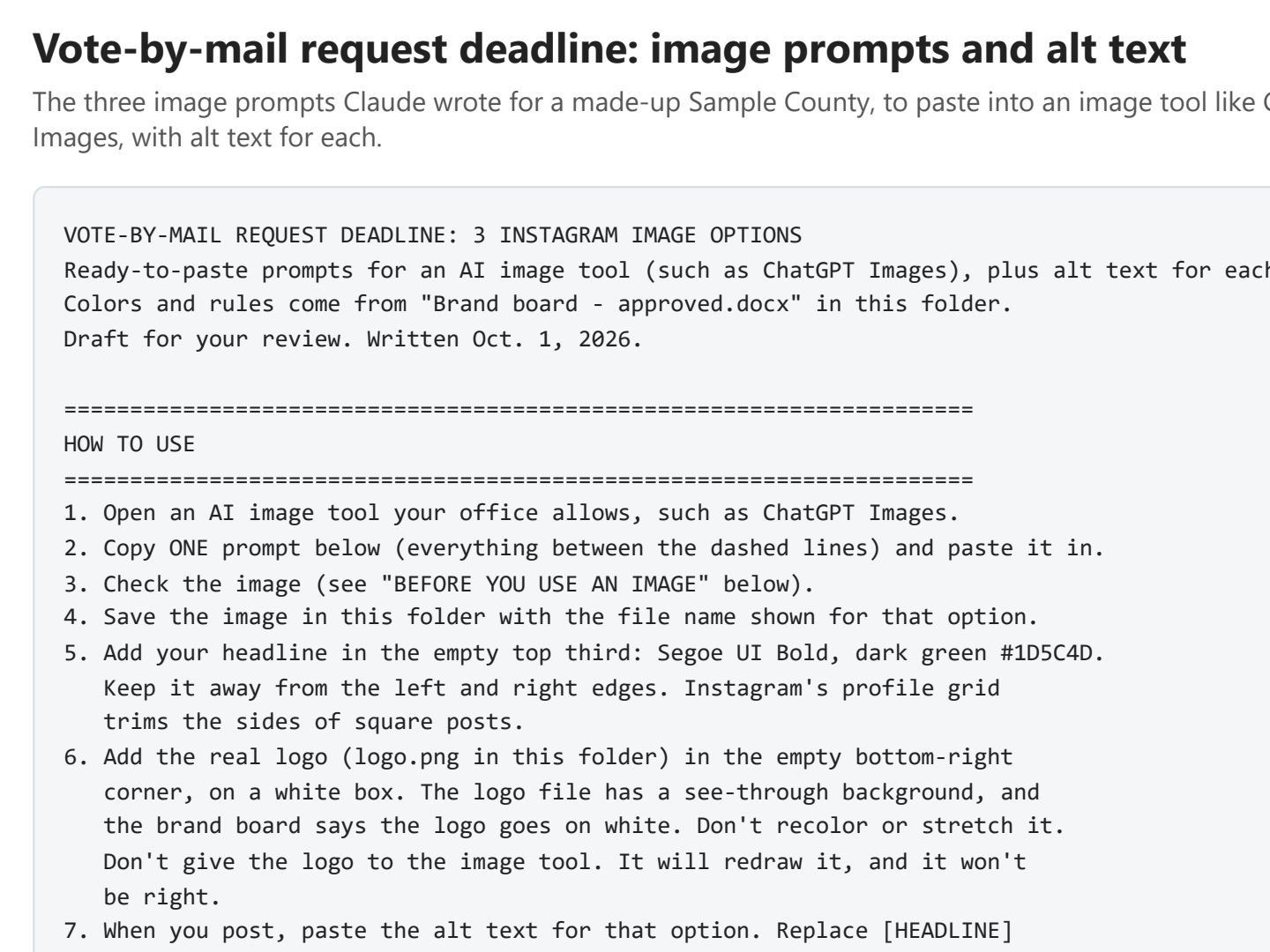 (opens the full version, PDF, 3 pages, 51 KB)
Word, Excel, and PowerPoint files download to your phone; the PDF opens first. File names end in -DRAFT because AI output is a draft until a person checks it. Web addresses shown in these samples are made-up and will not open.
Make it yours
- A matching series. Ask: “Make five matching graphics for a series on the steps to vote early. Same style, colors, and layout. Only the icon changes.”
- Sometimes the best graphic has no AI image at all. A clean, text-only card in your brand colors (the third prompt) is often clearer. You still read every word and check every fact on it.
- Save the limits once. Put your brand board’s standing instructions file in the folder (see Brand board), so every session follows them.
- Seeing a fake image about your office? See Misinformation response.
- Ready to post? Platform-specific posts covers captions, alt text, and character limits.
Time: by hand vs. with AI
By hand
30–60 minutes per graphic
AI’s part, measured
About 15 minutes
in a test run of these prompts
With AI
10–15 minutes per graphic
your time, including review
About the measured time: “AI’s part” is how long the AI took, start to finish, in a test run of these prompts on September 27, 2026. It works on its own while you do something else. “By hand” and “With AI” are estimates of your own time.
Estimate: the AI makes a few options in a minute or two. Most of your time goes to checking each one against the limits below, adding your real logo and headline in your design tool, and checking the alt text.
Checking the work: what an expert looks for
You know this work, so you’re the best person to check it. Open every file it made and read every page. If part of it is outside what you know, hand that part to someone who knows it. These are the spots that most often need a fix:
- Look closely at every image: hands, flags, letters, backgrounds. Anything that looks like a ballot, voting equipment, a voting booth, a real place, or a real person gets thrown out. A map pin is a natural icon for early voting, but it can turn into a map that looks like your county. Throw that out too.
- Image tools misspell words and let colors drift. Add your headline in your design tool, where you can proofread it, and fix colors there.
- Don’t give an image tool photos of real people (staff, voters, poll workers) to ‘improve’ them. Use real photos only as real photos, and only with permission.
- Write or check the alt text after you add your headline, so it includes the words on the graphic.
- Check your office’s policy on AI-generated images before you post the first one. The image you post and the prompt that made it may be public records, so keep them with the post’s other records.
Last reviewed October 2, 2026.