The problem
Voters ask simple questions: What time do the polls close? How long does my vote-by-mail request last? The honest answer is in a statute written for lawyers. Rewriting it for your website or a handout takes care, because if you shorten it too much you change what the law says. You need a plain-language draft that keeps the citation, sticks to the text, and is easy for someone who knows the law to check.
The prompts
Start in a folder
…\AI Projects\Statute Explainers\
Make the folder
On your C: drive, OneDrive, or an external drive. Your choice.
Open it in the app
Claude: Code tab → under the message box, choose Local → Open folder… ChatGPT: open Codex, click Add new project (or press Ctrl+O), then pick the folder. To add more folders later, open the project menu, choose Edit project, then Add folder.
Say what you want
Use the prompt below. Then open what it saved in the folder.
Say them out loud or type them. Change the words to fit your office. The AI goes and gets the public documents itself and saves what it makes in the folder.
Prompt 1 · Say it or type it
Explain a statute in plain language
Go to Online Sunshine and get the current text of section 100.011(1), Florida Statutes. Save a copy in this folder with the date you got it. If the History line at the bottom shows a change passed this year, find out when it takes effect and tell me which text applies to our next election.

Write a short explainer for voters visiting our website: a question as the headline, a two- or three-sentence answer, and a few bullets if they help. Keep the legal meaning exactly the same: "must" stays required, "may" stays optional, and every time and number stays as written. End with the citation and a link to the statute, and save it as a Word document in this folder.
Swap in whichever section your voters ask about. One section or subsection at a time works best.
Prompt 2 · Say it or type it
Short version for a sign or post
Give me three one- or two-sentence versions of the approved explainer for a lobby sign, with every time and number exactly the same and the citation at the end.
What you need
- The Claude desktop app (Code tab) or the ChatGPT desktop app (Codex) and a folder called something like
Statute Explainers, on the C: drive, OneDrive, or an external drive. - One question at a time. “What time do the polls close?” works better than “Explain chapter 100.” Short sections get more accurate rewrites.
- Nothing to copy yourself. The AI gets the text from Online Sunshine, the Legislature’s official site, or, for rules, from flrules.org, and saves it in the folder.
- An explainer or FAQ page your office already publishes (optional). Tell the AI where it is on your website so the new ones match its tone and format. See context is king.
- A reviewer. Your office’s attorney, or a senior staffer who knows this statute well.
Step by step
- Pick the question first. Then find the section that answers it.
- Make the folder and open it in the app. Claude: Code tab → under the message box, choose Local → Open folder…. ChatGPT: open Codex, click Add new project (or press Ctrl+O), and pick the folder. Folder projects walks through it.
- Say the first prompt with your section number. Speak it or type it.
- Open the statute text it saved and compare it with the page on Online Sunshine. Don’t stop at the year at the top: read the History line at the bottom too (the line under each statute that names the laws that changed it). If a 2026 law changed the section, the new wording may not be in effect yet.
- Read the explainer next to the statute. You answer these questions every day, so a dropped “unless,” a “may” that became “must,” or a sentence the statute doesn’t support will jump out at you. Leaving out a sentence is fine if it doesn’t matter to your audience. Leaving out a condition is not.
- Send the Word document to your reviewer. Your attorney knows the law better than anyone in the office, so anything that changes a legal meaning is theirs to call.
- Post it with the citation and a “last checked” date. Use the second prompt for short versions.
One possible outcome
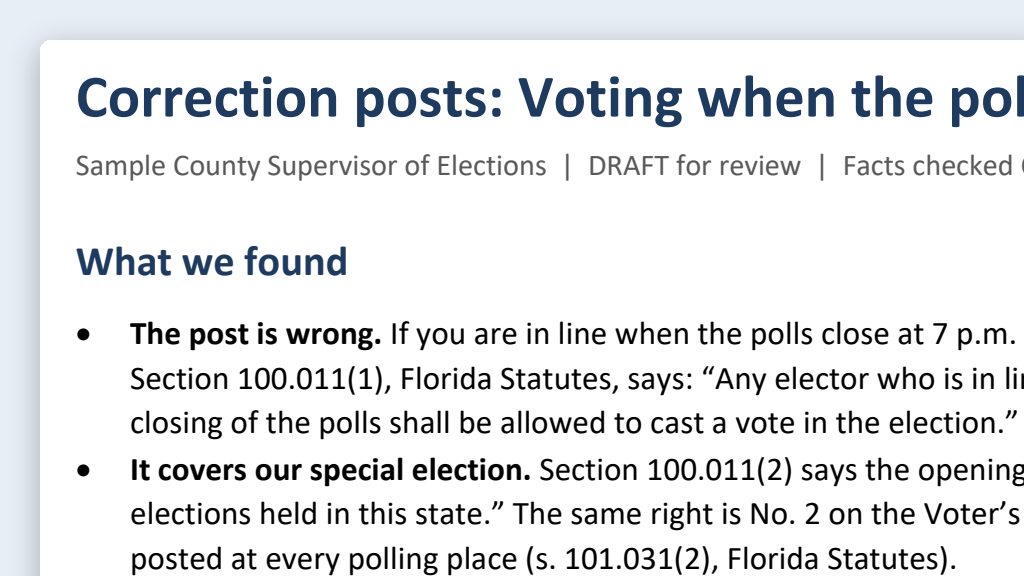
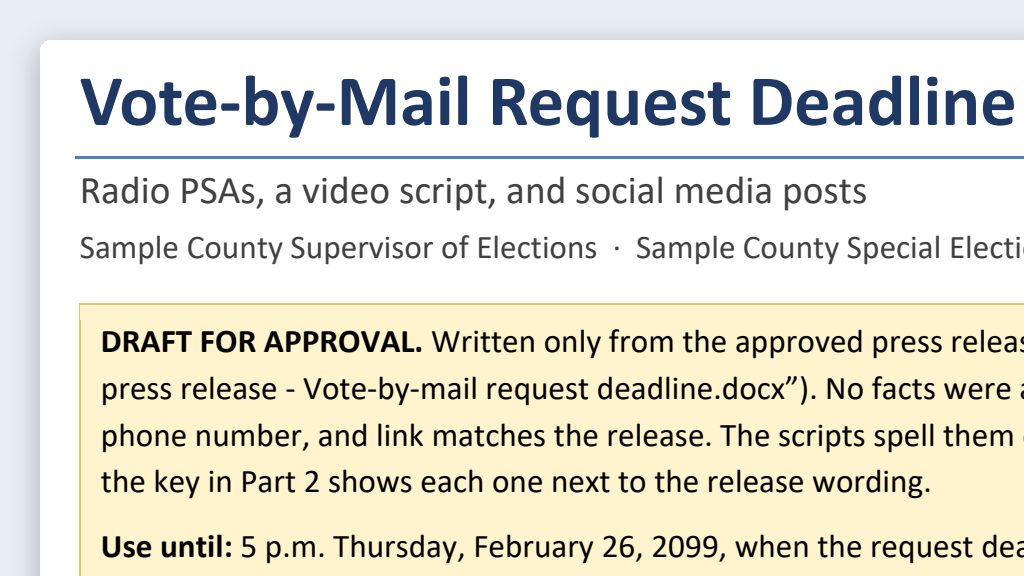
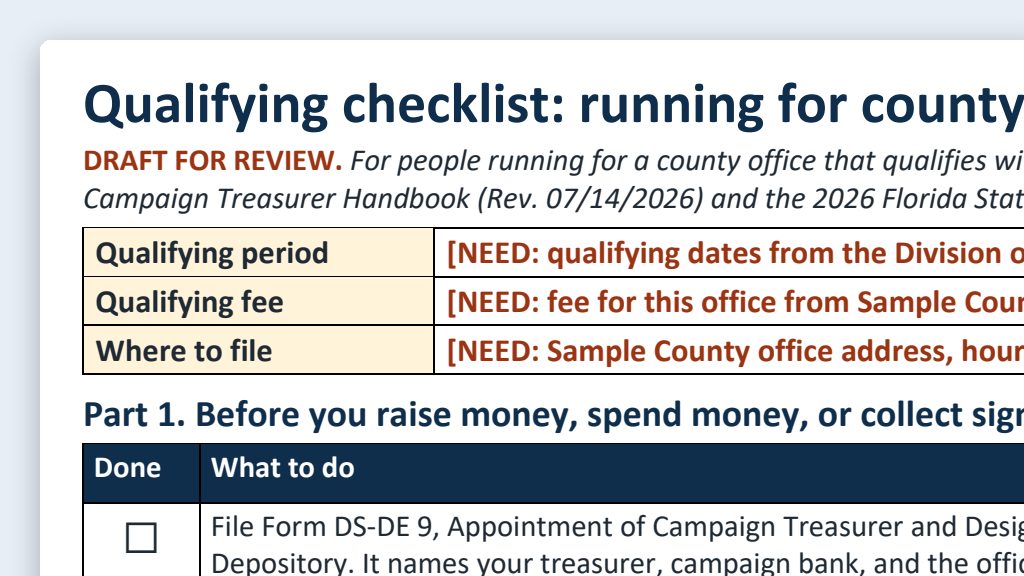
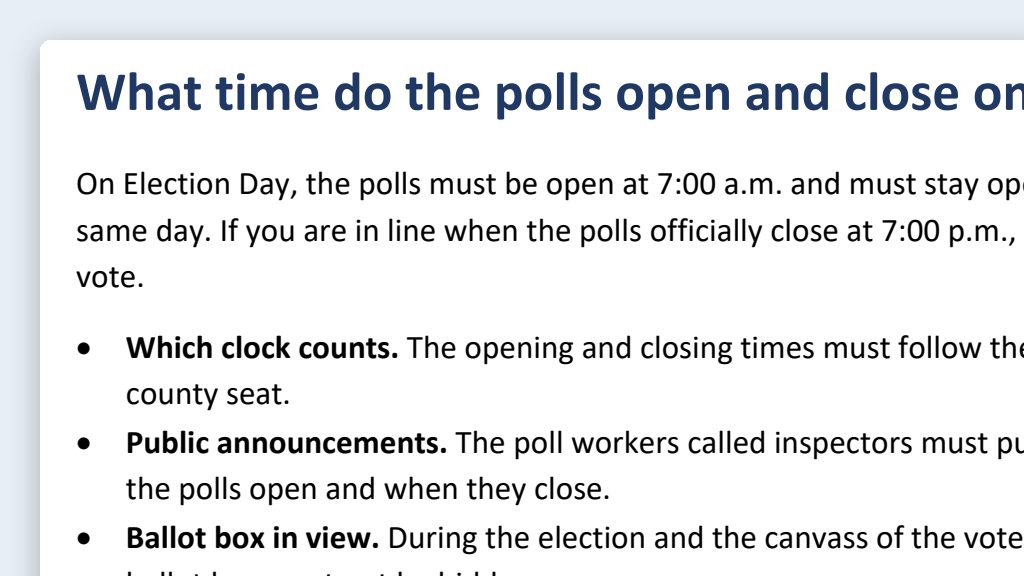
One run of the first prompt, for s. 100.011(1), F.S. (when the polls open and close), for a made-up Sample County.
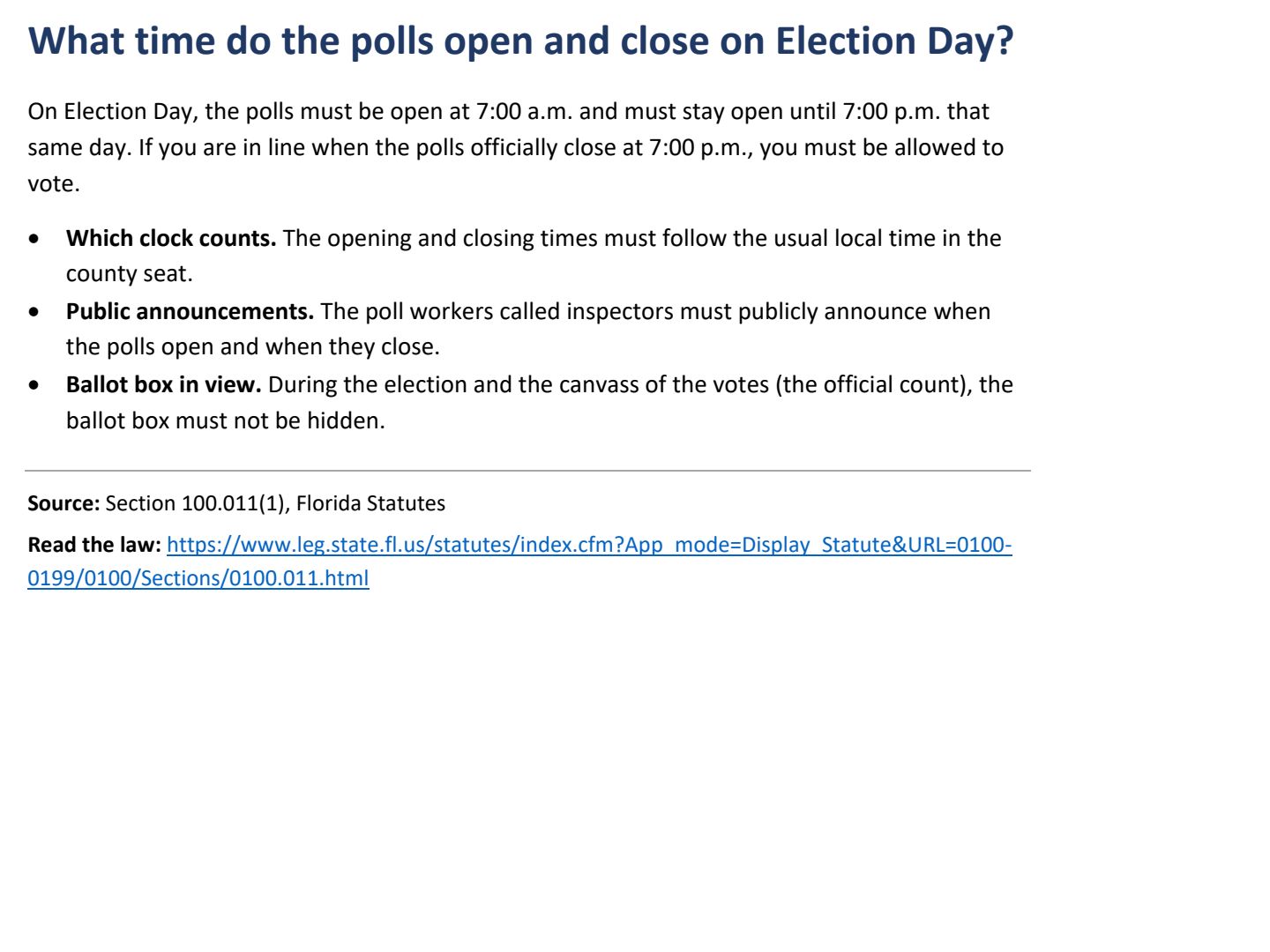 (opens the full version, PDF, 1 page, 197 KB)
Word, Excel, and PowerPoint files download to your phone; the PDF opens first. File names end in -DRAFT because AI output is a draft until a person checks it. Web addresses shown in these samples are made-up and will not open.
Why this works
- People who know the law do the checking. You and your attorney read every sentence. Lost conditions, “may” becoming “must,” and changed numbers are easy to catch when you know what the statute says.
- The folder keeps it together. The statute text, the date you got it, and the explainer sit side by side for your reviewer and for next year’s re-check.
Make it yours
- Try a harder one. s. 101.62, F.S. (vote-by-mail requests) has several conditions: who may ask, how, and how long a request lasts. That’s exactly where AI drafts drop words, which makes it good practice. Do one subsection at a time.
- The best practice section in 2026. s. 101.043(1), F.S. (voter ID) answers a question voters ask all the time. Online Sunshine now shows the ID list that starts January 1, 2027, under “The 2026 Florida Statutes.” Working out which list applies to your next election, and saying so plainly, is exactly the skill this page teaches. Have your attorney confirm before anything is posted.
- Rules work the same way. Ask the AI to get the rule from flrules.org and cite it as “Rule [Number], Florida Administrative Code.”
- Answering a rumor? A checked explainer is a strong base for a correction. See misinformation response.
Time: by hand vs. with AI
By hand
1–2 hours
AI’s part, measured
About 8 minutes
in a test run of these prompts
With AI
30–45 minutes
your time, including review
About the measured time: “AI’s part” is how long the AI took, start to finish, in a test run of these prompts on September 27, 2026. It works on its own while you do something else. “By hand” and “With AI” are estimates of your own time.
Estimate: the draft takes about 10 minutes. The time goes to you reading the explainer next to the statute and getting a legal read. Because you answer these questions every day, that read goes quickly.
Checking the work: what an expert looks for
You know this work, so you’re the best person to check it. Open every file it made and read every page. If part of it is outside what you know, hand that part to someone who knows it. These are the spots that most often need a fix:
- The year at the top of Online Sunshine isn’t enough. In 2026 some pages already show law that starts January 1, 2027 (for example, the voter ID list in s. 101.043) under ‘The 2026 Florida Statutes.’ Read the History line at the bottom: if it ends with ch. 2026-26 (PDF), check whether that change is in effect yet before you post anything.
- Watch the small words: may, must, shall, only, unless, except, and ‘and’ versus ‘or.’ AI rewrites often smooth them away, and that changes the law.
- Keep the citation on every version, including short ones, so readers can check the source.
- Have your office’s attorney or a senior staffer who knows the law check the meaning before anything is posted. A plain-language summary isn’t legal advice.
- Re-check each explainer after every legislative session, and put a ‘last checked’ date on the page.
Last reviewed October 2, 2026.