The problem
Most offices have a look and a voice, but it lives in people’s heads. One staffer uses the navy from the website; another picks a blue that’s close enough. The Facebook page sounds formal and the Instagram account sounds chatty. When a new person takes over social media, or three people are posting during a busy election week, the brand drifts. A brand board (one page that lists your colors, fonts, logo rules, tone, hashtags, and sign-offs) fixes that. Nobody has time to build one from scratch.
The prompts
Start in a folder
…\AI Projects\Brand Board\
Make the folder
On your C: drive, OneDrive, or an external drive. Your choice.
Open it in the app
Claude: Code tab → under the message box, choose Local → Open folder… ChatGPT: open Codex, click Add new project (or press Ctrl+O), then pick the folder. To add more folders later, open the project menu, choose Edit project, then Add folder.
Say what you want
Use the prompt below. Then open what it saved in the folder.
Say them out loud or type them. Change the words to fit your office. The AI goes and gets the public documents itself and saves what it makes in the folder.
Prompt 1 · Say it or type it
Build the brand board from our website
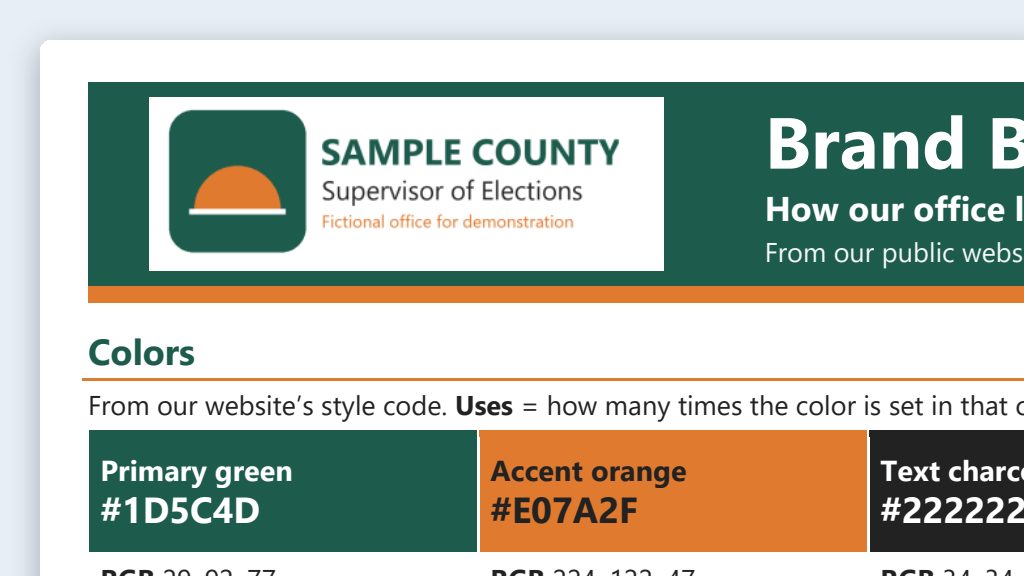
Go to the [Your county] County Supervisor of Elections website and build a brand board our staff can follow when they write posts and make graphics. Pull our colors from the site's style code, with hex codes and how often the site uses each one, plus our fonts, and save a copy of our logo in this folder. Look at the official social media accounts linked from our site or our Facebook page for our tone, the hashtags we use, and how we sign off, and quote real examples from our posts and pages. Add a short list of words we use and words we don't, like "vote-by-mail ballot," not "absentee ballot."

Save the brand board as a Word document in this folder. Keep it to one page if you can, with a list of where each item came from on a second page.
Fill in anything in [brackets] with your own details.
Speak it or type it. If your office already has a style guide, put a copy in the folder and say “start from the style guide in this folder.”
Prompt 2 · Say it or type it
Check the colors for contrast
Check every text-and-background color pair on the brand board for WCAG contrast, and add a table showing which pairs pass for normal text, which pass only for large text, and which fail. Don't change our colors.
Confirm every ratio yourself in the free WebAIM Contrast Checker.
Prompt 3 · Say it or type it
Make it standing instructions
The brand board is approved. Make a short CLAUDE.md from it that I can copy into any folder where we make posts or graphics, with our colors, fonts, tone, hashtags, and sign-offs. Add that images never show realistic ballots, voting equipment, or real people, and never redraw our seal or logo.
Using ChatGPT? Say AGENTS.md instead of CLAUDE.md. Board not signed off yet? Say “the draft brand board” instead, so the file doesn’t claim approval.
What you need
- The Claude desktop app (Code tab) or the ChatGPT desktop app (Codex) and a folder called something like
Brand Board. - Almost nothing to download yourself. The AI reads your public website, saves your logo in the folder, and builds the board there. If your office has a style guide or original logo files, put copies in the folder too.
- Your recent posts, if the AI can’t see them. Social media sites show very little to someone who isn’t logged in: Facebook may show a handful of posts, and Instagram may show only the bio. If the AI can’t see your posts, copy 5 to 10 recent ones into a text file in the folder.
- Your web person or IT contractor, for five minutes. They can confirm the exact color codes and fonts your website uses.
- The free WebAIM Contrast Checker, to confirm the contrast check.
Step by step
- Make the folder and open it in the app. Claude: Code tab, then under the message box choose Local and Open folder…. ChatGPT: open Codex, click Add new project (or press Ctrl+O), and pick the folder. (Full walkthrough: Folder projects.)
- Say the prompt. It reads your site, saves the logo, and builds the brand board in the folder.
- Open the brand board and the logo file, and read every line. You know how your office looks and sounds, so a wrong shade or a hashtag you’ve never used will stand out. Click through the source list at the end to make sure each item really came from that page. With real quotes and sources, the board may run two or three pages. That’s fine.
- Confirm colors and fonts. Send the hex codes and font names to your web person, or check them against your logo files. Ask the AI to swap in the confirmed values.
- Check contrast. Say the contrast follow-up, then confirm each pair yourself in the WebAIM checker. Keep only passing pairs for text.
- Swap in real tone examples. Tell the AI which of your posts you’re proudest of and have it use those.
- Get sign-off. Your Supervisor or communications lead approves the board. Put their name and the date on it, and save it where everyone who posts can find it.
- Make it standing instructions. Say the last prompt, then copy the file it makes into each folder where you make posts or graphics. More on these files: standing instructions.
One possible outcome
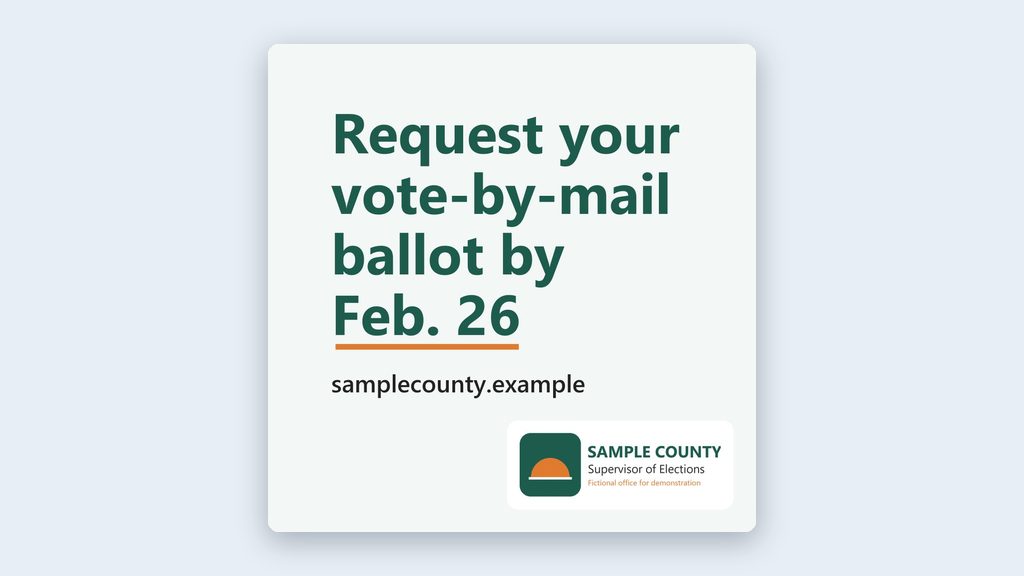
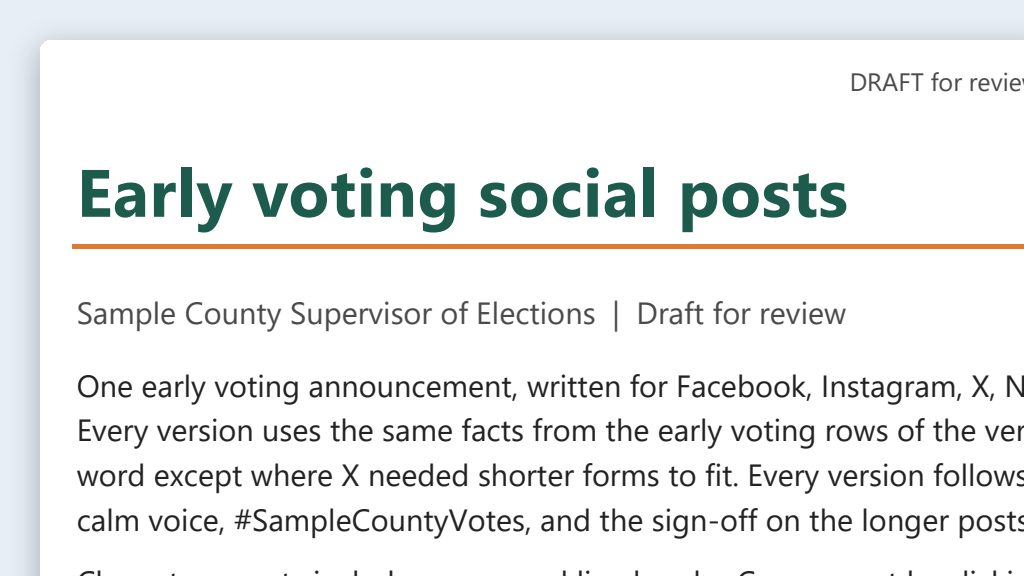
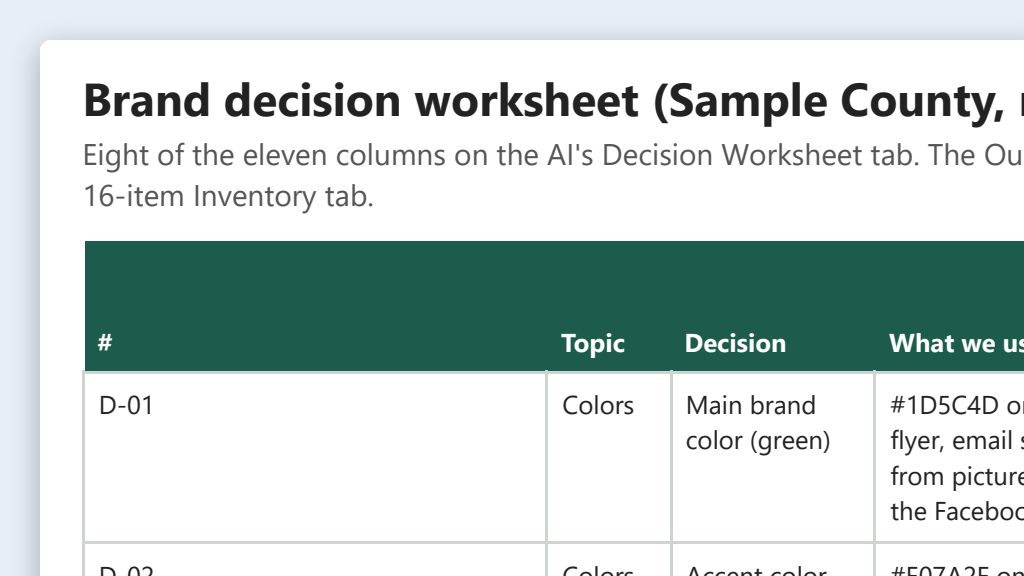
One run of the first prompt, on a stand-in website for a made-up Sample County.
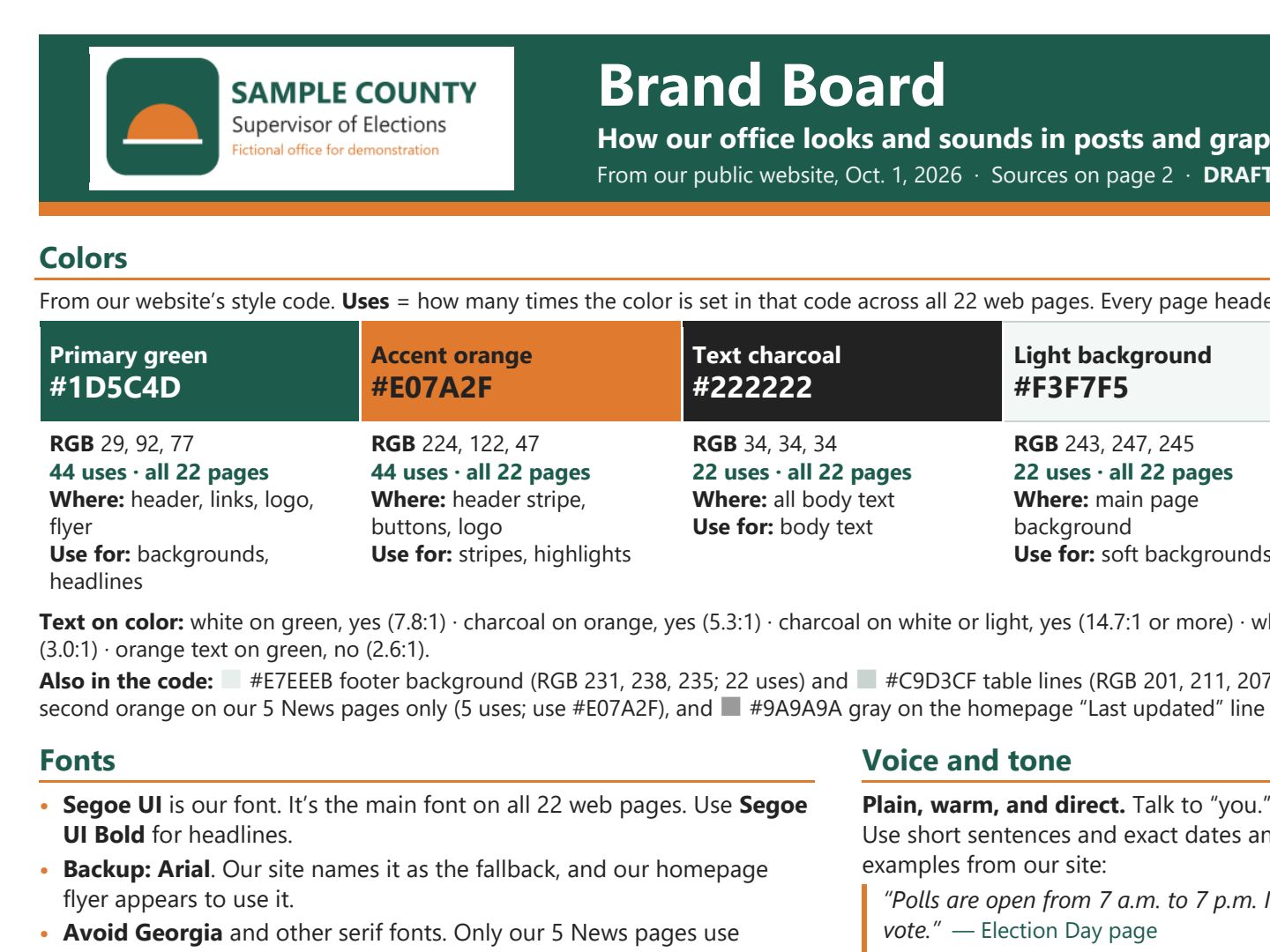 (opens the full version, PDF, 2 pages, 137 KB)
Word, Excel, and PowerPoint files download to your phone; the PDF opens first. File names end in -DRAFT because AI output is a draft until a person checks it. Web addresses shown in these samples are made-up and will not open.
Make it yours
- No consistent look yet? Put your logo file and a few recent posts you like in the folder, and ask for a starter brand board with two or three color and tone options. Then have your supervisor pick.
- Expect a few surprises. Reading your site and posts side by side can turn up a graphic with an old web address, two versions of the seal, or two different taglines. Note them for the brand cleanup.
- Next steps: Use the approved board to make on-brand images and platform-specific posts.
- Website out of step with your social media? See Brand consistency cleanup in Website Management.
Time: by hand vs. with AI
By hand
4–6 hours
AI’s part, measured
About 25 minutes
in a test run of these prompts
With AI
About 1 hour
your time, including review
About the measured time: “AI’s part” is how long the AI took, start to finish, in a test run of these prompts on September 27, 2026. It works on its own while you do something else. “By hand” and “With AI” are estimates of your own time.
Estimate: 15–25 minutes for the AI to read your site and social media and build the board, then 30–45 minutes for you to confirm color codes and fonts, check contrast, and swap in real tone examples. Getting your supervisor’s sign-off takes extra time, and it’s worth it.
Checking the work: what an expert looks for
You know this work, so you’re the best person to check it. Open every file it made and read every page. If part of it is outside what you know, hand that part to someone who knows it. These are the spots that most often need a fix:
- Treat every hex code and font name as a draft until your web person confirms it, or you check it against your original logo files. A site’s style code can list many colors. The count of how often each one is used helps: real brand colors show up again and again, while hover and one-off colors don’t.
- Check contrast for every text-and-background pair in the free WebAIM Contrast Checker. Normal-size text needs at least 4.5:1. The AI’s math is a starting point, not proof.
- Every hashtag, sign-off, and tone example should trace back to a source link. The AI may ‘find’ ones your office never used, or pull them from another county.
- Make sure the logo in the folder is your office’s real file from your website. For print, get the original files from whoever designed them. Never have AI redraw your logo or seal.
- Your Supervisor or communications lead signs and dates the board before anyone uses it. Recheck it when the website is redesigned or a new Supervisor takes office.
Last reviewed October 2, 2026.