The problem
One announcement (say, early voting hours) has to go out on five platforms, and each one works differently. X cuts you off at 280 characters. Instagram needs an image and a caption. Nextdoor readers care about their neighborhood. LinkedIn is where you reach employers and poll worker recruits. Every version needs alt text. Writing five versions by hand takes most of an hour, and it’s easy for one of them to drift from the facts or from the office’s voice.
The prompts
Start in a folder
…\AI Projects\Social Posts\
Make the folder
On your C: drive, OneDrive, or an external drive. Your choice.
Open it in the app
Claude: Code tab → under the message box, choose Local → Open folder… ChatGPT: open Codex, click Add new project (or press Ctrl+O), then pick the folder. To add more folders later, open the project menu, choose Edit project, then Add folder.
Say what you want
Use the prompt below. Then open what it saved in the folder.
Say them out loud or type them. Change the words to fit your office. The AI goes and gets the public documents itself and saves what it makes in the folder.
Prompt 1 · Say it or type it
Draft all five platforms
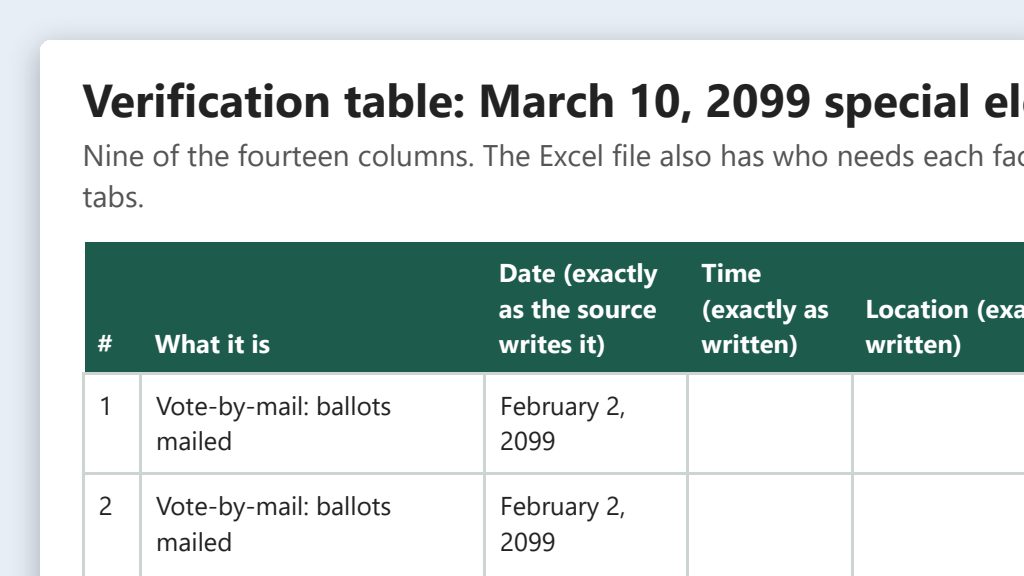
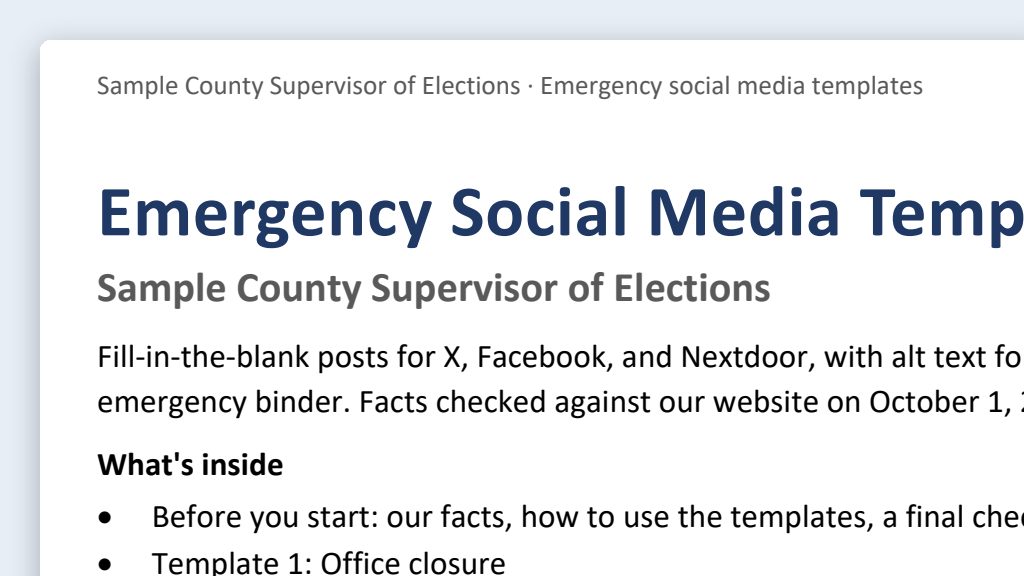
I need one announcement turned into posts for Facebook, Instagram, X, Nextdoor, and LinkedIn. The facts are in the [Topic] rows of the verification table in this folder. Our brand board is here too, so follow its tone, hashtags, and sign-off.

Every version should say the same thing, just sized for each platform and its audience. Keep the X version within 280 characters, counting a link as 23, and show a character count after each post. Write alt text for the image.

Save everything in one Word document in this folder.
Fill in anything in [brackets] with your own details.
Not on all five platforms? Name only the ones your office uses.
Prompt 2 · Say it or type it
Make the graphic
Make a text-only square graphic for the Instagram post in our brand colors, with just the headline and our website address, and our real logo file from this folder in the corner. Save it in this folder.
Claude builds a card like this with code, so the words are typed, not drawn by an image tool. ChatGPT may use its image tool, so read every letter. For an illustrated graphic, see On-brand image prompts.
What you need
- The Claude desktop app (Code tab) or the ChatGPT desktop app (Codex) and a folder called something like
Social Posts. Put it wherever you like: the C: drive, OneDrive, or an external drive. - Your verification table and brand board, saved in the folder. The facts come from signed-off rows of your verification table. No table yet? Build it first with that page; one topic, like early voting, can take 10 or more rows (dates, hours, each site, ID). No brand board yet? See Brand board from your public website.
- A few of your past posts (optional), copied into a file in the folder, so the new ones sound like your office. See context is king.
- An image for every post, and its alt text. Posts with a picture get read. Either app can build a simple text-only card with your real logo (the second prompt). For an illustrated image, the ChatGPT desktop app can make the picture; Claude can’t, but it can write the image prompt for you. Or use your own photos. See Graphics: which tool makes the image? and On-brand image prompts.
Platform limits at a glance
Limits as of September 26, 2026, from each platform’s official pages. Platforms change these, so check the source if a post gets cut off or rejected.
| Platform | Post text limit | Good to know | Official source |
|---|---|---|---|
| X | 280 characters (standard accounts) | Every link counts as 23 characters; each emoji counts as 2. Paid X Premium accounts can post longer, but plan for 280. | X: Counting characters; About X Premium |
| 2,200 characters per caption | Up to 30 hashtags and 20 @ tags. Alt text up to 1,000 characters per image. These figures are from Meta’s developer documentation, which covers posts made through scheduling tools. | Meta for Developers: IG User Media | |
| 3,000 characters | You can add alt text to images. | LinkedIn Help: Post and share updates; LinkedIn Help: Alt text | |
| Check the platform’s help center | Long posts get cut off in the feed, so put the key fact first. | Facebook Help Center | |
| Nextdoor | Check the platform’s help center | Public agency pages work differently. See below. | Nextdoor Help; Nextdoor for Public Agencies |
Nextdoor works differently for public agencies
Nextdoor offers free public agency pages. According to Nextdoor’s public agency page:
- Who qualifies: agency pages are for a “fully-staffed, top-level department.” Nextdoor says programs, committees, and elected officials don’t qualify, so set it up as the office’s page, not the Supervisor’s personal one. Nextdoor decides whether your office is eligible.
- You start the conversations. Neighbors can’t start a conversation with an agency. They can reply to your posts or send you a private message.
- You can target posts. Agencies can send a post to specific neighborhoods, to service areas, or to everyone in their jurisdiction. That’s useful when a polling place change affects only one area.
- You don’t see the neighborhood chatter. Agency staff see their own posts, the replies to them, and messages sent to them, not neighbors’ posts to each other.
Step by step
- Start from signed-off rows in your verification table. Never from memory.
- Make the folder (for example,
Social Posts) and save the verification table and brand board in it. - Open it in the app. In the Claude desktop app, open the Code tab, and in the row under the message box choose Local, then Open folder…. In the ChatGPT desktop app, open Codex, click Add new project (or press Ctrl+O), and pick the folder. Folder projects walks through it.
- Say the first prompt. Speak it or type it.
- Open the Word document it saved and read every version. You know your sites, dates, and phone numbers, so one that doesn’t match the table stands out. Trim anything that’s too long in the platform’s own composer. Ask for changes in plain words.
- Run the approval checklist and get sign-off.
- Schedule the posts, with alt text on every image.
One possible outcome
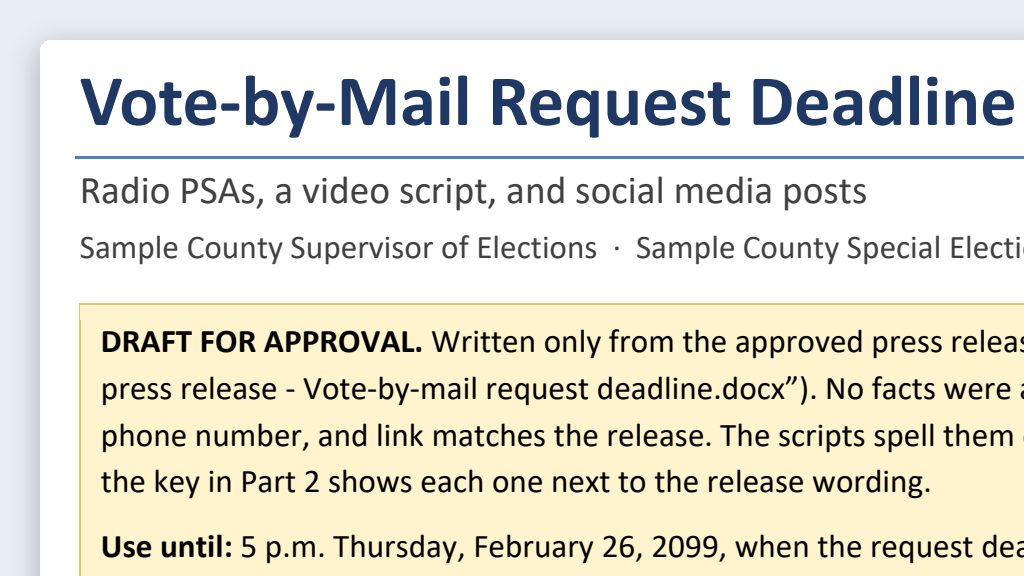
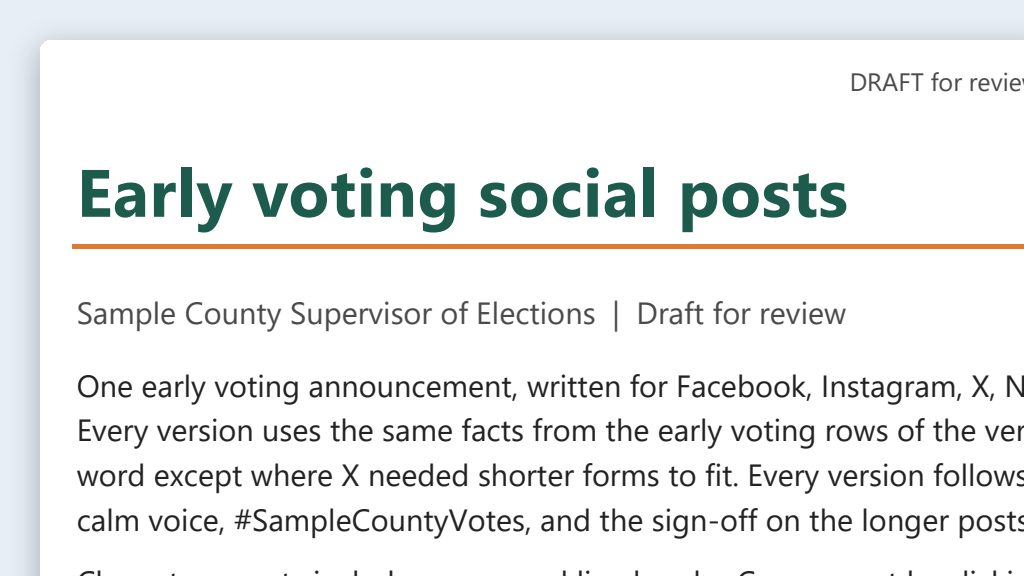
One run of the first prompt, with a verification table and brand board for a made-up Sample County.
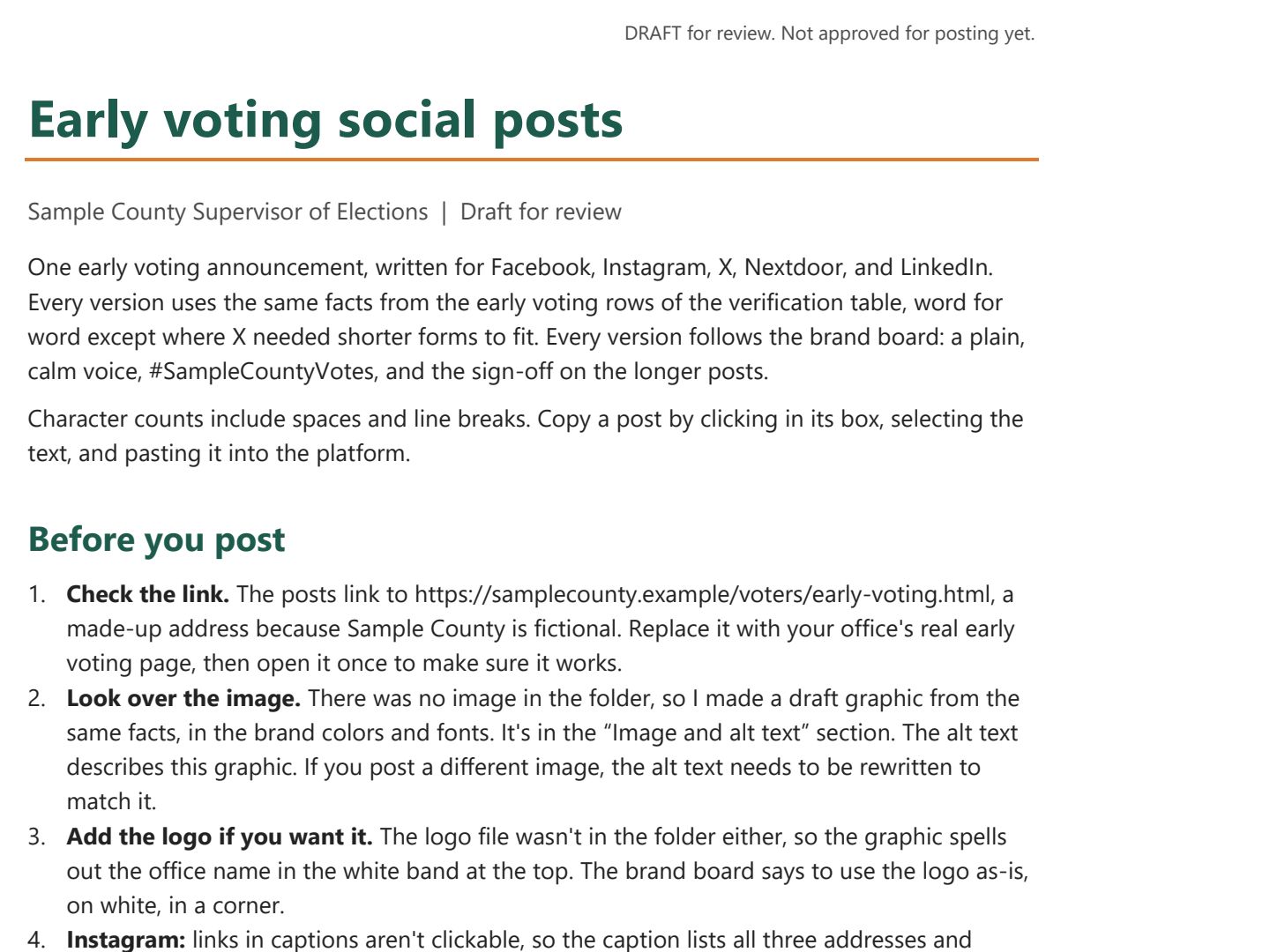 (opens the full version, PDF, 8 pages, 216 KB)
Word, Excel, and PowerPoint files download to your phone; the PDF opens first. File names end in -DRAFT because AI output is a draft until a person checks it. Web addresses shown in these samples are made-up and will not open.
Make it yours
- Need video or radio scripts too? See Social media posts and PSA scripts.
- Drafting a whole cycle? Keep the folder. Next time, say: “Do the same for the vote-by-mail rows of the verification table.” Work down your content calendar that way.
- Only part of the county affected? Ask for a Nextdoor version that names the neighborhood, and target the post to that area.
Time: by hand vs. with AI
By hand
45–60 minutes per message
AI’s part, measured
About 20 minutes
in a test run of these prompts
With AI
15–20 minutes
your time, including review
About the measured time: “AI’s part” is how long the AI took, start to finish, in a test run of these prompts on September 27, 2026. It works on its own while you do something else. “By hand” and “With AI” are estimates of your own time.
For one announcement on five platforms. Most of your time goes to checking every fact against the verification table and trimming each post to fit.
Checking the work: what an expert looks for
You know this work, so you’re the best person to check it. Open every file it made and read every page. If part of it is outside what you know, hand that part to someone who knows it. These are the spots that most often need a fix:
- AI tools are bad at counting characters. Paste each post into the platform’s own composer or your scheduling tool to confirm it fits. On X, every link counts as 23 characters and each emoji counts as 2.
- Every fact in every version must match the verification table. The shortest version is where facts get cut or garbled, so check the X version most carefully.
- Hashtags come from the brand board only. Never use campaign, candidate, or party hashtags, even trending election ones. Two or three is plenty.
- Read every word on an AI-made graphic, letter by letter, and never let an image tool draw your logo or seal. Use your real logo file.
Last reviewed October 2, 2026.