Florida (statewide) · Statewide example

Poll worker decks: a 13-slide overview and a 38-slide guide

One possible outcome: a fresh Claude Code session built two decks from the state manual, in a fictional county's colors and logo.

Built from public documents for demonstration. Not produced, reviewed, or endorsed by the Florida Department of State or any Supervisor of Elections.

What it made
Scope
Statewide: any Florida county can use it
Data source
Tool used
Claude desktop app (Code tab): a fresh session with an empty project folder
Time it took
About 34 minutes for the first build and about 27 for two rounds of fixes, with the AI working on its own. Plan on about an hour to read every slide of both decks yourself.
Spot-checked
By a script only. A script compared it with the source; a person did not read it line by line. Check every figure against the source before you use it.

The exact prompt

Say it or type it

Prompt used for this example

Go to the Florida Division of Elections website and download the latest Polling Place Procedures Manual. Use it to make two PowerPoint presentations and save them in this folder.

1. A high-level overview for people who are on the fence about becoming a poll worker. Cover the basics they'll worry about: how many hours, pay, training, and what the day is like.
2. A more detailed deck for people who have signed up. Go deeper, so it answers the questions they'll have before their first election.

Go to the Sample County Supervisor of Elections website and use its colors for the branding. If there's a logo on the site, put it on the title slide. Make the last slide of each deck a list of references with links.

Both decks from one run of the prompt above, for a made-up Sample County, after one plain-words follow-up.
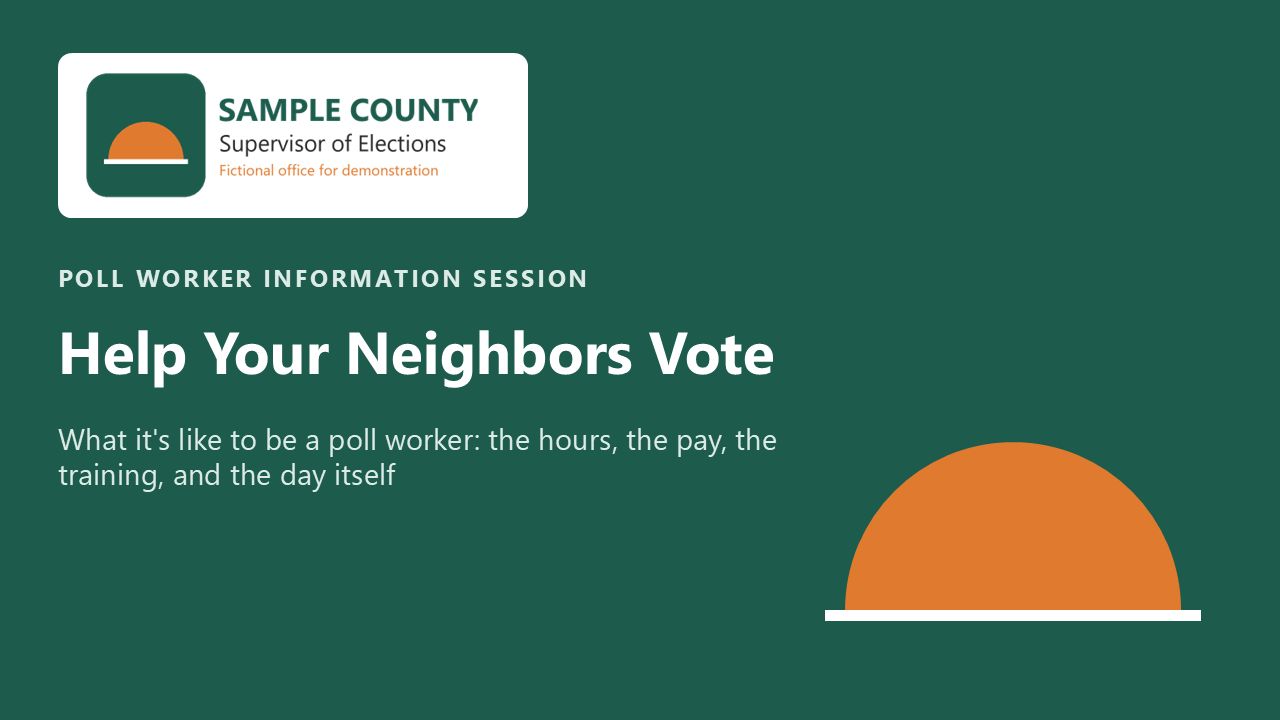
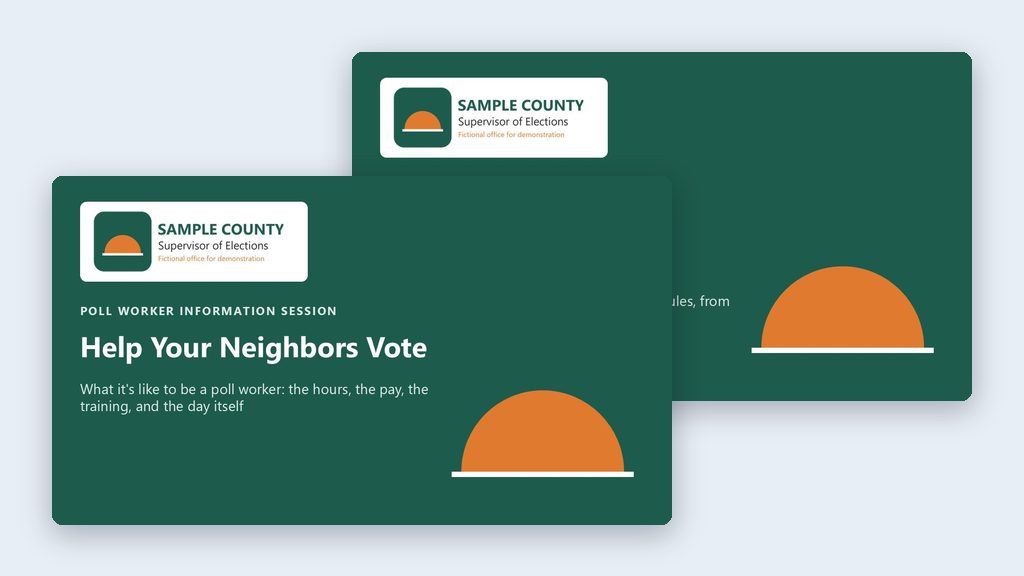
Title slide of the overview deck: dark green background, the Sample County Supervisor of Elections logo in the top left, the heading 'Help Your Neighbors Vote,' and an orange rising-sun shape.
The overview deck's title slide, with the colors and logo from the Sample County website.
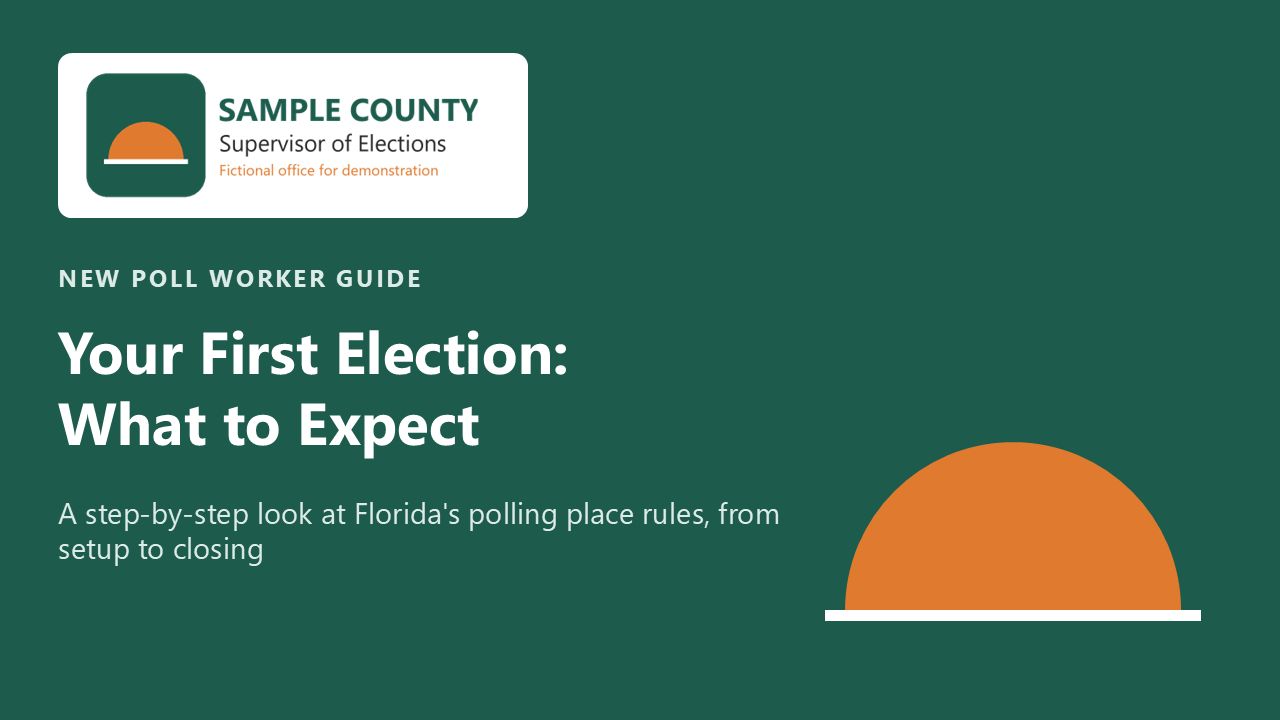
Title slide of the detailed deck: the same green background and Sample County logo, with the heading 'Your First Election: What to Expect.'
The detailed guide's title slide.
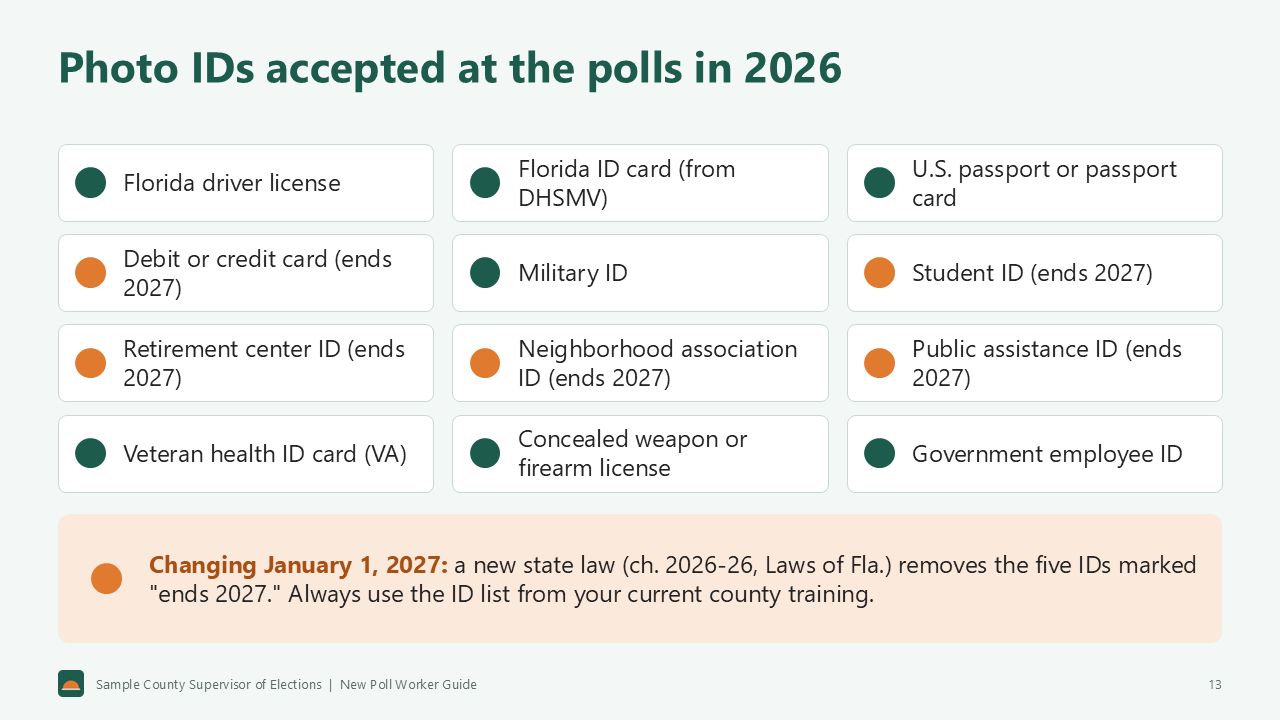
The guide's photo ID slide: twelve accepted IDs in a grid. Five of them (debit or credit card, student ID, retirement center ID, neighborhood association ID, public assistance ID) are labeled '(ends 2027),' with a note that ch. 2026-26, Laws of Florida, removes them on January 1, 2027.
The guide's photo ID slide: the five IDs that end January 1, 2027 are labeled. Which list you train on depends on the election date.
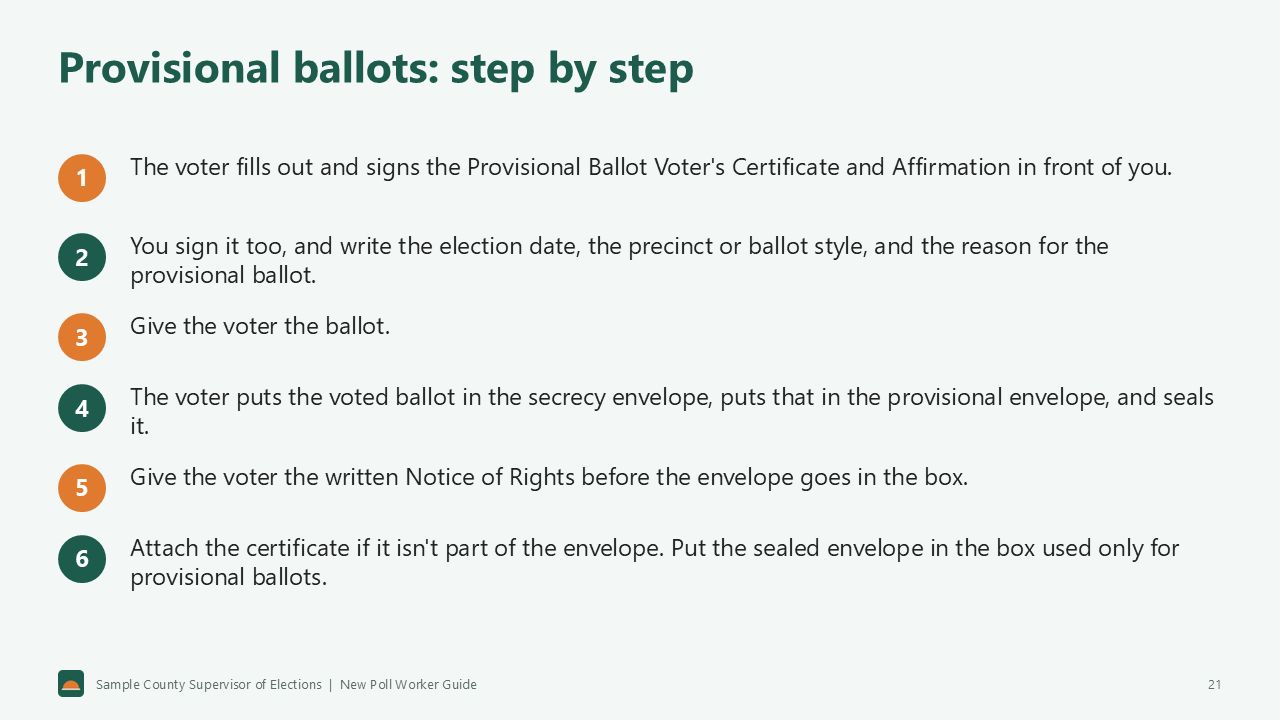
The guide's slide 'Provisional ballots: step by step,' with six numbered steps, from the voter signing the Provisional Ballot Voter's Certificate and Affirmation to placing the sealed envelope in the box used only for provisional ballots.
One of the guide's four provisional ballot slides, in large, readable type.

Want this for your county? Here’s how to do it yourself

  1. Install the Claude or ChatGPT desktop app and make a folder called Poll Worker Decks (see Getting Started).
  2. Open the folder in the app: Claude’s Code tab → under the message box, choose Local → Open folder…. In ChatGPT, open Codex, click Add new project (or press Ctrl+O), and pick the folder. To add more folders later, open the project menu, choose Edit project, then Add folder.
  3. Say the prompt at the top of this page, with your county’s name.
  4. Read every slide of both decks. You know this work, so what’s off will stand out. Run PowerPoint’s accessibility checker (Review → Check Accessibility) too.
  5. Tell it what to fix, in plain words. Then read the changed slides again.

The full walkthrough is on the two poll worker decks use case.

On this page